EasyManua.ls Logo

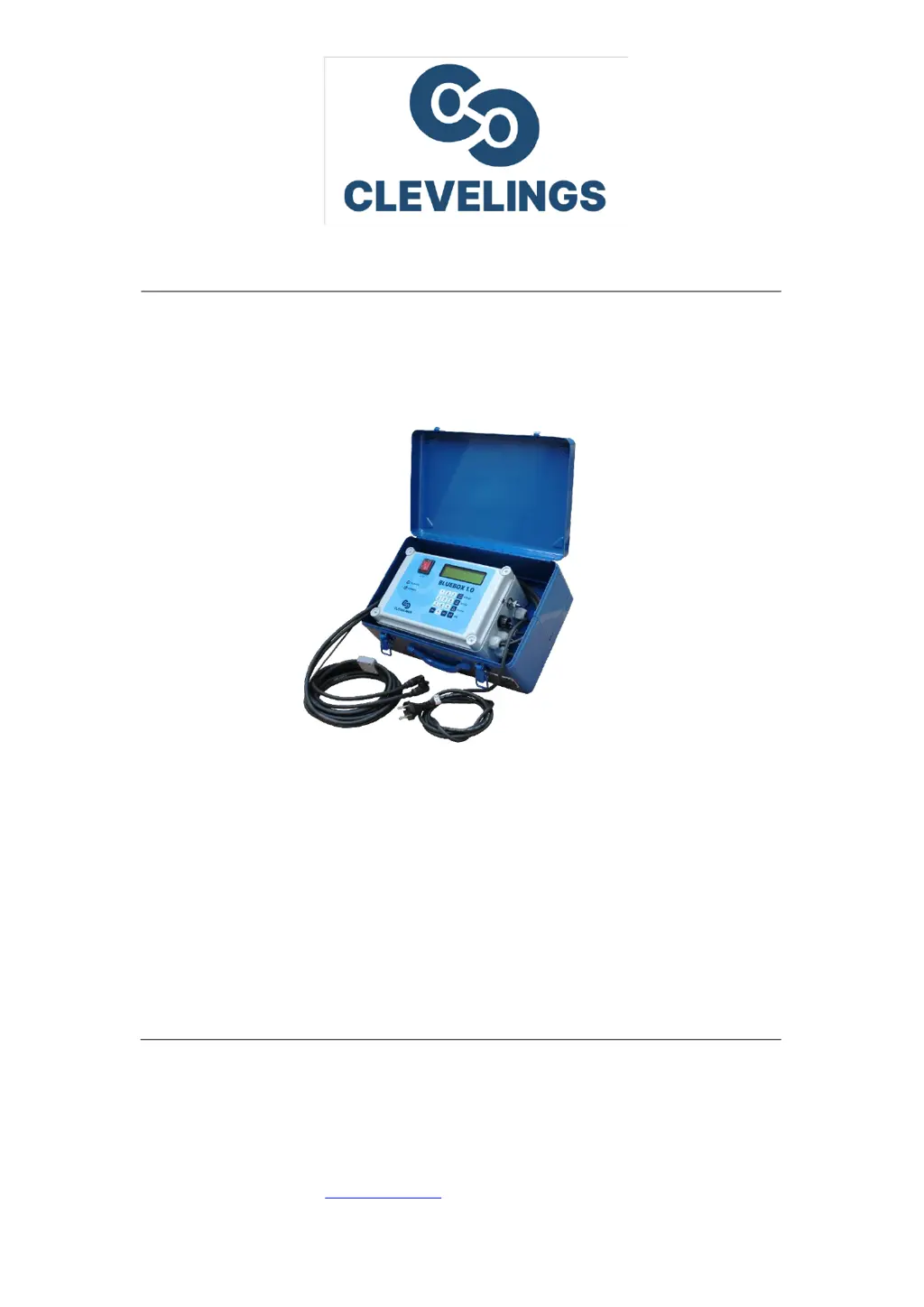
CLEVELINGS BLUEBOX 1.0 - User Manual

CLEVELINGS BLUEBOX 1.0
22 pages
Print Icon
To Next Page IconTo Next Page
Loading...
Manufacturer: CLEVELINGS s.r.o.
K Pahrbku 1562, 763 61 Napajedla
Tel./fax. +420 573 033 029, mob.: +420 604 196 840
www.clevelings.cz, e-mail: info@clevelings.cz
USER MANUAL
1
st
generation
electrofusion welding units

Questions and Answers

Summary

General Information

1.1 Signs Used in the Instruction

Explains the meaning of safety signs and warnings used in the manual.

1.2 Device Use

Details the intended use of the electrofusion welding unit and general recommendations.

Safety Precautions

2.1 General Safety Systems

Covers general safety systems and compliance with regulations.

2.2 Workplace Safety

Focuses on maintaining a safe and clean working environment.

2.3 Electrical Safety

Outlines precautions to prevent electric shock hazards.

2.4 Personnel Safety

Emphasizes personal protective equipment and operator attentiveness.

2.5 Device Use Precautions

Lists important do's and don'ts for operating the device safely.

2.6 Possible Danger Sources

Identifies potential hazards associated with the electrofusion welding unit.

2.7 Power Supply Requirements

Specifies required power supply voltage, frequency, and protection.

2.8 Power Generators

Guidance on using power generators with the welding unit.

2.9 Extension Cords

Recommendations for selecting and using extension cords.

2.10 Servicing Safety

Safety advice related to maintenance and repair.

Technical Specification

Technical Parameters

Lists the technical specifications and parameters of the BLUEBOX 1.0 welding unit.

Construction Overview

3.1.1 External Construction

Describes the physical build and components of the unit's casing.

3.1.2 Front Panel Layout

Details the controls, display, and indicators on the front panel.

3.1.3 Connection Adaptors

Explains the purpose and use of output cable adaptors.

3.1.4 Identification Plates

Information about plates indicating model and serial number.

3.1.5 Barcode Scanner

How to use the barcode scanner for welding parameter input.

3.1.6 Acoustic Signal

Explains the function of audible signals for process confirmation.

3.1.7 Keypad Functions

Describes the buttons on the keypad and their operations.

Start-up Procedure

3.2.1 Transport, Packing and Storage

Guidelines for handling and storing the unit.

3.2.2 Operating Personnel Requirements

Requirements for qualified personnel to operate the unit.

3.2.3 Initial Setup Steps

Step-by-step instructions for preparing the unit for operation.

Welding Process

Operating Instructions

5.1 Starting Messages and Screens

Details the initial messages and screens displayed upon startup.

5.2 Welding Modes and Execution

Describes different welding modes and the welding process steps.

5.3 Device Settings Menu

How to access and modify device settings.

Troubleshooting - Initial Issues

Fitting Not Detected

Troubleshooting steps when the fitting is not recognized by the device.

Transformer Temperature Outside Range

What to do if the transformer temperature is abnormal.

Troubleshooting - Specific Scenarios

Outside Temperature Out of Range

How to handle welding when ambient temperature is outside limits.

Process Aborted

Reasons why a welding process might be interrupted.

Fitting Not Supported

Troubleshooting when the fitting is incompatible or unsupported.

Incorrect Barcode

Steps to take if a barcode is scanned incorrectly.

Incorrect PIN Code

What to do if the entered PIN code is wrong.

Calibration Almost Expired

Information about impending calibration expiry.

Calibration Expired

Actions to take when the device calibration has expired.

Troubleshooting - Power and Frequency

Mains Voltage Too High

Troubleshooting when the mains voltage exceeds the acceptable limit.

Mains Voltage Too Low

Troubleshooting when the mains voltage is below the acceptable limit.

Overload Condition

What to do if the device experiences an overload.

Broken Circuit

Steps to take if a broken circuit is detected.

Frequency Outside Range

Troubleshooting for issues with supply current frequency.

Maintenance

Use and Maintenance Guidelines

General advice on using and maintaining the device.

Electrical Component Care

Specific instructions for caring for electrical parts.

Final Remarks

Forbidden Actions

Firefighting Instructions

CLEVELINGS BLUEBOX 1.0 Specifications

General IconGeneral
BrandCLEVELINGS
ModelBLUEBOX 1.0
CategoryWelding System
LanguageEnglish