EasyManua.ls Logo

Clever Chek TD-3250 - User Manual

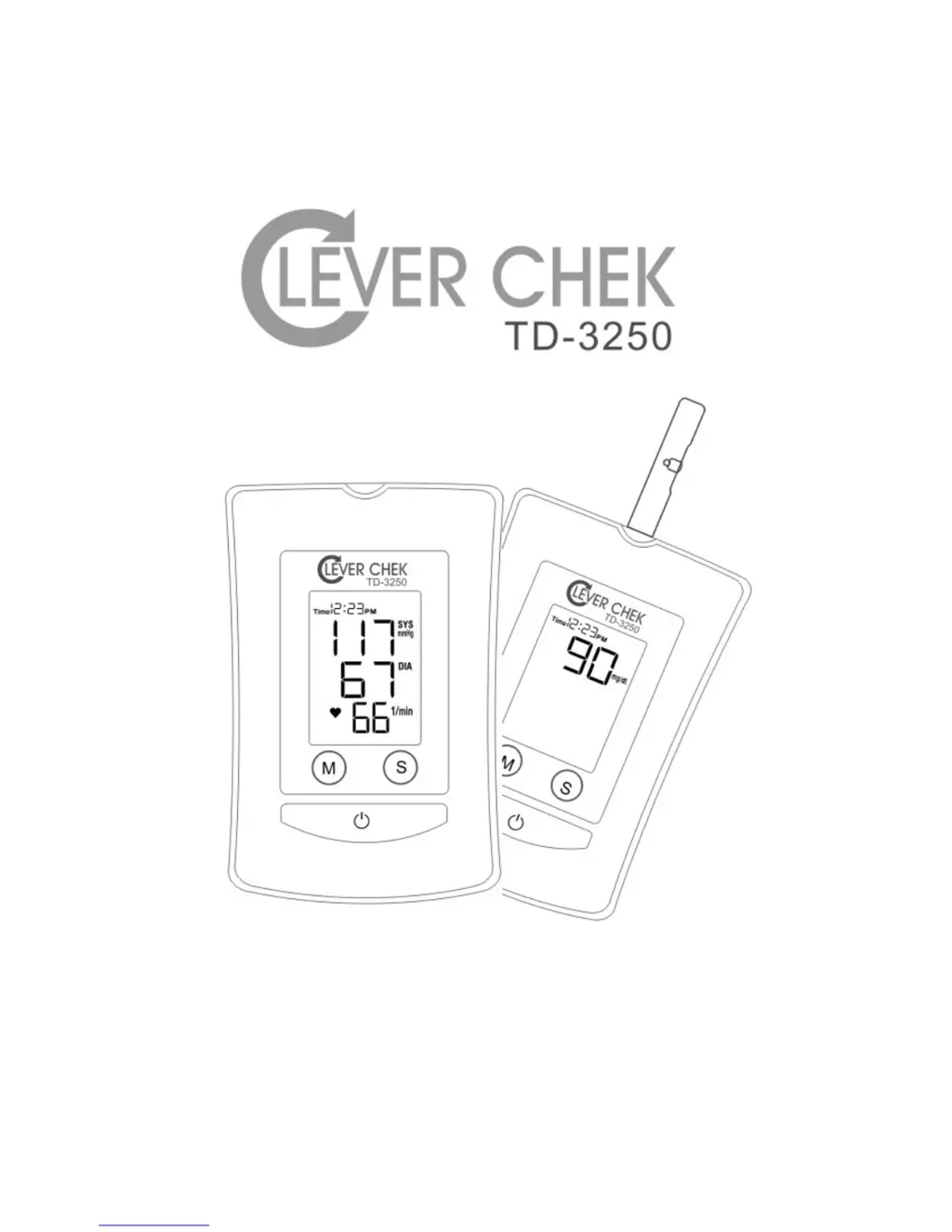
Clever Chek TD-3250
49 pages
Print Icon
To Next Page IconTo Next Page
Loading...
Version 2 2006/07/04

Questions and Answers

  • W
    Wendy GallagherAug 3, 2025
    What to do if there is no display on my Clever Chek Blood Glucose Meter after pushing the button?
    • M
      Mark GonzalezAug 4, 2025
      If your Clever Chek Blood Glucose Meter shows no display after pushing the button, it could be due to incorrectly installed or absent batteries. Make sure you insert the batteries in the correct position. Alternatively, the batteries may be exhausted, so try replacing them with new ones.
  • D
    David CoxAug 9, 2025
    Why no message appears after inserting test strip in my Clever Chek Blood Glucose Meter?
    • D
      Donald HarrisonAug 9, 2025
      If no message appears after inserting a test strip into your Clever Chek Blood Glucose Meter, several issues could be the cause. First, the batteries might be exhausted, so try replacing them. Second, the batteries could be incorrectly installed or even absent; double-check their placement. Another possibility is that the test strip isn't correctly inserted; ensure the contact bars end go in first and face up. If none of these steps work, the monitor itself may be defective, in that case, please contact your local customer service for assistance.
  • J
    Jennifer PrattAug 15, 2025
    Why does the battery symbol appear on the LCD of my Clever Chek Blood Glucose Meter?
    • D
      Darryl LewisAug 15, 2025
      If the battery symbol appears on the LCD of your Clever Chek Blood Glucose Meter, it usually means the batteries are exhausted. You should replace them. Also, low temperatures can cause batteries to perform poorly. Try warming up the batteries or placing them in a warm place for a while before testing again.
  • J
    jasmine82Aug 21, 2025
    What to do if the test does not start after applying the sample to my Clever Chek Blood Glucose Meter?
    • T
      travis34Aug 21, 2025
      If the test on your Clever Chek Blood Glucose Meter doesn't start after applying the sample, it could be due to a few reasons. You might not have used a large enough blood sample, in which case you should repeat the test with a new test strip and a larger sample. Another possibility is a defective test strip, so try repeating the test with a new one. If neither of these solutions works, the monitor itself might be defective, and you should contact your local customer service for help.
  • B
    Brian BanksAug 27, 2025
    Why does my Clever Chek Blood Glucose Meter power off when not used for a while?
    • H
      hillchristineAug 27, 2025
      The Clever Chek Blood Glucose Meter powers off when not used for a while because this feature is built into the system. To turn it back on, simply push the button again.

Summary

Before You Start

Warnings and Precautions

Key safety guidelines and warnings for using the device.

About This System

Content of the System

Lists all the components included in the CLEVER CHEK TD-3250 system package.

Preparations Before Use

Battery Installation and Replacement

Instructions for installing and replacing the batteries in the monitor.

How to Measure Blood Glucose

Important Information and Possible Interferences

Discusses critical factors affecting blood glucose test results and potential interference.

How to Measure Blood Pressure

Suggestions before Measuring

Advises on preparation steps before taking a blood pressure measurement.

How to Use the Memory Features

Viewing Memory in the Monitor

Guides on how to access and review stored blood glucose and pressure results on the monitor.

How to Take Care of Your Monitor

Cleaning

Instructions for cleaning the exterior of the monitor and its cuff.

Storage

Guidelines for storing the monitor and its components under appropriate conditions.

Troubleshooting

Blood Glucose Function Troubleshooting

Addresses common issues and solutions for the blood glucose measurement function.

Symbols Information

Symbols and Referents

Provides a reference guide to the various symbols used on the device and in its documentation.

Specifications

System Performance Specifications

Details technical specifications related to the monitor's system performance and connectivity.

Blood Glucose Measurement Specifications

Outlines the performance parameters for blood glucose testing, including range and accuracy.

Blood Pressure Measurement Specifications

Provides performance metrics for blood pressure measurement, such as range and accuracy.

Federal Communications Commission (FCC) Statement

FCC Compliance Statement

Details the device's compliance with FCC rules regarding radio frequency interference.

FCC RF Radiation Exposure Statement

RF Exposure Compliance

Explains the equipment's compliance with FCC limits for RF radiation exposure.

Clever Chek TD-3250 Specifications

General IconGeneral
ModelTD-3250
BrandClever Chek
Blood SampleCapillary whole blood
Measuring Time5 seconds
Measuring Range20-600 mg/dL
Memory200 test results with date and time
Test Time5 seconds
Operating Conditions10°C - 40°C, below 85% R.H.
Sample TypeFresh capillary whole blood