2
3
Use
Connect to app
1. Find and install the app ‘Smart life- Smart living’
on App Store or Google Play
2. Register an account in the app or log in to an existing one.
Activate Bluetooth and location services on your device.
Make sure the device is connected to your 2.4 GHz wifi.
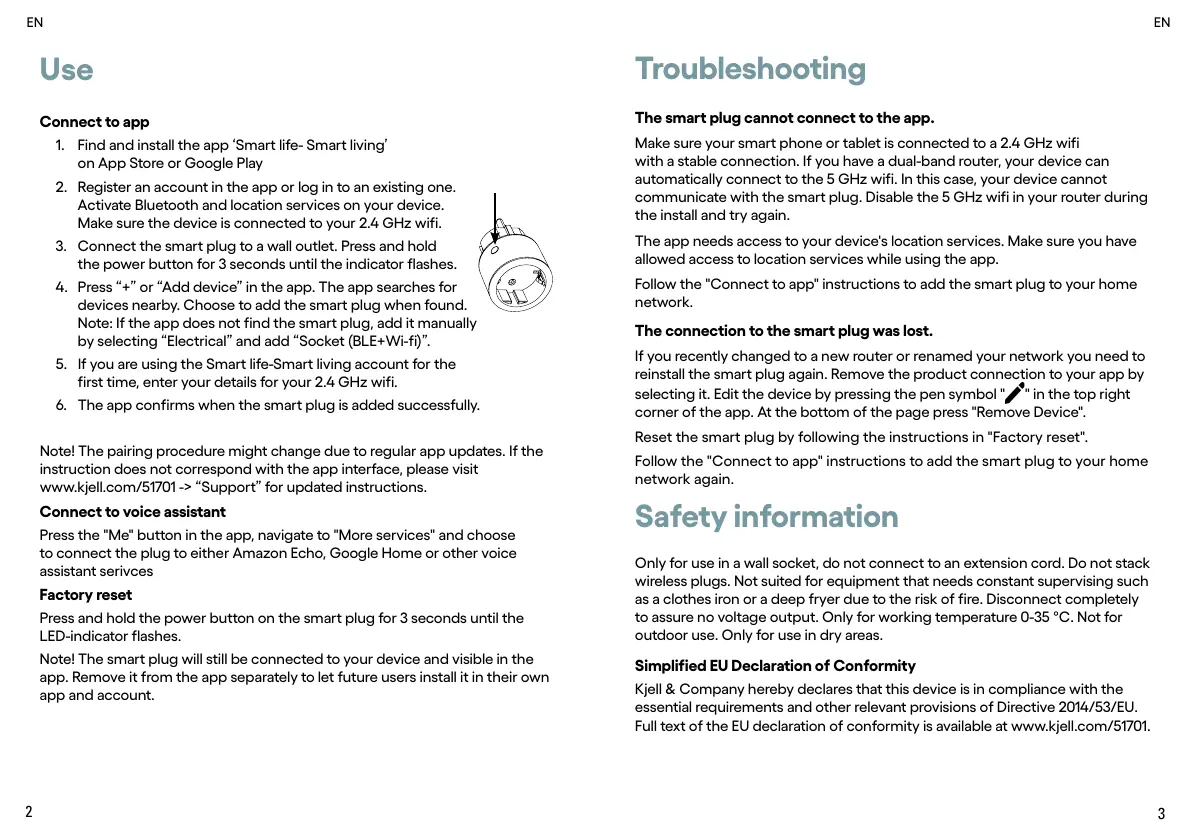
3. Connect the smart plug to a wall outlet. Press and hold
the power button for 3 seconds until the indicator flashes.
4. Press “+” or “Add device” in the app. The app searches for
devices nearby. Choose to add the smart plug when found.
Note: If the app does not find the smart plug, add it manually
by selecting “Electrical” and add “Socket (BLE+Wi-fi)”.
5. If you are using the Smart life-Smart living account for the
first time, enter your details for your 2.4 GHz wifi.
6. The app confirms when the smart plug is added successfully.
Note! The pairing procedure might change due to regular app updates. If the
instruction does not correspond with the app interface, please visit
www.kjell.com/51701 -> “Support” for updated instructions.
Connect to voice assistant
Press the "Me" button in the app, navigate to "More services" and choose
to connect the plug to either Amazon Echo, Google Home or other voice
assistant serivces
Factory reset
Press and hold the power button on the smart plug for 3 seconds until the
LED-indicator flashes.
Note! The smart plug will still be connected to your device and visible in the
app. Remove it from the app separately to let future users install it in their own
app and account.
EN
EN
Troubleshooting
The smart plug cannot connect to the app.
Make sure your smart phone or tablet is connected to a 2.4 GHz wifi
with a stable connection. If you have a dual-band router, your device can
automatically connect to the 5 GHz wifi. In this case, your device cannot
communicate with the smart plug. Disable the 5 GHz wifi in your router during
the install and try again.
The app needs access to your device's location services. Make sure you have
allowed access to location services while using the app.
Follow the "Connect to app" instructions to add the smart plug to your home
network.
The connection to the smart plug was lost.
If you recently changed to a new router or renamed your network you need to
reinstall the smart plug again. Remove the product connection to your app by
selecting it. Edit the device by pressing the pen symbol "
" in the top right
corner of the app. At the bottom of the page press "Remove Device".
Reset the smart plug by following the instructions in "Factory reset".
Follow the "Connect to app" instructions to add the smart plug to your home
network again.
Safety information
Only for use in a wall socket, do not connect to an extension cord. Do not stack
wireless plugs. Not suited for equipment that needs constant supervising such
as a clothes iron or a deep fryer due to the risk of fire. Disconnect completely
to assure no voltage output. Only for working temperature 0-35 °C. Not for
outdoor use. Only for use in dry areas.
Simplified EU Declaration of Conformity
Kjell & Company hereby declares that this device is in compliance with the
essential requirements and other relevant provisions of Directive 2014/53/EU.
Full text of the EU declaration of conformity is available at www.kjell.com/51701.


 To Next Page
 Loading...