PAGE: 1 OF 2
02
BULLETIN
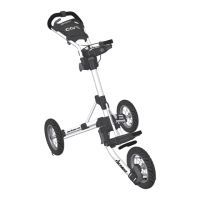
1.0
MODEL
BRAKE HANDLE
REPLACEMENT
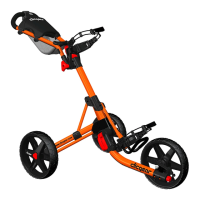
2.0
MODEL
SB
Service Bulletin SB-02 covers the replacement of
broken brake handles on the Clicgear Cart, Model 1.0
and Model 2.0
1
10MM
SOCKET
DRIVER
Remove the 10mm Nut from the Cable Nut Assembly.
This should loosen the cable and the Brake Hammer
should swing upwards when free.
2
Remove the two washers and lock nut from the cable
nut assembly. Leave the cable nut and protective
cable end cap attached to the brake cable as shown.
3
Unscrew the two screws that secure the Brake
Cylinder to the under side of the tray.
CROSS
SCREW
DRIVER
4
Using needle nose or similar pliers, remove the
remaining portion of the Brake Handle from the Brake
Cylinder.
5
Pull the cable barrel end up and out of the brake
handle.

 Need help?
 General

 To Next Page