Clickfree C6 Easy Imaging Backing Up
Copyright © 2011 Storage Appliance Corporation. 9
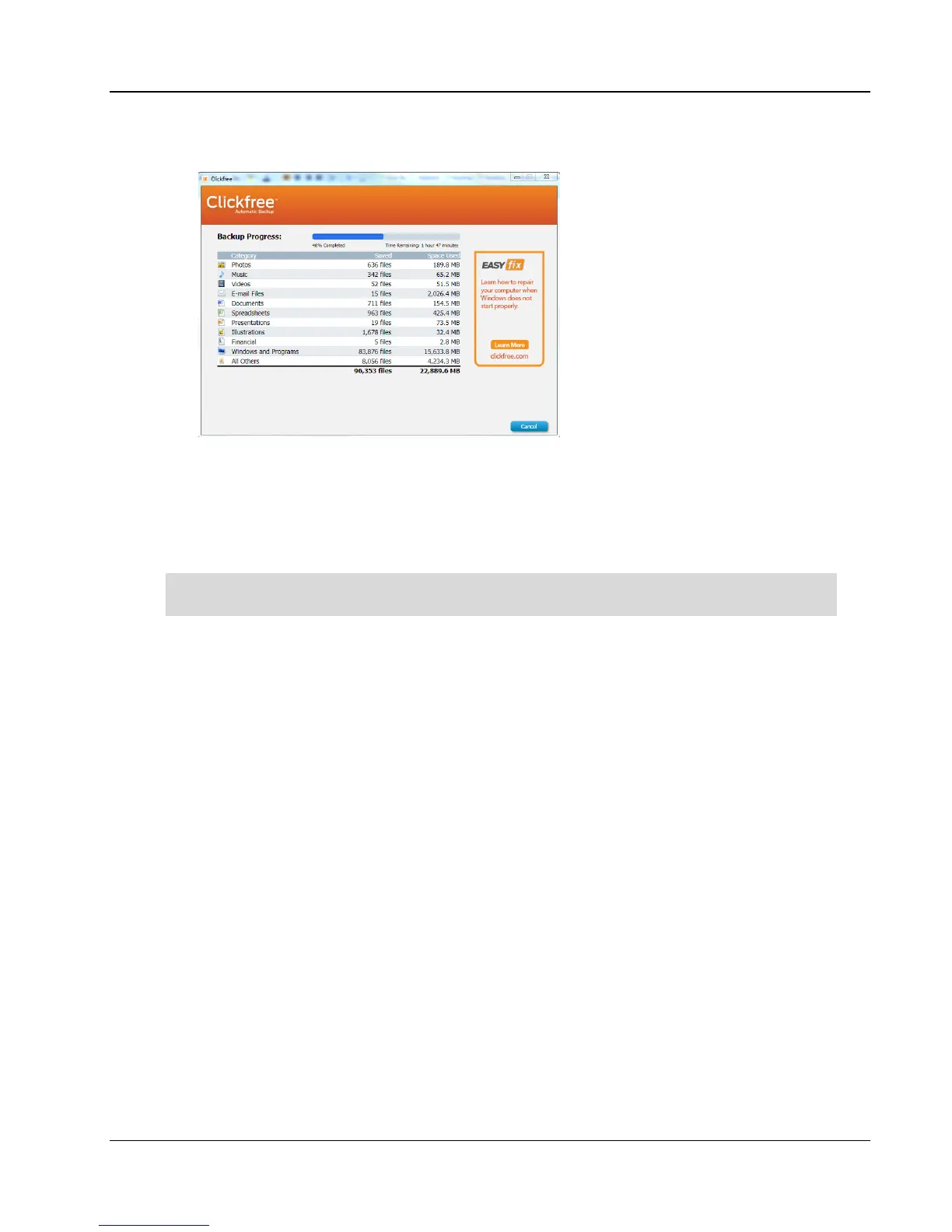
5. During the backup, Clickfree displays a progress window.
When you see the
Backup Summary
window after the backup is complete, simply click
Close
. You’re done!
6. Disconnect the C6 and keep it in a safe place.
Repeat these steps for each computer you want to back up.
Set up an automatic backup schedule so you don’t have to worry about a thing. See “How
to schedule automatic backups” on page 19



 To Next Page