Multi-Appliance Comfort Control
PNE Comfort Control - 2004 Page 5
Navigating the Controls
NAV IGAT IN G T HE CONTR OLS
QUICK START
First - the 15 second delay
To give you time to choose your settings the
Comfort Control pauses 15 seconds then
sends its signal to your Heater/Cooler. So
don't worry if something doesn't happen
immediately.
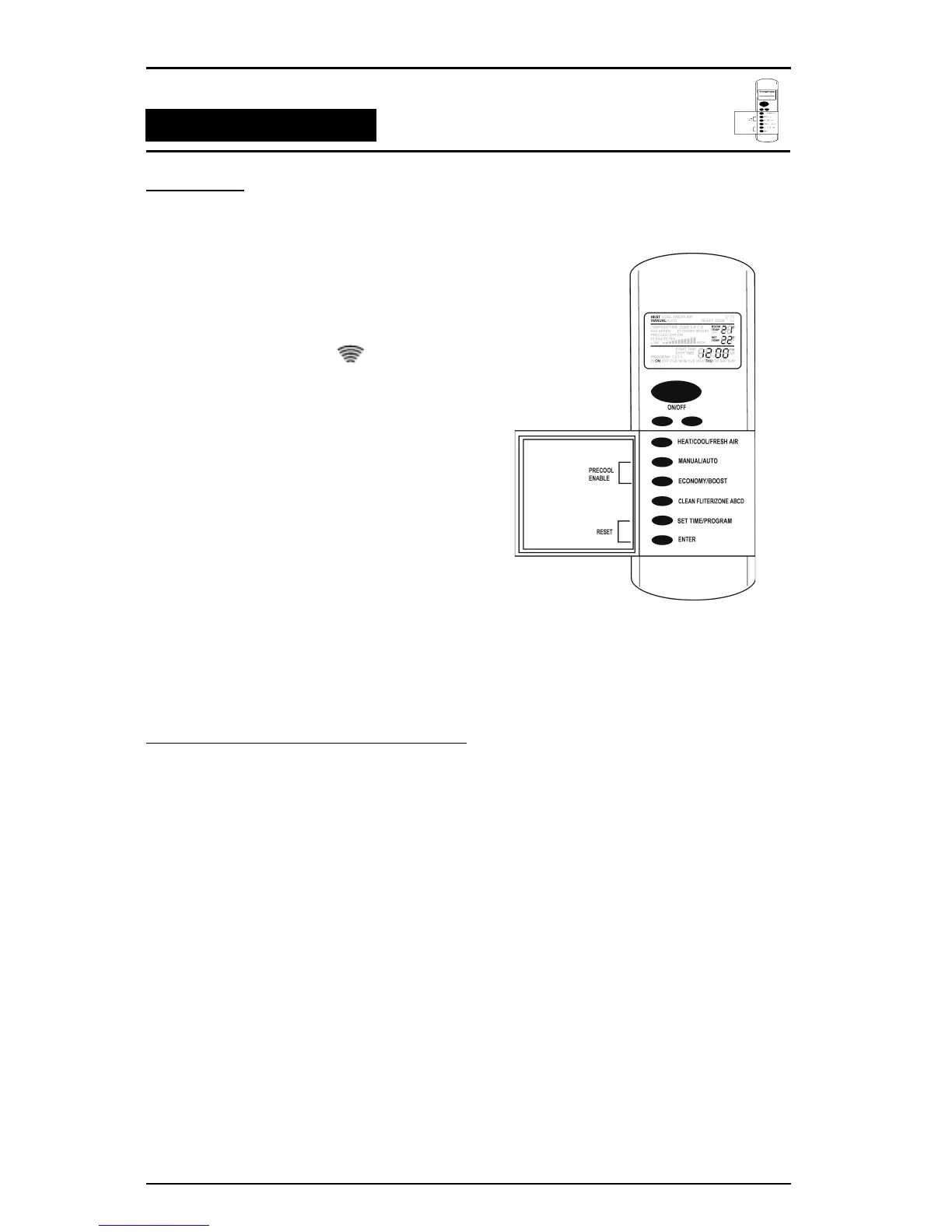
Watch for the transmit symbol at the top
of the screen. This means that the signal has
been sent.
If you don't want to wait, pressing and
releasing the ENTER button sends your
settings immediately. (You don't need to do
this when using ON/OFF.)
Second - What you'll see is what you've got
Your Comfort Controller is designed to
automatically detect the appliances you have
installed. Controller options not required for
your appliances will usually not be visible on
your Comfort Control display. So don't worry if
you don't see all the menu items listed in this
book.
QUICK START - SIMPLE MANUAL OPERATION
Here's all you have to do to get going (if the
installer hasn't already done it for you).
1. If you have a Radio Frequency comfort control make sure the 3 new AAA alkaline batteries have
been fitted (see page 6). The wall mounted comfort control gets its power from a cable.
2. Press and release the ON/OFF button until ON appears at the bottom of the display screen.
3. Press & release the HEAT/COOL/FRESH AIR button (inside the flip open door) to select the
appliance. The choices available will be dependant on the appliances you have installed. Press
MANUAL/AUTO to select MANUAL.
4. Press ▼ or ▲ buttons to choose the desired setting.
Your unit will now operate in manual mode.



 To Next Page