EasyManua.ls Logo

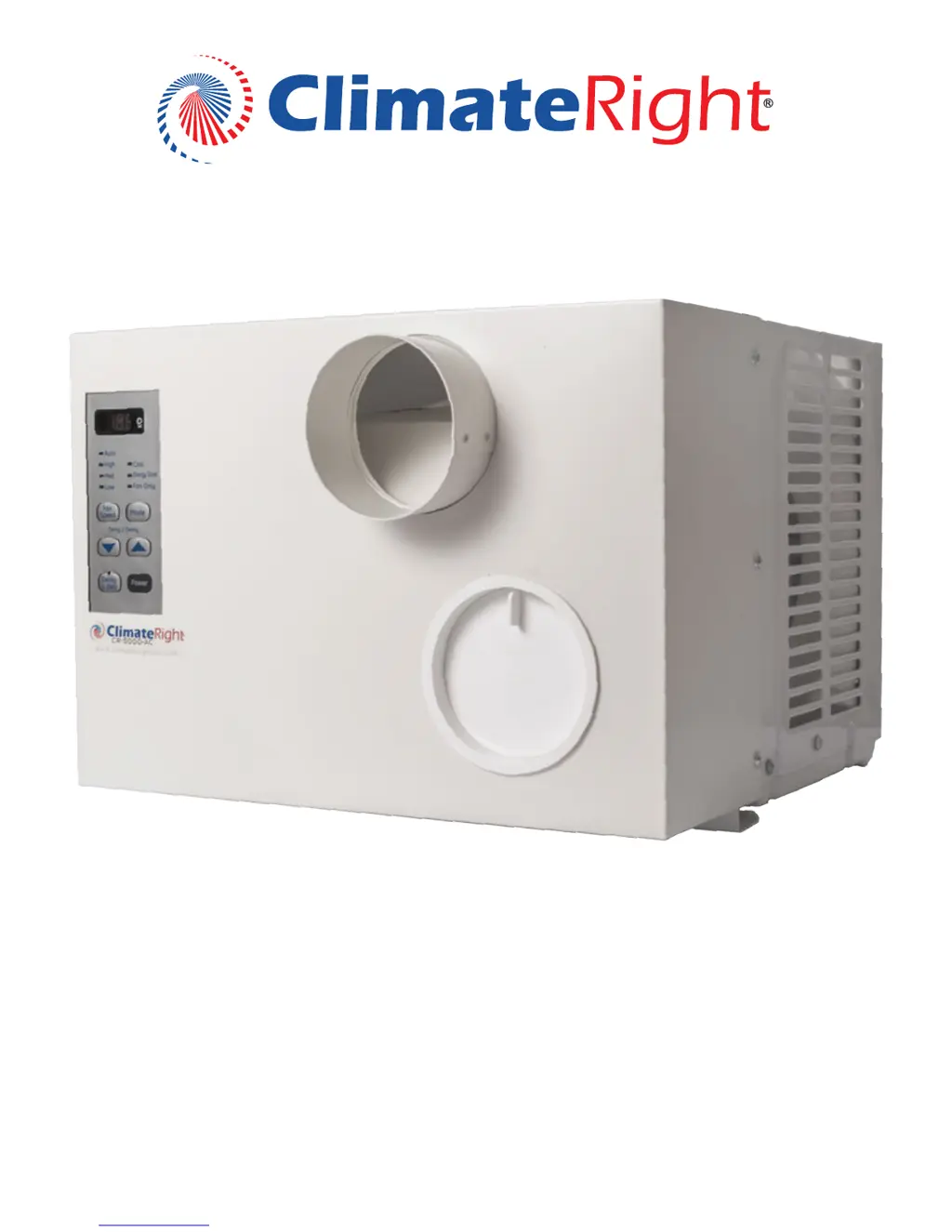
ClimateRight CR-5000-AC - User Manual

ClimateRight CR-5000-AC
10 pages
Print Icon
To Next Page IconTo Next Page
Loading...
Climate Comfort Anyplace Imaginable
OWNER’S MANUAL
FPO
Safety Instructions
Overview and Specications
Operating Instructions
Troubleshooting
Warranty
Registration
2 - 3
4
5-7
8
9
10

Questions and Answers

  • M
    matthew48Aug 2, 2025
    What to do if my ClimateRight CR-5000-AC Air Conditioner does not start?
    • D
      Danielle EricksonAug 2, 2025
      If your ClimateRight Air Conditioner doesn't start, first ensure it's fully plugged into the outlet. Check your house's fuse or circuit breaker and replace the fuse or reset the breaker if needed. If there was a power failure, the unit should restart with the settings you last used. Also, check the power cord plug for a current interrupter device and press the RESET button. If the RESET button doesn't stay engaged, stop using the air conditioner and contact a qualified service technician. Note that there's a 3-minute protective time delay to prevent compressor overload, so the unit might not start cooling immediately after being turned back on.
  • Z
    zramirezAug 10, 2025
    Why is my ClimateRight CR-5000-AC not cooling as it should?
    • G
      glennlisaAug 10, 2025
      If your ClimateRight Air Conditioner isn't cooling as expected, make sure that curtains, blinds, or furniture aren't blocking the air vents. In Cool mode, try pressing the Decrease pad to adjust the temperature. Also, clean the air filter at least every 30 days. If the room was hot when you turned on the air conditioner, allow time for it to cool down.
  • A
    angelasmithAug 17, 2025
    How to fix ClimateRight CR-5000-AC Air Conditioner remote control not working?
    • R
      Randall BuchananAug 17, 2025
      If the ClimateRight Air Conditioner remote control isn't working, first check the batteries' position, ensuring they're inserted in the correct (+) and (-) direction. If they are correctly installed, try replacing the batteries.
  • C
    Cheryl PayneAug 25, 2025
    What to do if I see water build up in ClimateRight CR-5000-AC Air Conditioner?
    • C
      Cindy BridgesAug 26, 2025
      Water buildup in your ClimateRight Air Conditioner is normal. The moisture removed from the air drains into the base pan. This is normal for a short period in areas with little humidity and normal for a longer period in very humid areas.

Summary

Safety Instructions

General Safety Information

Essential safety guidelines and precautions for operating the air conditioner to minimize risk.

Extension Cord Usage

Guidelines for using extension cords with the appliance to prevent safety hazards.

Overview and Specifications

Product Specifications

Detailed technical specifications for the CR-5000-AC model, including cooling capacity and dimensions.

Operating Instructions

Unit and Remote Controls

Explanation of the control panel buttons and the functions of the remote control for operation.

Cooling Modes and Settings

Details on operating the unit in Cool, Energy Saver, Fan Only, and Auto Fan Speed modes.

Maintenance and Applications

Guidance on unit maintenance, filter cleaning, condenser care, and various applications for the unit.

Troubleshooting

Common Problems and Solutions

Identifies common issues with the air conditioner and provides step-by-step solutions.

Normal Operating Sounds

Describes expected sounds during operation, such as pinging and fan noise.

Warranty

Warranty Coverage Details

Outlines the terms, conditions, and limitations of the product warranty.

Obtaining Warranty Service

Instructions on how to contact customer support for warranty claims and repairs.

Registration

Product Registration Form

Form for registering the product to ensure full warranty coverage and for customer support.

ClimateRight CR-5000-AC Specifications

General IconGeneral
Cooling Capacity5000 BTU
Weight43 lbs
Dimensions16" x 13" x 12"
Noise Level52 dB
Coverage Area150 sq ft
Power Consumption450 Watts
Voltage115V
Power SourceAC
Operating ModesCool, Fan

Related product manuals