7
TO CHANGE THE PRESET TIMES
Example: To change the switch-on time from 10:30 (a.m.) to 9:20 (a.m.)
(without changing the switch-off time).
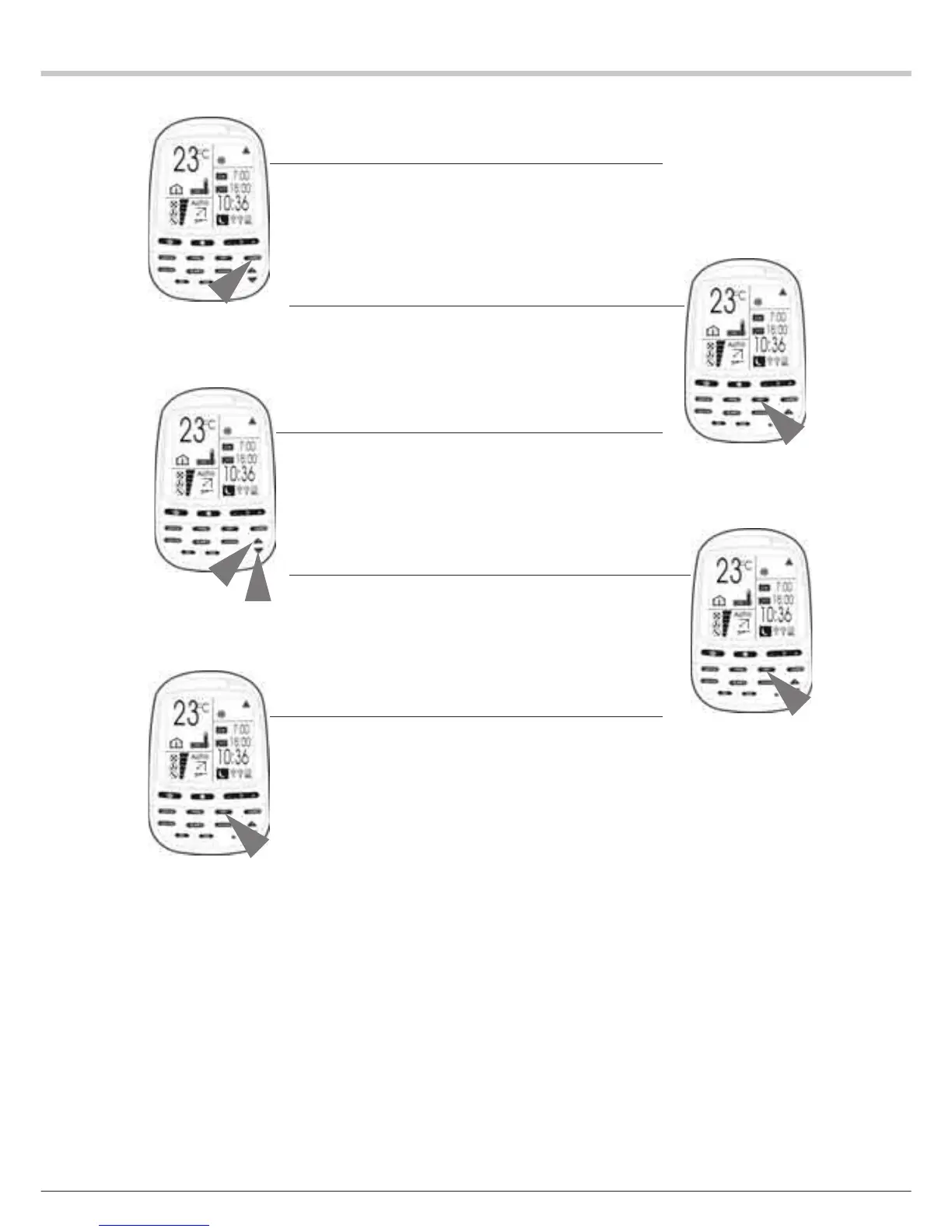
1 Press the TIMER key until the icon of the selected programming
function flashes.
REMARK: the times already programmed into the corresponding
programming function are displayed without flashing.
2 Press the SET key to enter the edit mode.
The ON (Switch-on) icon and the switch-on time flash.
3 Change the time to 9:20 (a.m.) by pressing the HOUR - key.
The ON icon and the switch-on time flash.
4 Press the SET key to save the new setting.
The ON icon and the switch-on time come on steadily, and the
“OFF” (Switch-off) icon and the switch-off time flash.
5 Press the SET key to confirm the previous setting of the switch-off
time.
The ON and OFF icons and the corresponding programmed times
come on steadily.


 To Next Page
 Loading...