8
TO CANCEL THE TIME SETTING OF A SPECIFIC PROGRAMMING
FUNCTION
To cancel the switch-on time whilst retaining the previously set switch-
off time.
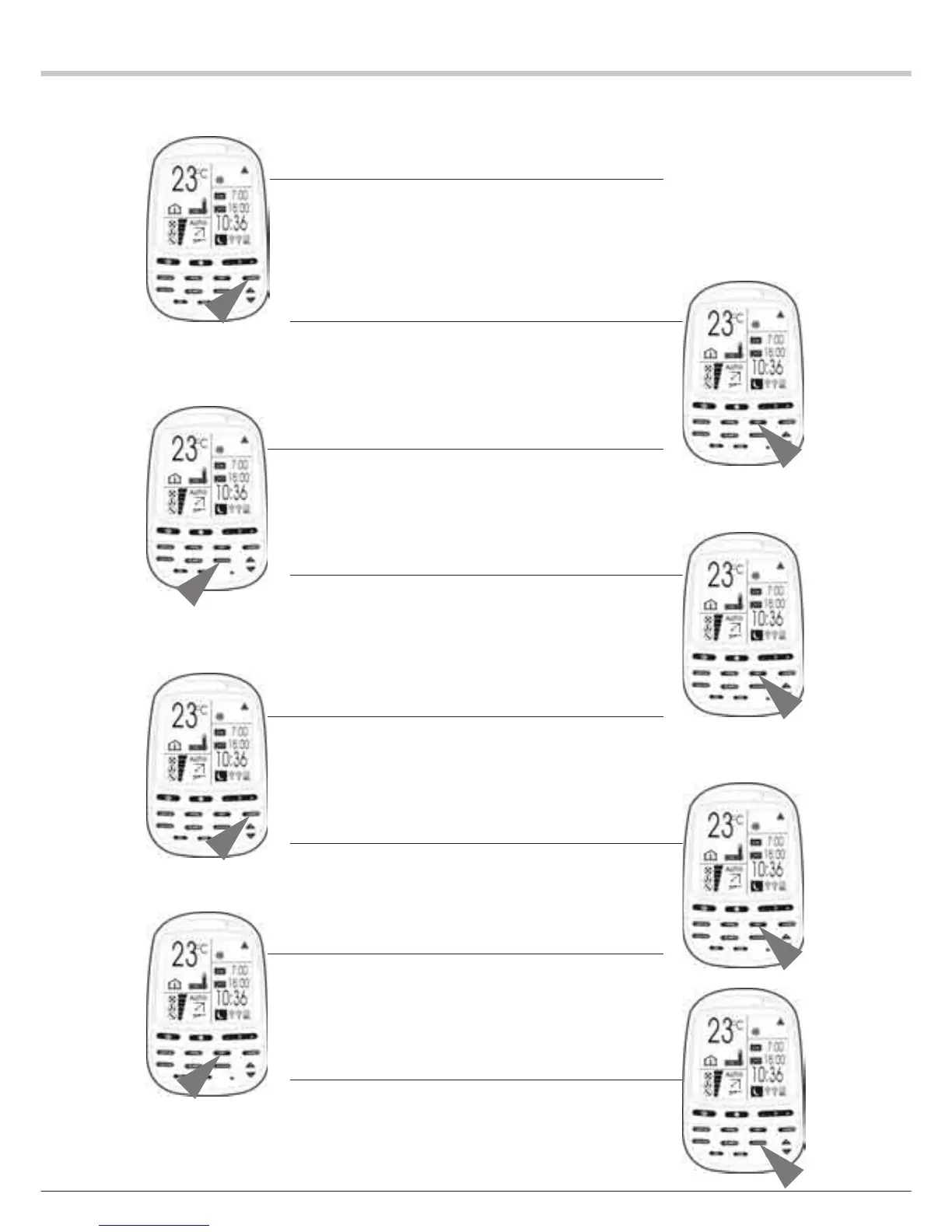
1 Press the TIMER key to select the required programming function.
The selected programming function icon flashes and the
corresponding previously programmed switch-on and switch-off
times come on steadily.
2 Press the SET key to enter the edit mode.
The ON (Switch-on) icon and the switch-on time flash.
3 Press the CLEAR key
The switch-on time is cleared. The OFF (Switch-off) icon and the
switch-off time flash.
4 Press the SET key
This confirms the new setting
TO CANCEL THE SWITCH-OFF TIME WHILST RETAINING THE
PREVIOUSLY SET SWITCH-ON TIME.
1 Press the TIMER key to select the required programming function.
The selected programming function flashes and the corresponding
previously programmed switch-on and switch-off times come on
steadily.
2 Press the SET key.
The ON icon and the switch-on time flash.
3 Press the SET key.
The ON icon and the switch-on time come on steadily.
The OFF icon and the switch-off time flash.
4 Press the CLEAR key
The switch-off time is cleared.


 To Next Page
 Loading...