112
M0CZ00007-03
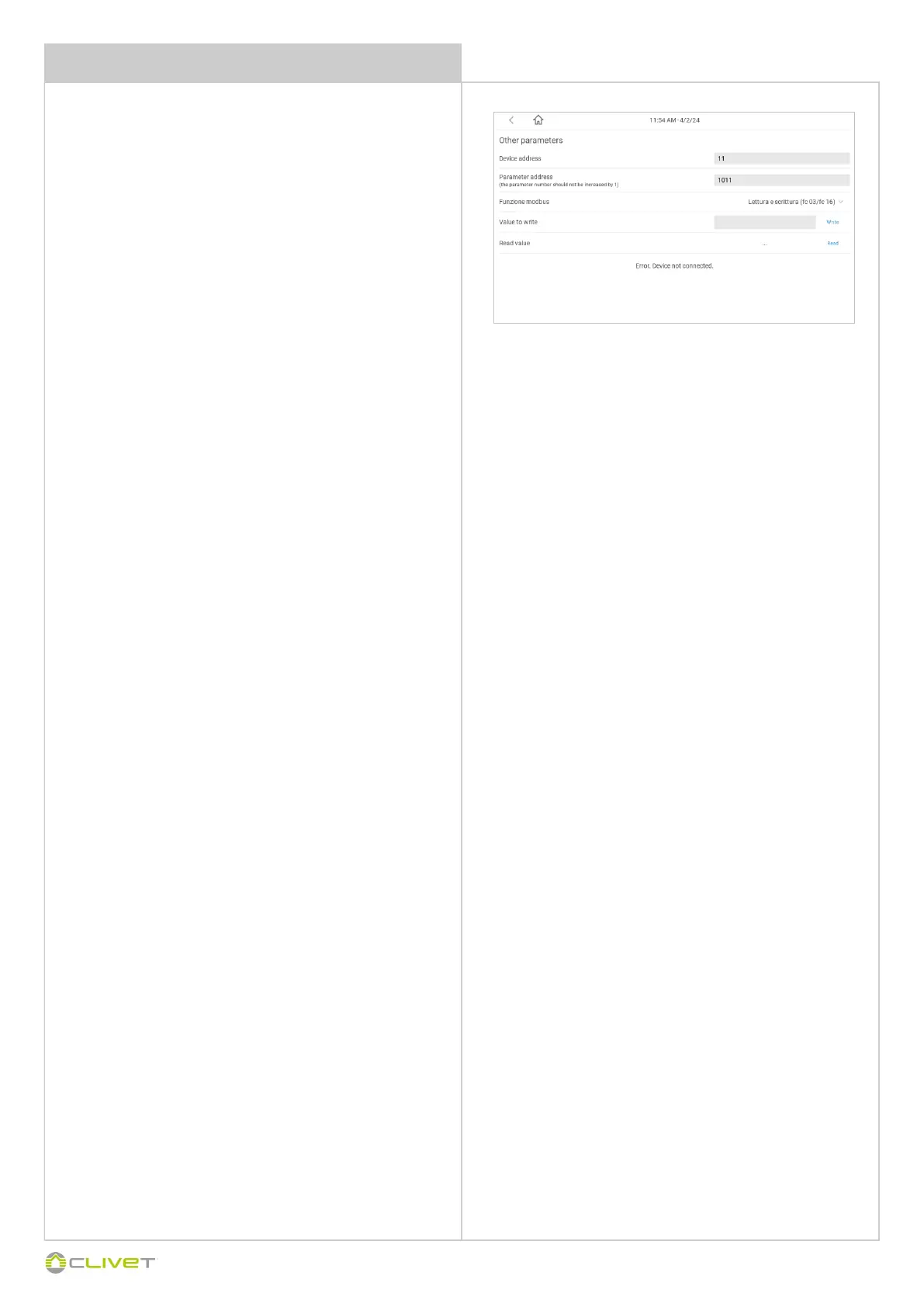
PARAMETERS ACCESS / VISUALIZATION
In case of register reading, press end without entering the value.
In case of register writing, enter the value to be written.
Attention writing with decimals (ex. 10,5) the value to be written has to
be considered without comma (ex. 105)
In case of negative values (16-bit ) the value has to be written in two's
complement, obtained as follows:
65536 minus the negative number without comma
Example, write -5.5 °C and transform it in the following way:
65536 – 55 = 65481
The negative number -5.5 corresponds to 65481 that must be written.
In the Enter value field: enter the value to be written for the parameter
indicated
Write button = writes the value
Read button = displays the default value


 To Next Page
 Loading...