79
M0CZ00007-03
SYSTEM COMPONENT ADDRESSING
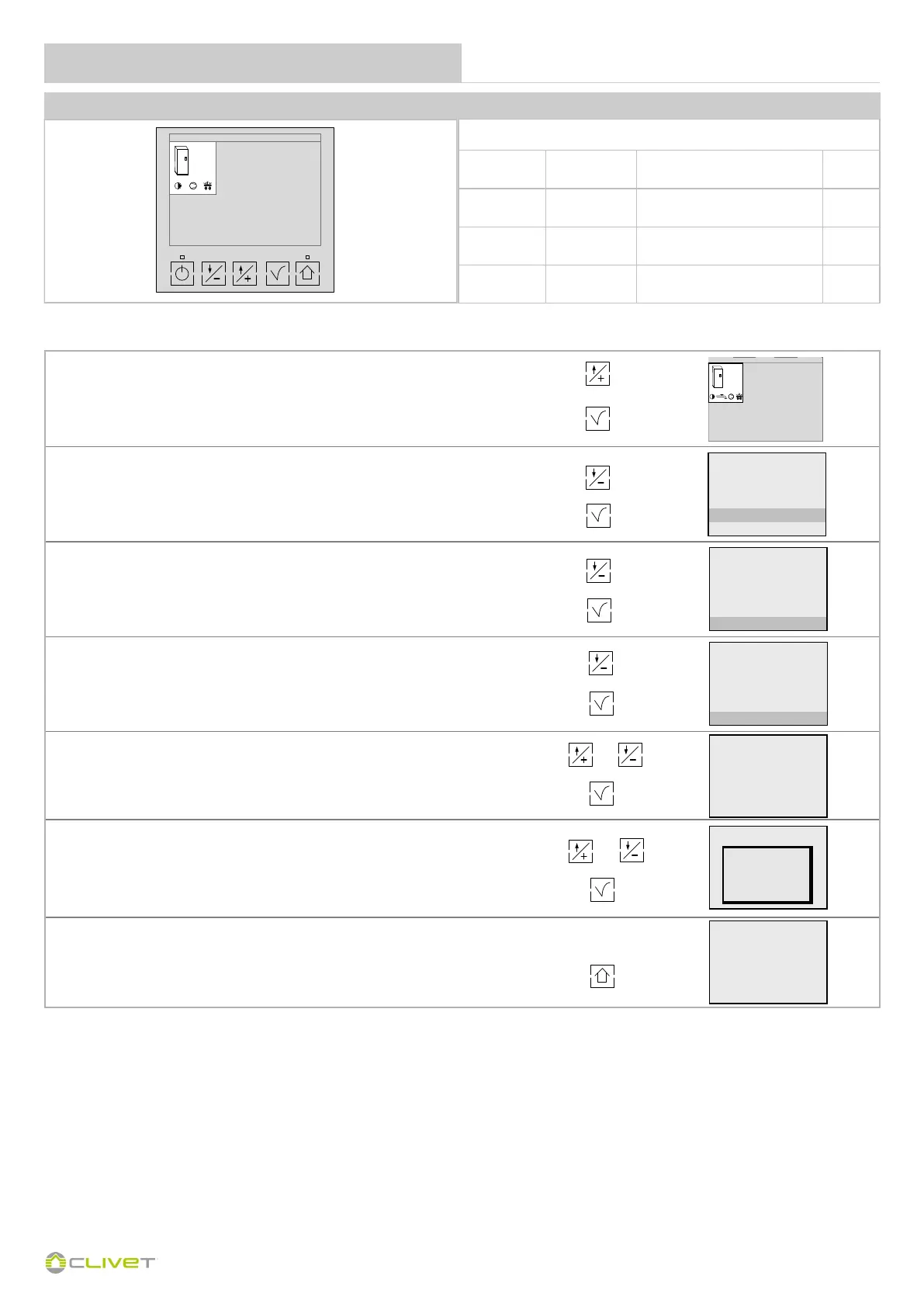
Press
Confirm
Press to select the "Settings " menu
Confirm
Press to select the "Parameters " menu
Confirm and enter the PASSWORD
Press to select the "Communication " menu
Confirm
Select the parameter to be modified
Confirm
Enter the value
Confirm the value entered
Set parameters 316 and 317
Press to return to the main screen
Enter the password Maintenance operator to access the parameters.
GAIA ARIA and ACQUA version AC / GAIA MAXI / GROUND MEDIUM / GAIA L COMFORT and HYBRID / GAIA-i / SPHERA
Parameters to be modified
Parameter
Mnemonic
Name
Description Value
315 Index
ModBus supervision serial
address
2
316 Baud Rate
Baud Rate (0=4800 / 1=9600
2 =19200)
1
317 Parity
Parity 0=NO / 1=Odd 2=Even
supervision serial
0


 To Next Page
 Loading...