8
Left Knob Selections
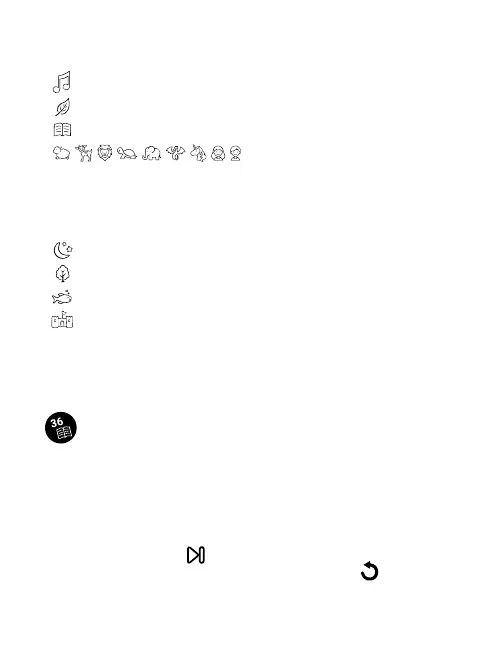
: play 8 melodies
: play 8 Nature Sounds
: make custom recordings
: select a character
Characters: Sheep, Fawn, Lion, Turtle, Elephant, Dragon, Unicorn, Little
Girl, Little Boy.
Right Knob Selections
: Amber projection, Star pattern
: Green projection, Forest pattern
: Blue projection, Ocean pattern
: Red projection, Village pattern
Note: although you select the primary environment, the light
patterns automatically change to match the action in each story.
Due to the unique shape of the CloudBox, you might notice some
distortions in the projections.
Listening to Stories
Use the left knob to select one of the 9 characters. Use the right knob
to select the Environment. Press the center of either knob to play the
story. If you want to pause the story at any point, press either knob
again.
Each character has 4 stories. To hear the same character in the next
environment, press the button on the bottom right or turn the Right
Knob. To start the current story over again, press the button in the
center bottom. After your story ends, the projection will illuminate for
15 minutes, then shut off.



 To Next Page