INSTALLATION INSTRUCTIONS
1. FRONT CAMERA INSTALLATION:
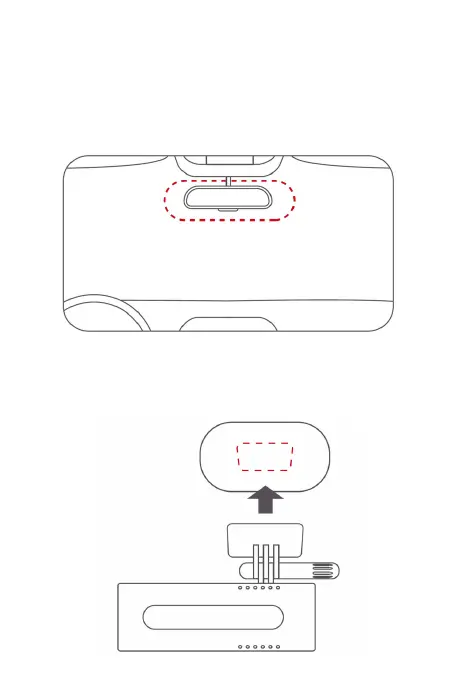
1.1 - Please clean the windshield glass before installation. Take the
static sticker from the box and stick it on the front windshield, in
the recommended area shown below in red. Squeeze the bubbles
between the static sheet and the glass during installation.
1.2 - As shown in the gure below, remove the protective sticker
on the camera bracket and place the camera in the middle of the
electrostatic sticker. Please press the base of the bracket by hand
to ensure that the high-temperature adhesive is in close contact
with the static adhesive.



 To Next Page