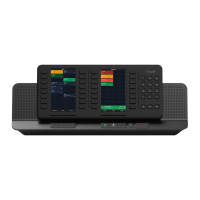
Left Display Panel
• Displays a single page that matches the layout congured on the C9
Trader UI via Community > Organize Layout
• Selecting a button will activate that button and follow the button
behavior
• Button behavior can be congured as momentary or latching
depending on the call type
• The call appears in the default device call well for the button
• Previous and Next Context Buttons allow the user to navigate through
pages; changing the page on the CloudHub will also cause the pages
on C9 Trader UI to change so that the software always mirrors the
hardware
• The Go To Context Button opens the Go To Menu allowing users to
quickly jump to another page
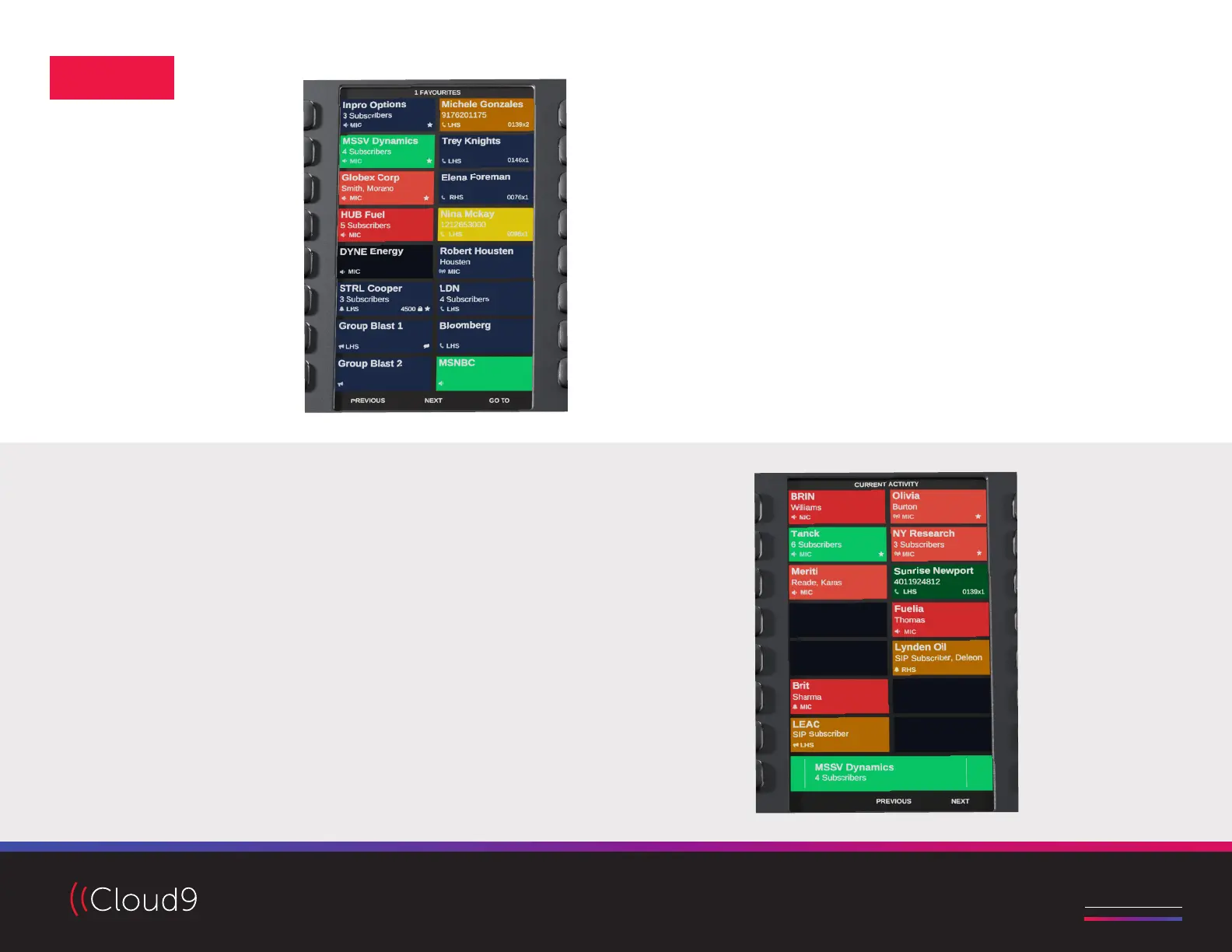
Right Display Panel
• Displays 14 buttons of current activity on rows 1-7
• The last row displays a single call well; select which call well is
displayed by pressing the corresponding Device Selection Button
• Current activity functions identically to the C9 Trader UI, but displays
current activity relative to the oating buttons with activity that are not
visible on the Left Display Panel (and therefore does not mirror the C9
Trader UI)
• Previous and Next Context Buttons allow the user to navigate through
pages of current activity
DISPLAYS
Access video tutorials, quick guides and more at C9tec.com


 To Previous Page
 Loading...