12 13
CONNECTING CLOUDHUB TO A PC OR LAPTOP
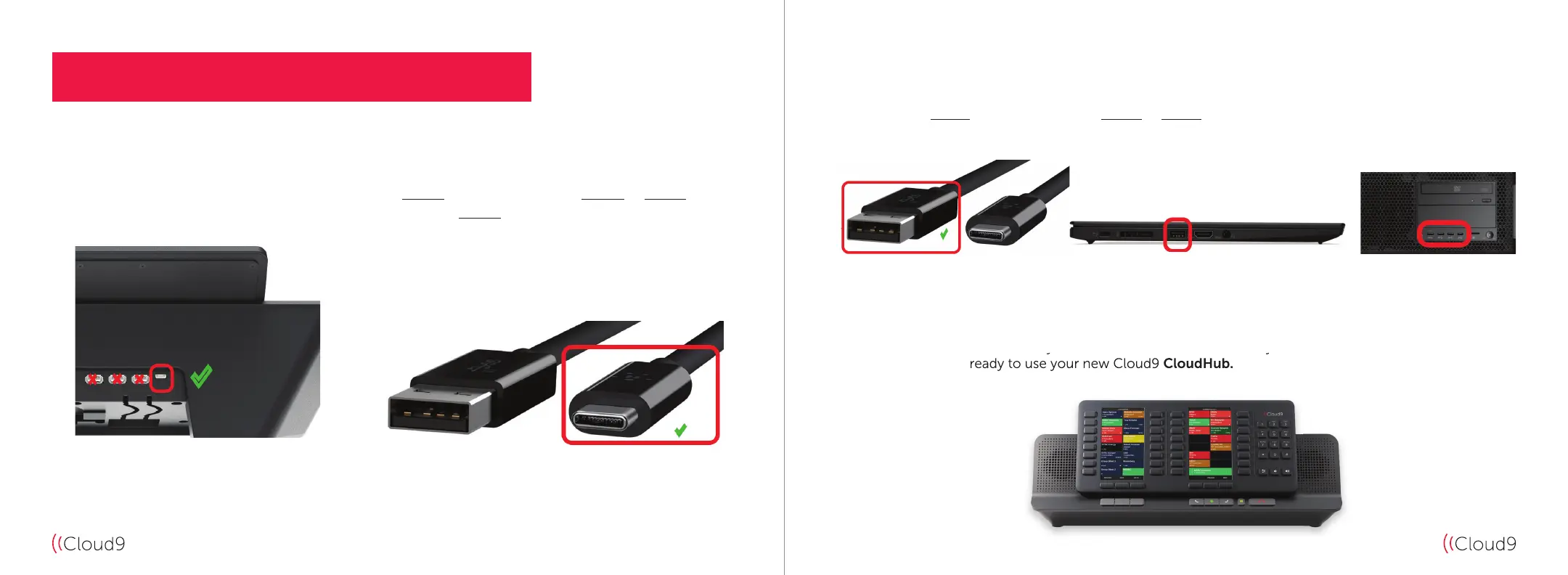
Diagram B Diagram A
1. Connect the USB-C end of your supplied USB-C to USB-A cable
(see Diagram B) into the USB-C slot on your Cloud9 CloudHub
(highlighted by the red square in Diagram A).
Diagram C Diagram E – PC Example Diagram D – Laptop Example
2. Connect the USB-A end of your supplied USB-C to USB-A cable (see Diagram C) into a spare USB slot on your
Microsoft Windows-based PC or Laptop
(see Diagram D & Diagram E).
3. Upon successful installation of your Cloud9 CloudHub, and once you have launched and logged into C9
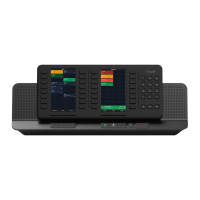
Trader, you will be ready to use your new Cloud9 CloudHub.
Upon successful installation of your Cloud9
and once you have launched and logged into C9
Trader, you will be ready to use your new Cloud9


 To Next Page