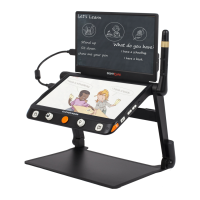
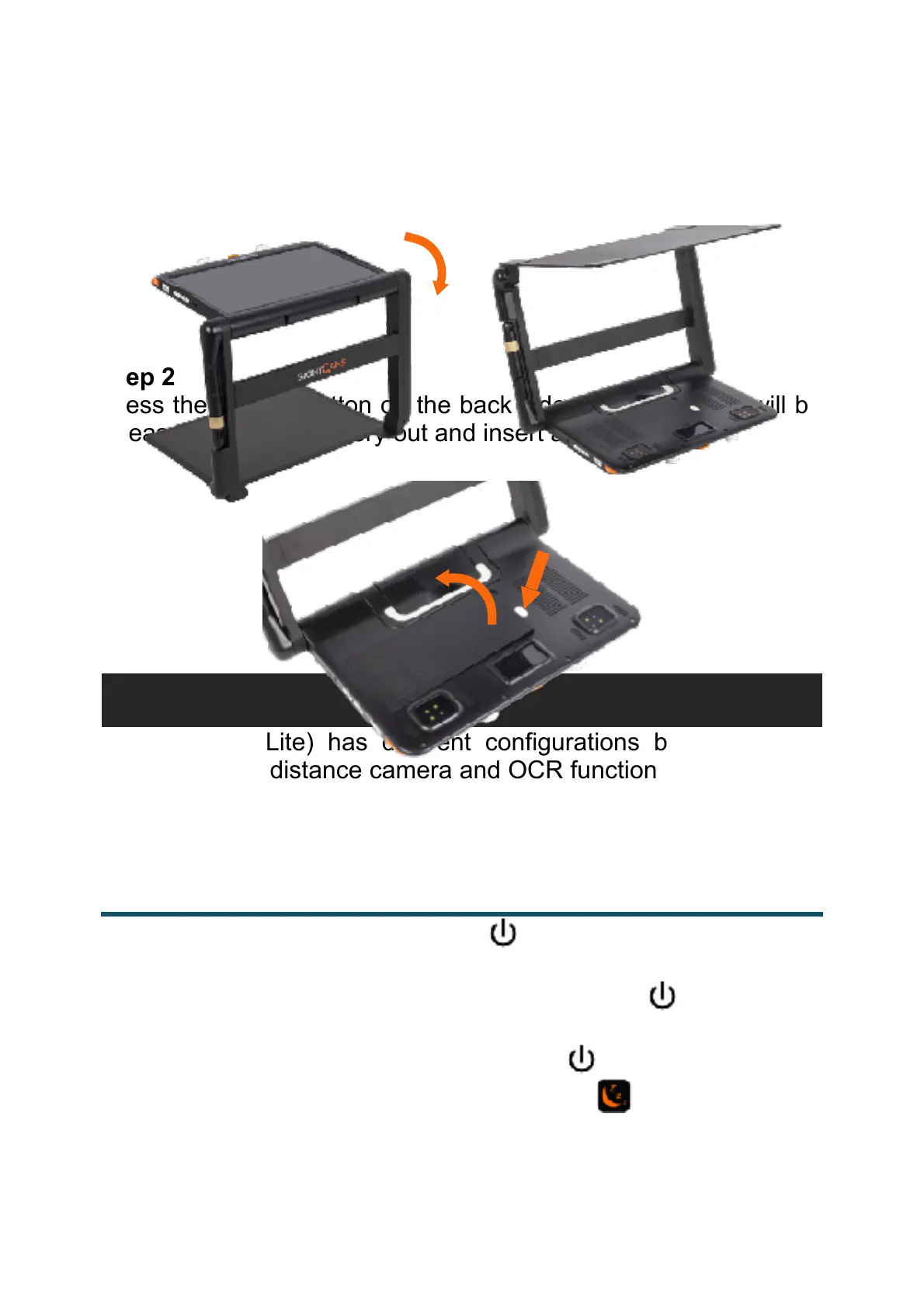
Turn the device upside down and let the back cover of panel face
to you as the pictures show.
Step 2
Press the Unlock Button on the back side and the battery will be
released. Take the battery out and insert a new one.
Clover Book (Lite) has different configurations because touch
screen, built-in distance camera and OCR function are optional to
satisfy various requirements. According to the device version that
you purchased, please refer to the corresponding operation.
❑
Press and hold the Power button! for 3 seconds to turn on the
unit.
❑ When the unit is on, press the Power button! to check the
current status of battery capacity.
❑
Long press and hold the Power button ! when the unit is on
to pop up the choose box - Sleeping Mode! (default highlight)


 To Next Page
 Loading...