❑
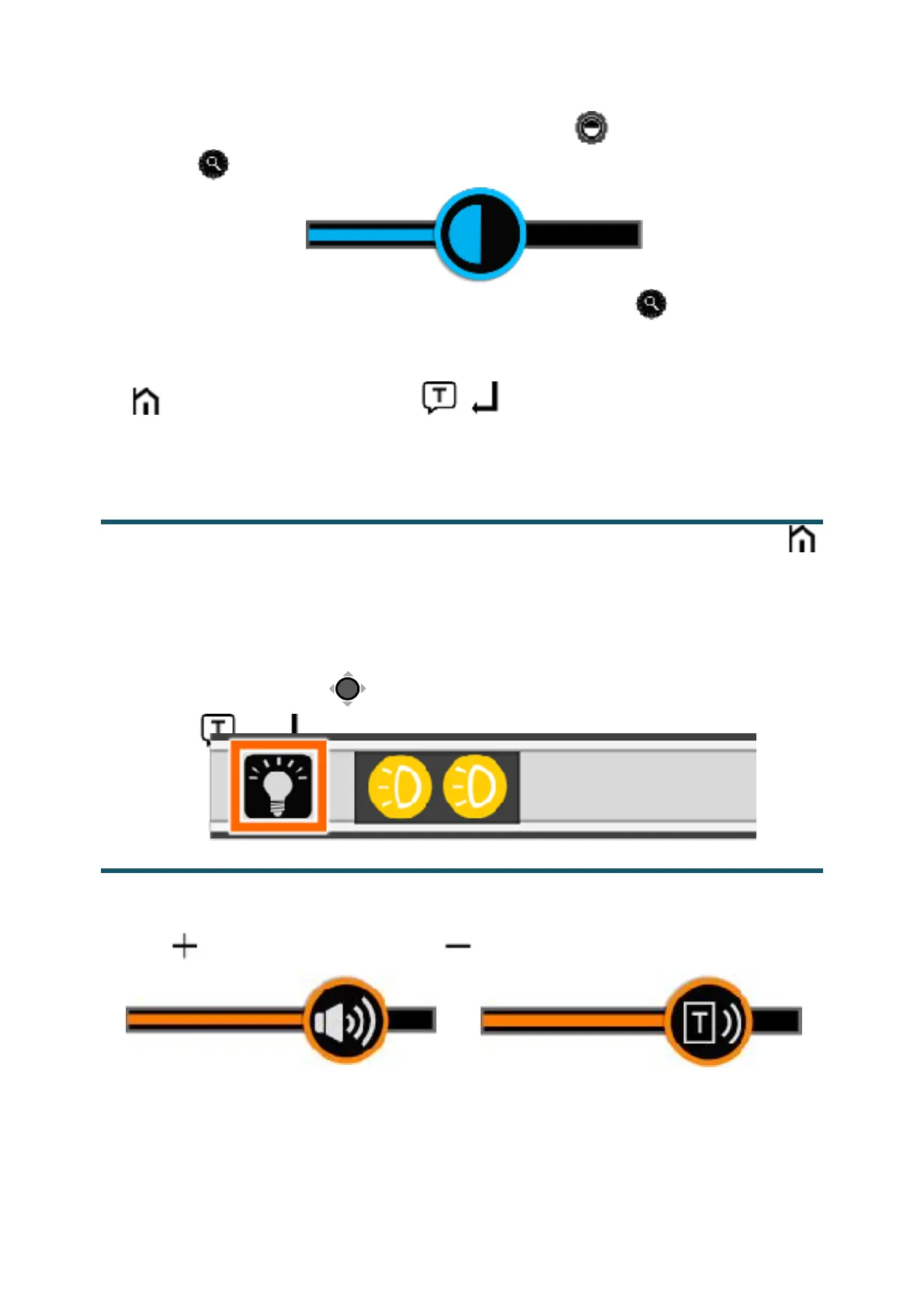
Press down the Enhanced Color button! and turn the Zoom
button! at the same time to pop up the Contrast Control Bar.
!
❑ Use the slide gesture or turn the Zoom button! to change the
contrast color of background and foreground.
❑ No operation for 5 seconds or short press the Home/Exit button
! / Speech/Enter button! (! ) or tap the inactive area to
close the Contrast Control Bar.
In the Magnifier Application, short press the Home/Exit Button!
or slide from the bottom screen to pop up the Quick Control Bar.
The two lights can be both on/off and the left/right lights can also
be controlled separately.
❑ Use the tap gesture on the specific icon to control the lights (or
slide the Joystick! to choose the icon and Speech/Enter
button! or ! to confirm).
The Button/Voice volume and the Text-to-Speech volume can be
controlled separately. Use the slide gesture or press the Voice Up
button! or Voice Down button to adjust the volume.


 To Next Page
 Loading...