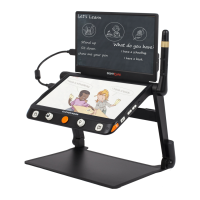
Freezing a live image can be useful for the moving objects.
Further magnification as well as enhanced color change is still
available in this mode.
Press Freeze button! to lock/unlock the image.
For the locked image with increased magnification, you can use
the gesture or the Joystick! to navigate around freely.
❑
In the Magnifier Application, long press the Freeze button! for
3 seconds to store the current image.
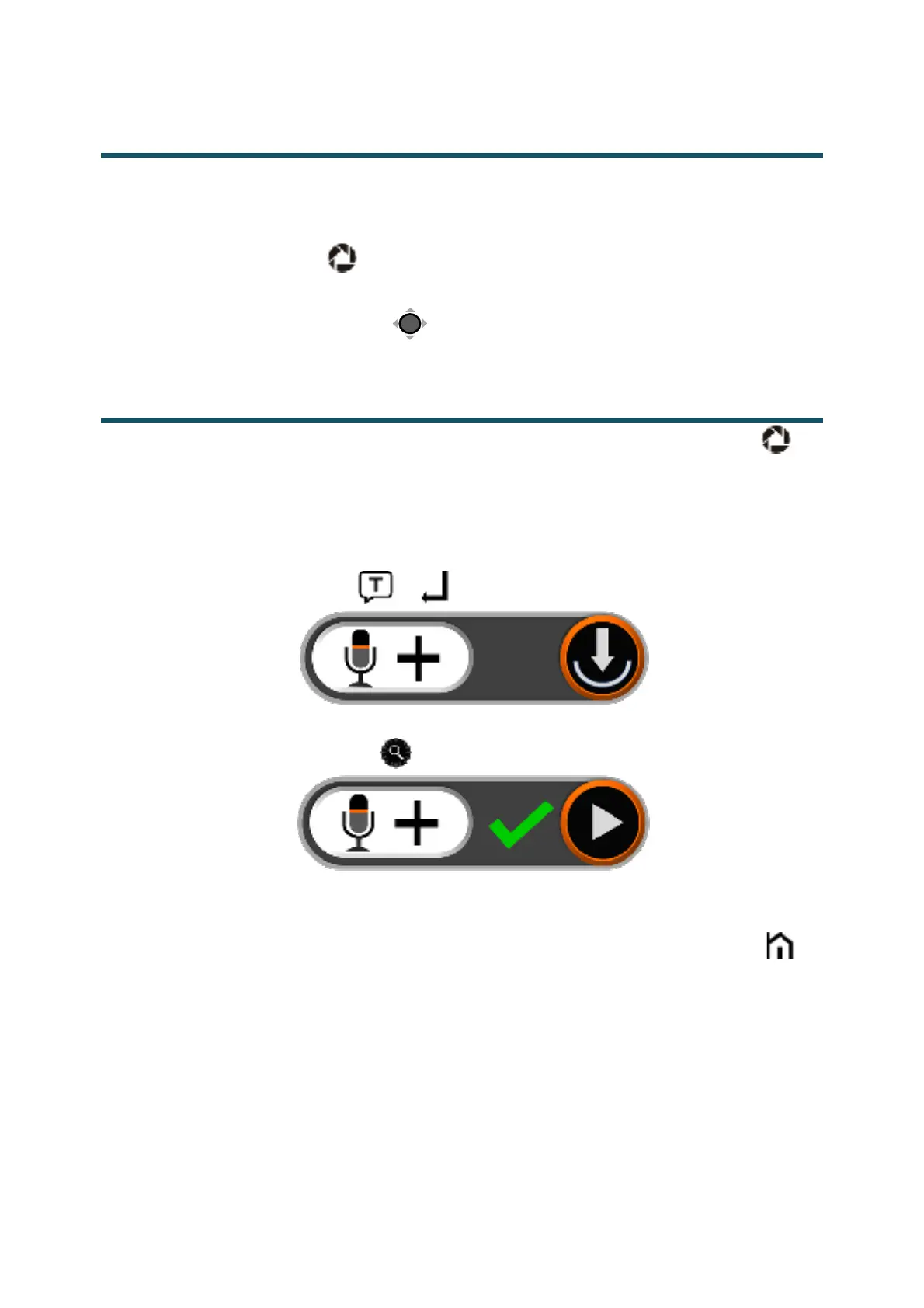
❑ With Voice Label enabled, the Voice Record icon will appear
after the storage. Tap and hold the Mic icon to begin the
recording and release the icon to finish (or press and hold the
Speech/Enter button! or! to record and release to finish).
!
❑
You can replay the recorded voice by pressing the Play Icon (or
press the Zoom Button! ).
!
❑ You can repeat recording the voice but only the latest record
will be saved with the image.
❑ No operation for 5 seconds or tap the Home/Exit button! or
tap the inactive area to close the icon and the image will be
frozen automatically.
❑ For a better recording quality, please approach to the Mic as
the picture shows and speak aloud.


 To Next Page
 Loading...