©2024 Clover Network, LLC | Clover Confidential | Fiserv Internal Use Only
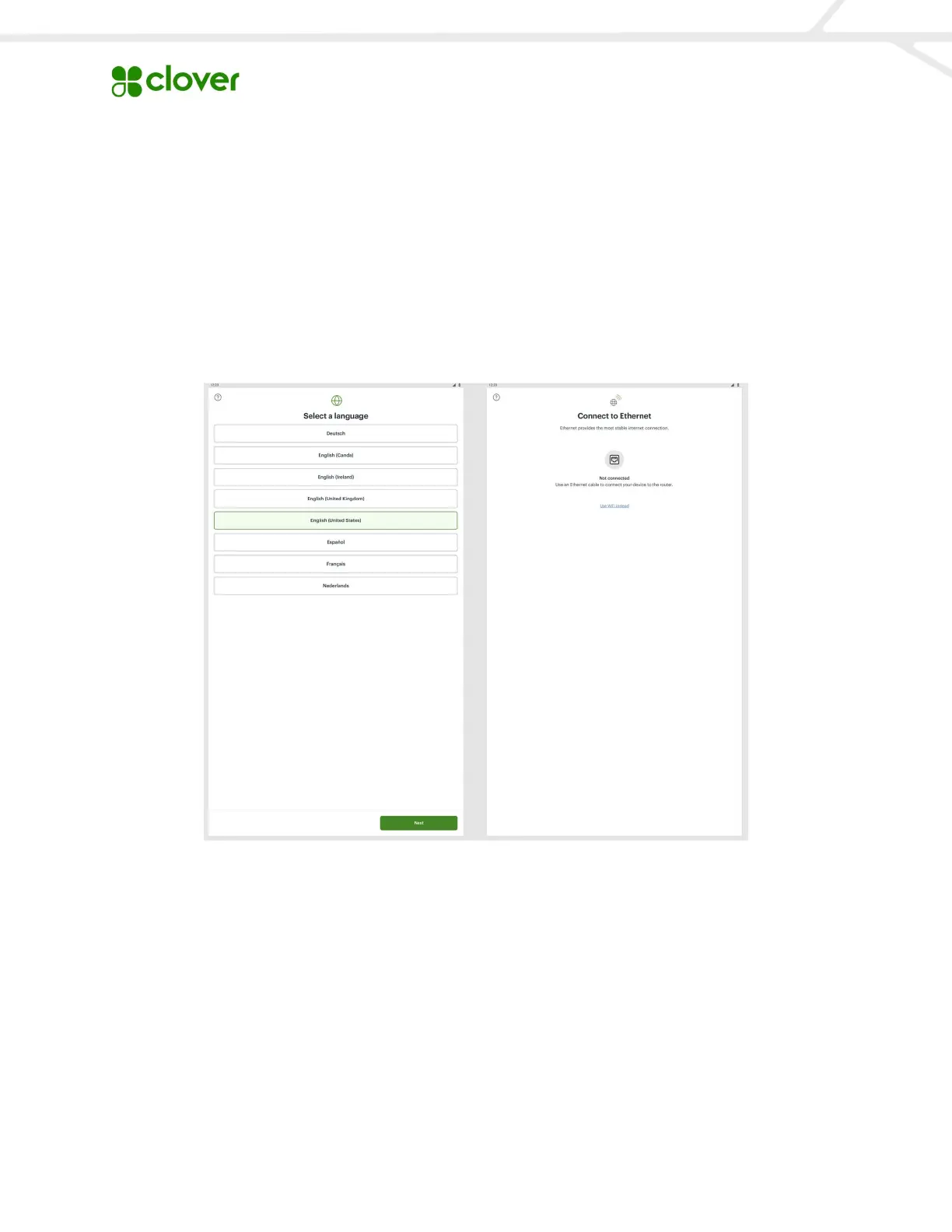
Plug the power cord into an outlet and turn on the Kiosk, which will then guide you through a
few setup steps to activate the device.
Add Images to Your Kiosk
To add images to your items:
Add a photo to your item by selecting the blank image below Item basics. The Kiosk
supports JPG, JPEG, and PNG files. Make sure you have the Show on Kiosk box checked
off in order for items to display. Add an Item name (external) and description.


 To Next Page