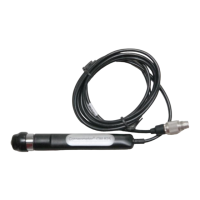
CM probe English 2019/02 DK
The Multi Display-Device MDD 4
Changes from single measurement mode to continuous measurement mode
(values are displayed as long as the probe is left on the skin/started – max. 150
values). Switching between single and continuous measurement mode will delete
already taken measurements (with security question).
In the settings of the probe in the MDD you can modify the standard setting of
150 seconds maximum per continuous measurement to a lower one (minimum
10 seconds). However the continuous measurements stops anyway automatically
when the probe is taken from the skin.
Select the change icon and turn the knob to adjust the measurement time.
Click again on the symbol to take over the changes and leave the menu.
For more details please also read the instructions for the MPA software or the
MDD-devices.
CM 7 – Check Calibration Function
With the Corneometer
®
CM 825 you can check the accuracy and the penetration depth
of the scatter field anytime quickly and easily. Check your Corneometer
®
CM 825
regularly and always before a mayor study.
In the MPA software:
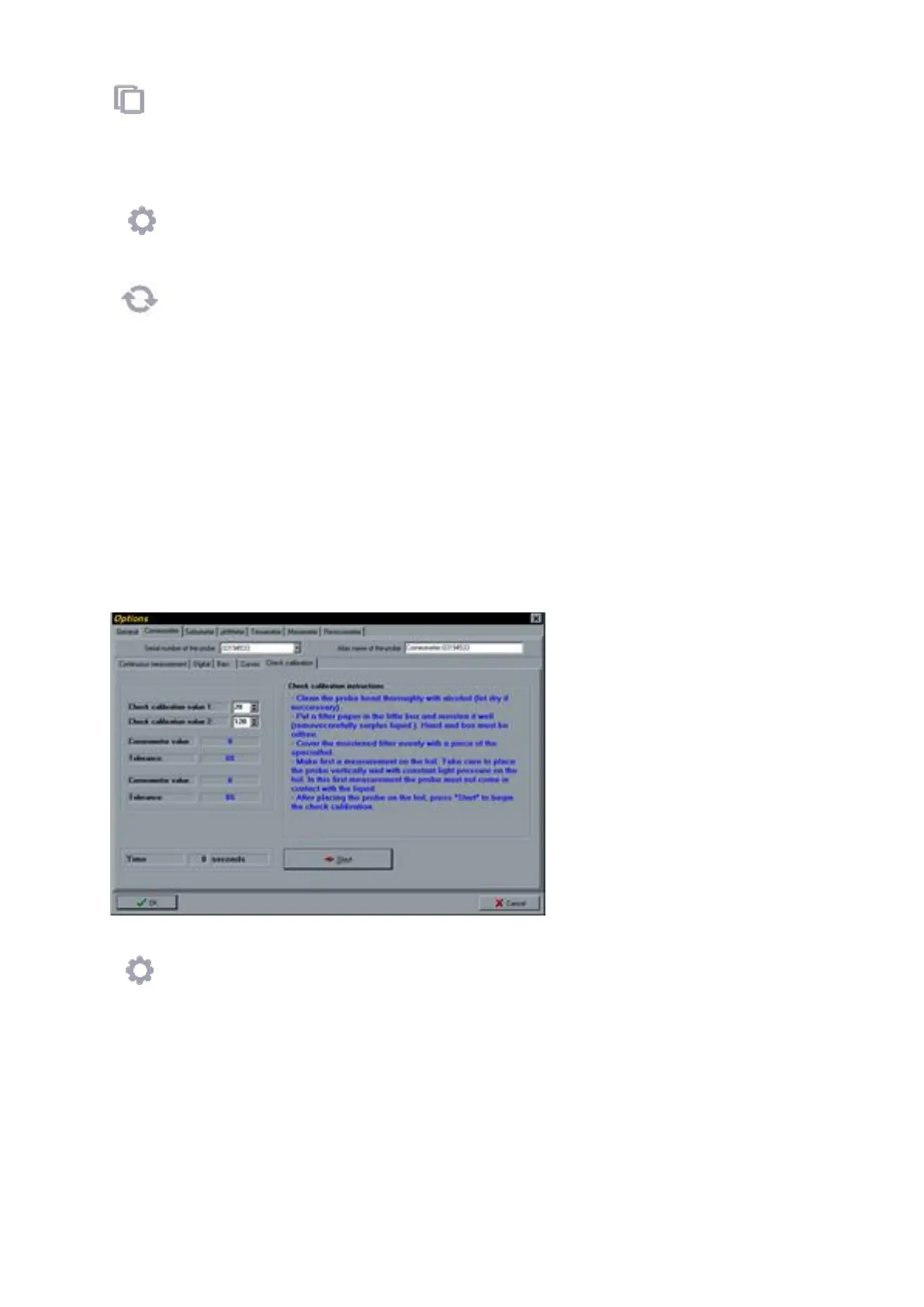
To use the check calibration function, click in the options for the Corneometer-
measurement the register “Check calibration” (the measuring window of the
probe must be activated first).
You will see the following
window with instructions:
Follow the instructions on
the screen step by step. But
first you have to prepare the
check calibration thoroughly.
In the MDD-device (without software)
In the settings Corneometer
®
-probe in the MDD, the check calibration function
can also be performed. Please follow the instructions in the display. But first
you have to prepare the check calibration thoroughly.


 To Next Page
 Loading...