EasyManua.ls Logo

CMT ORANGE TOOLS DHG-001 - User Manual

CMT ORANGE TOOLS DHG-001
10 pages
Print Icon
To Next Page IconTo Next Page
Loading...
DHG-001
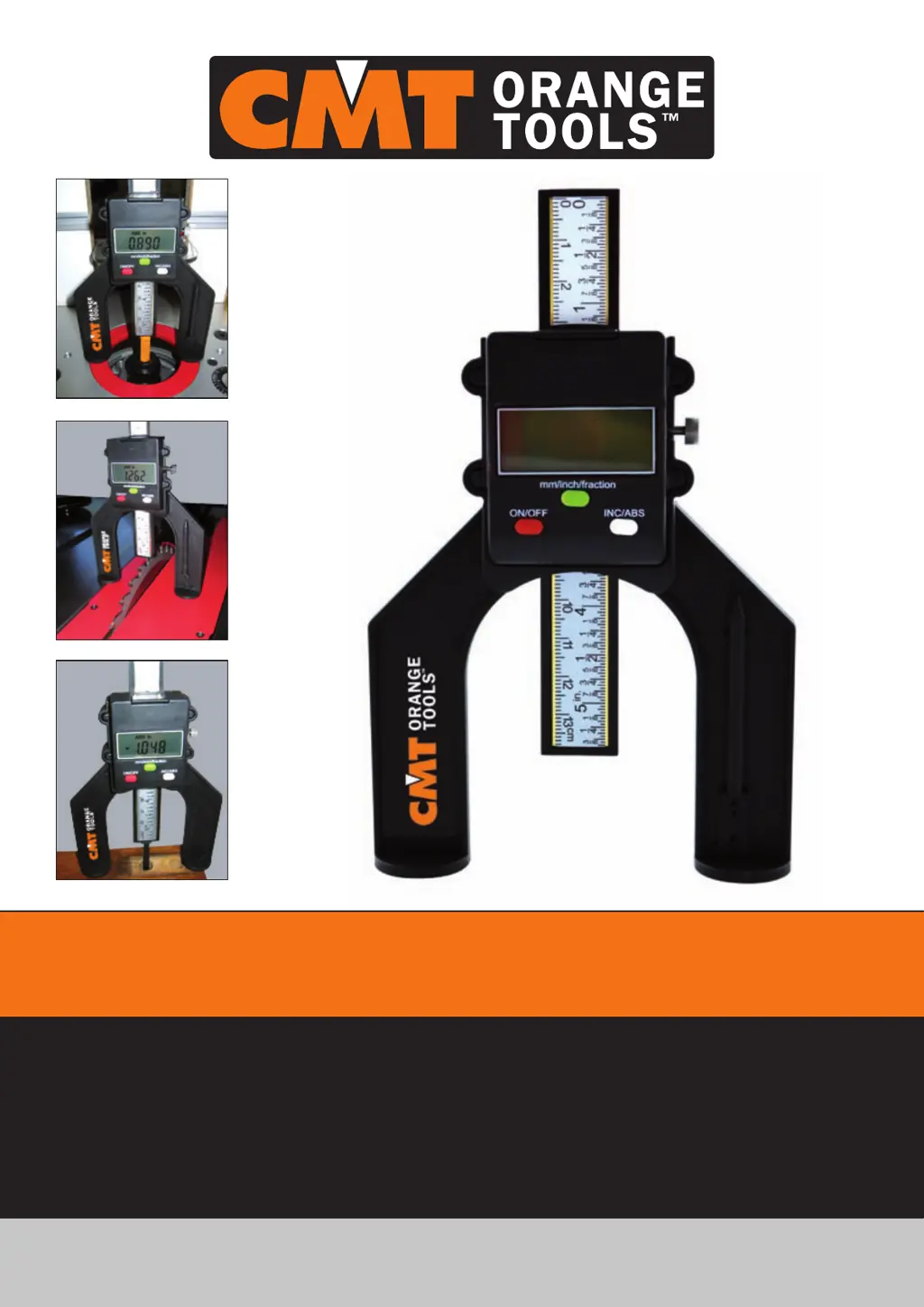
EN Digital height gauge (mm/inch/fraction)
ES Medidor de altura digital (mm/pulgadas/fracciones)
FR Jauge de la hauteur digitale (mm/pouces/fractions)
IT Calibro digitale per utensili (mm/pollici/frazioni)

Questions and Answers

  • X
    xhendersonJul 27, 2025
    What to do if the CMT ORANGE TOOLS Measuring Instruments display is not working?
    • J
      Jessica DavisJul 27, 2025
      If the display of your CMT ORANGE TOOLS Measuring Instruments is not working or showing odd readings, try reinstalling or replacing the battery.
  • B
    bpinedaAug 11, 2025
    What to do if the CMT ORANGE TOOLS Measuring Instruments number skip or frozen display?
    • R
      Rachel HillAug 11, 2025
      If the CMT ORANGE TOOLS Measuring Instruments displays a number skip or the display is frozen, remove the battery for one minute before reinstalling it.

Summary

Part Description

Specifications Data

Operation

ON;OFF button

Controls power, sets to zero, and turns off the device.

in;mm;fraction switch

Switches between inch, millimeter, and fraction measuring systems.

INC;ABS button

Switches between incremental and absolute measurement modes.

Locking knob

Locks and releases the scale by turning clockwise and counterclockwise.

Battery Installation and Replacement

Remove Scale from Gauge Body

Trouble Shooting

Maintenance

CMT ORANGE TOOLS DHG-001 Specifications

General IconGeneral
BrandCMT ORANGE TOOLS
ModelDHG-001
CategoryMeasuring Instruments
LanguageEnglish

Related product manuals