2 Configuring this Wireless Assess Point
In this chapter, it describes how to use the web management, a web browser-based utility that
allows you to remotely configure and manage this Wireless Access Point.
This Wireless Access Point’s default IP address is 192.168.1.253, you must set a PC’s IP
address in the same domain (e.g. IP:192.168.1.1, subnet mask: 255.255.255.0) and connect
this PC to the Wireless Access Point.
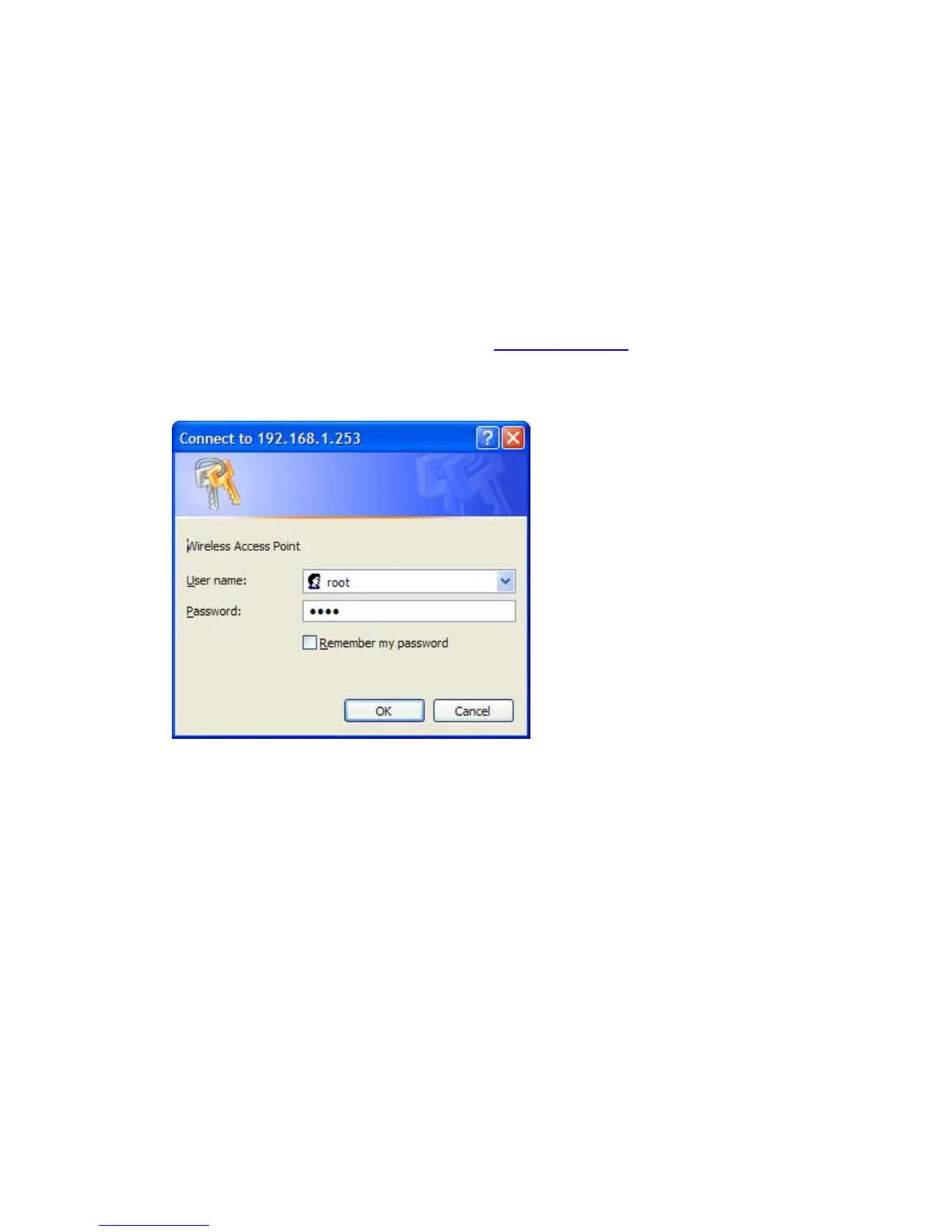
Open your Web browser and type the IP address
http://192.168.1.253 and press <ENTER>.
Enter the User name and Password when prompted, the default User name is “root”, and the
default Password is “1234”.
2.1 Setup Wizard
After successfully accessing to the configuration web page, the setup status will be shown as
in the figure below.



 To Next Page