4. Installing Driver, Configuration Utility and
Hardware in Windows 98SE/ME/2000/XP
4.1 For Windows 98SE/ME/2000/XP
4.1. 1 Utility Installation
1- Run the Auto Driver/Utility/ Installation
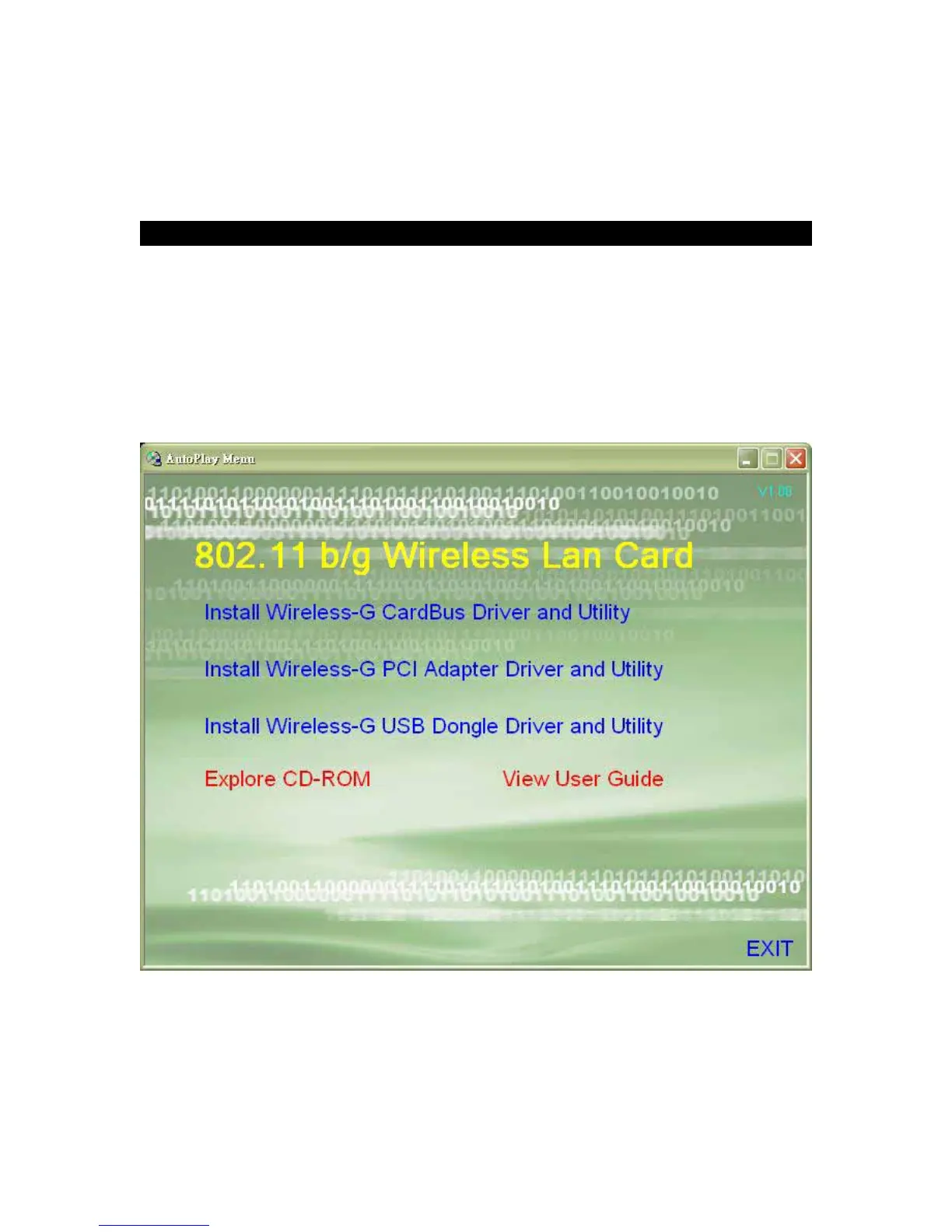
Before connecting the USB adapter, insert the setup CD into the CD-ROM driver. Unless you
have deactivated the auto-run feature of Windows, the screen in Fig 4-1 should appear
automatically. If the screen doesn’t appear automatically, you can access the installation by
clicking the “Start” button and choose “Run”. In the drop-down box type D:\setup.exe (where D:
is the drive letter of your CD-ROM drive). Alternately, double-click “My Computer” and
double-click the “Setup.exe” icon in the folder that appears.
Fig 4-1
2- Click Install Wireless-G USB Dongle Driver and Utility. Click “Next>”. (Fig 4-2)



 To Next Page