‧ Select an available USB port on the notebook or Desktop PC
‧ Insert the Wireless-G USB Dongle into the USB port
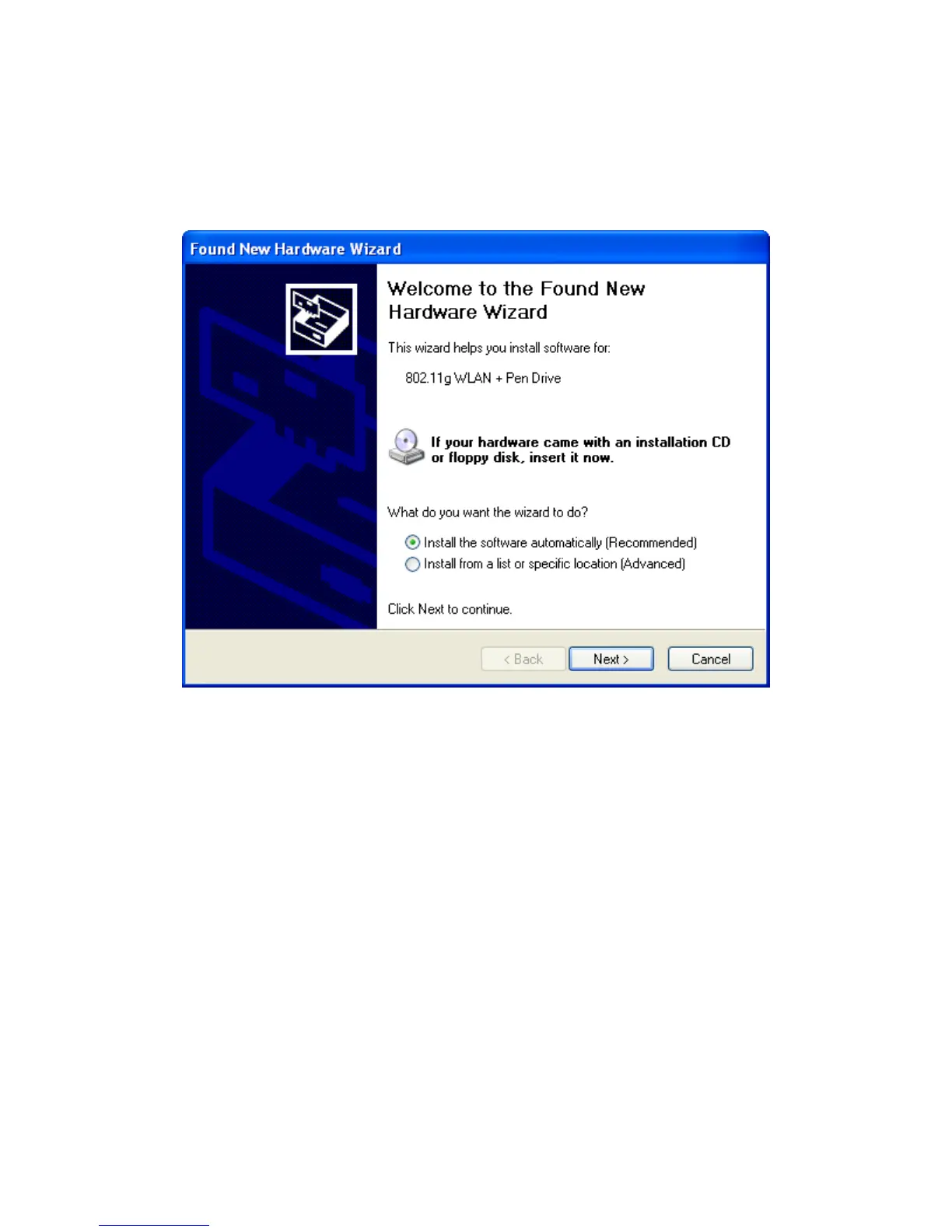
2-Windows will automatically detect the Dongle. In Windows XP, you will see Fig 4-6. Please
click “Next” for drivers to automatically load. Fig 4-7 is the screen in Windows 2000. Please
click “Next” for the installation to proceed.
Fig 4-6



 To Next Page