EasyManua.ls Logo

Co-pilot CPDVR3 - Motion Detection; Exposure and Power Record; Parking Monitor and G-Sensor; Date;Time and Language Settings

Co-pilot CPDVR3
12 pages
Print Icon
To Next Page IconTo Next Page
To Previous Page IconTo Previous Page
Loading...
automatic cycle.
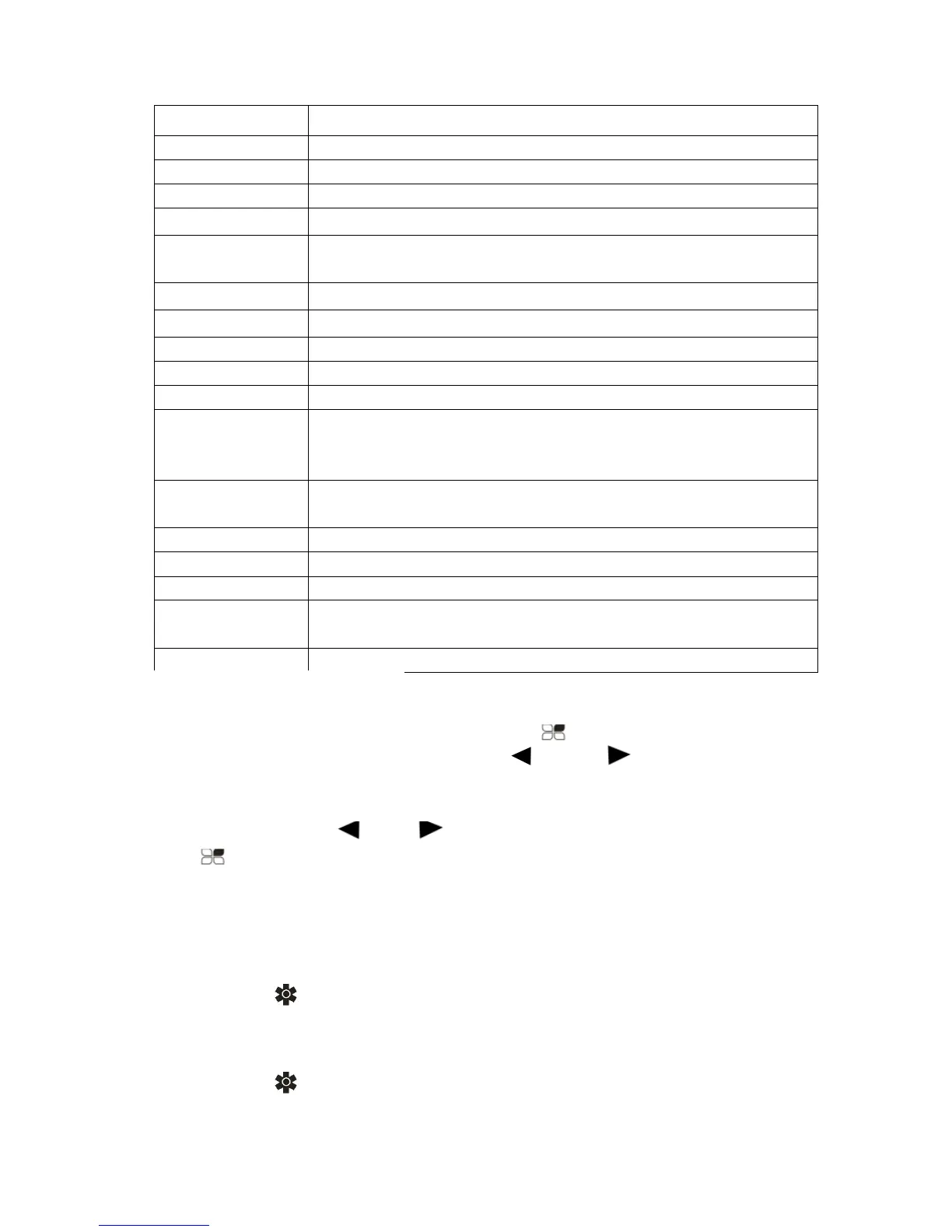
Move Detect
OFF/ON
White Balance Auto/ Daylight/ Cloudy/ Tungsten/ Fluorescent
Sharpness
Strong/ Normal/ Soft
Exposure 0;-1/3;-2/3;-1.0;/-4/3;-5/3;-2
Power ON
Record
OFF/ON
Screen Saver 10 Seconds /20 Seconds /30 Seconds/Close
Record Voice OFF/ON
Park monitor OFF/ON
G-sensor
High/ Mid/ Low/ Close
Date /Time Can set the year, month, day, hour, minute, second
Language
English/ Simplified Chinese/ German/ Japanese/
French/ Polish/ Korean/ Italian/ Portuguese/ Russian/
Spanish/ Thai
Time
Watermark
OFF/ ON
Frequency
50HZ60HZ
Auto Power off 1 Min/ 3 Min/ Off
Format
SD Card
Factory Data
Reset
Cancel/OK
Firmware
The software version number
Time and Date Settings
1. Press the OK button, the device enters the standby state.
2. In standby mode, then press the button to enter the
menu setting, then press the “ and “ button to find
the “datemenu, then press “OKbutton to enter into
setting.
3. By pressing “ or button set the date, then press
button to switch. Click “OK” button to exit until the
complete setting.
Video/Photo operation
1. Press ” button to switch to video mode, the video
recording icon display in the upper left corner of the
screen.
2. Press ” button to switch to photo mode, press OK