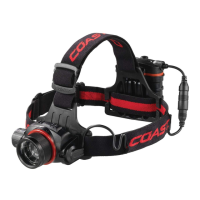
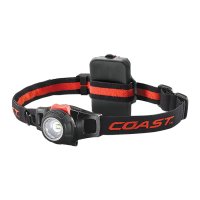
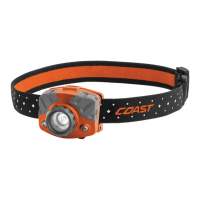
detach the headlamp, simply pull it out of the mount. To reattach the headlamp to the mount, center the
headlamp over the bracket and press the headlamp back into place.
Note: While detached, the headlamp can be mounted to metal surfaces using the magnetic endcap,
located opposite the black power button.
ADJUSTING THE HEADSTRAP
The XPH3
R is mounted on an adjustable headstrap. To increase the size of the headstrap, slide the
strap adjuster toward the headlamp. To decrease the size of the headstrap, slide the strap adjuster away
from the headlamp.
20-473v02S 2008A
XPH34R MULTI-PURPOSE HEADLAMP
INSTRUCTIONS: XPH34R MULTI-PURPOSE HEADLAMP
USING THE HEADLAMP
The COAST XPH3
R weatherproof headlamp delivers brightest-in-class light with five light modes. To
turn on the headlamp, press the power button located on the tail cap. The headlamp will start in medium
brightness mode. To set the headlamp on high brightness, press the power button twice. To set the head-
lamp on low brightness, press the power button three times. Pressing the power button a fourth time will
turn off the headlamp. The XPH3
R is also equipped with COAST’s signature Turbo Mode brightness
feature. To activate the Turbo mode, press and hold the power button for two seconds.
Note: The XPH3
R was designed with COAST’s Easy Off functionality. After the headlamp has been on for
five seconds or longer, pressing the power button once will turn it off.
ADJUSTING THE BEAM
Designed with COAST’s PURE BEAM ® Twist Focus technology, the headlamp can be continuously ad-
justed between an Ultra-View Flood Beam and a Bulls-Eye Spot Beam. To pinpoint the beam on a precise
area, grasp the base of the bezel and twist clockwise. To expand the beam and maximize the lighting
area, twist the bezel counter clock wise.
ADJUSTING THE BEAM ANGLE AND DETACHING THE HEADLAMP
While mounted to the headstrap, the headlamp can be shifted up or down within the headlamp mount.
The XPH3
R can be used as a handheld flashlight by detaching the headlamp from the mount. To
COASTPORTLAND.COM | QUESTIONS? 877-704-4545
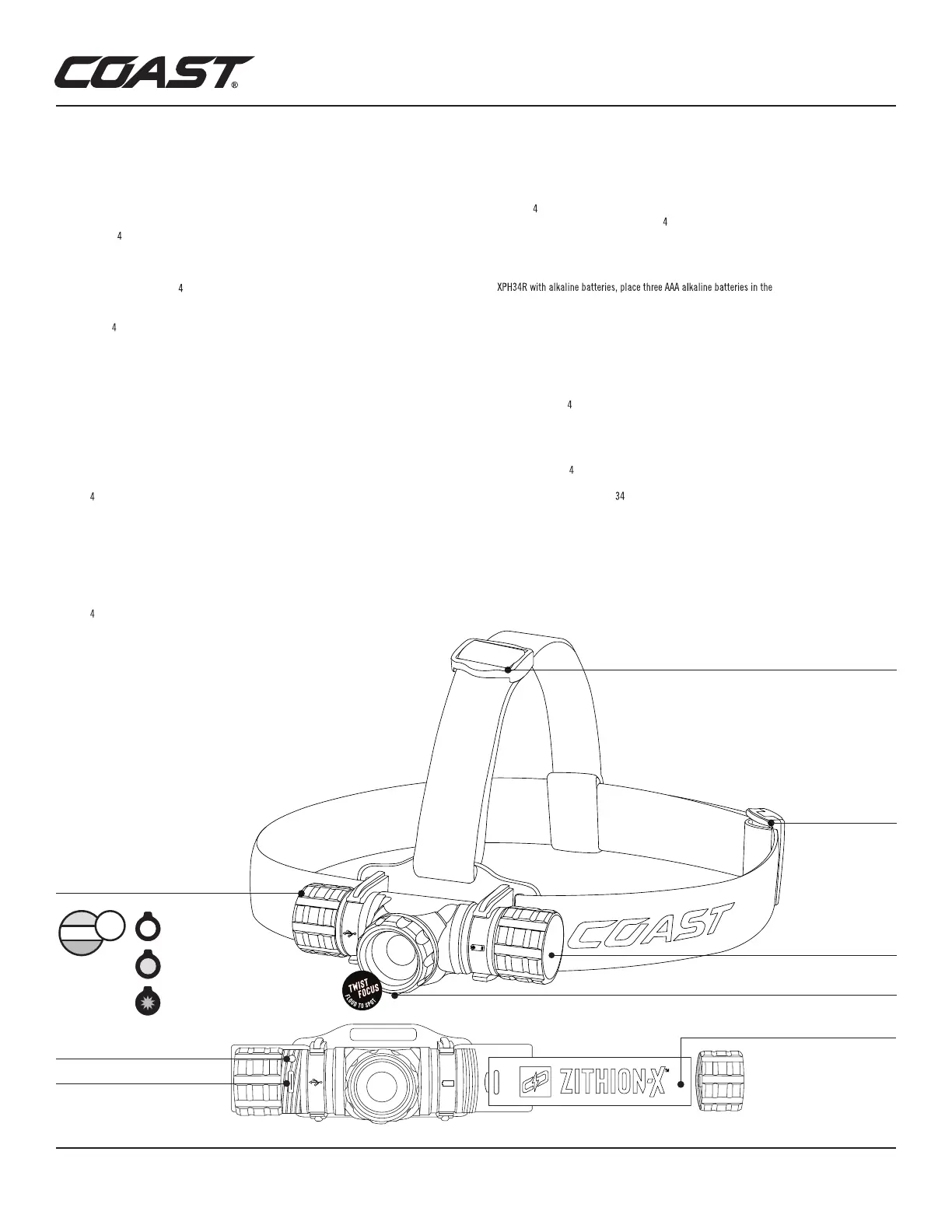
RECHARGEABLE ZITHION-X BATTERY
PRO-TEK CHARGING PORT
BEZEL
JOIN THE COAST CREW Expedited warranty service | Earn points towards discounts off your next purchase
Exclusive access to promotions and new product releases | GO TO COASTPORTLAND.COM/JOIN TO SIGN UP
CHARGING INDICATOR LIGHT
CHARGING THE BATTERY
The XPH3
R can be powered by either a COAST ZITHION-X™ rechargeable battery or three AAA alkaline
batteries. To charge the battery in the XPH3
R, twist the tail cap to expose the Pro Tek charging port.
Insert the provided USB Type-C charging cable into the charging port, then plug the cable into an
available power supply. To charge the battery directly, unscrew the tail cap from the headlamp to
access the battery compartment and remove the battery. Insert the provided USB Type-C charging
cable into the battery charging port, then plug the cable into an available power supply. To power the
included battery cartridge.
Insert the battery cartridge into the battery compartment. For best results, use COAST Extreme
Performance Alkaline batteries, which can be purchased separately on COASTPortland.com.
Note: The power button also functions as a battery life indicator. When the battery is fully charged, the
power button will glow green. When the power button glows red, it’s time to charge the battery. When
the power button flashes red, the battery has reached its lowest power limits and must be charged
immediately. This feature will not function with alkaline batteries.
Caution: The XPH3
R was designed for use with a COAST ZITHION-X™ rechargeable battery. Do not
use aftermarket rechargeable batteries. Do NOT attempt to charge alkaline batteries inside light.
MAINTENANCE
To clean your XPH3 R, wipe the external body of the headlamp with a damp cloth.
Note: Do not submerge the XPH
R.
WARRANTY
The XPH34R is protected by a COAST Lifetime Warranty. For expedited warranty service, as well as
discounts and exclusive access to other COAST products, join the COAST Crew at coastportland.com/join.
+
-
POWER BUTTON/
BATTERY LIFE INDICATOR
MAGNETIC END CAP
HEADSTRAP ADJUSTER
HEADSTRAP ADJUSTER
+
-
MEDIU M
Hig h
L O W
TURBO
LIGHT MODES
GREEN- BATTERY IS FULLY
CHARGED
RED- BATTTERY NEEDS
CHARGING
FLASHING RED- BATTERY
NEEDS IMMEDIATE CHARGING



 To Next Page
 Loading...