EasyManua.ls Logo

Coastal Source CRS700/4 - User Manual

Coastal Source CRS700/4
24 pages
Print Icon
To Next Page IconTo Next Page
Loading...
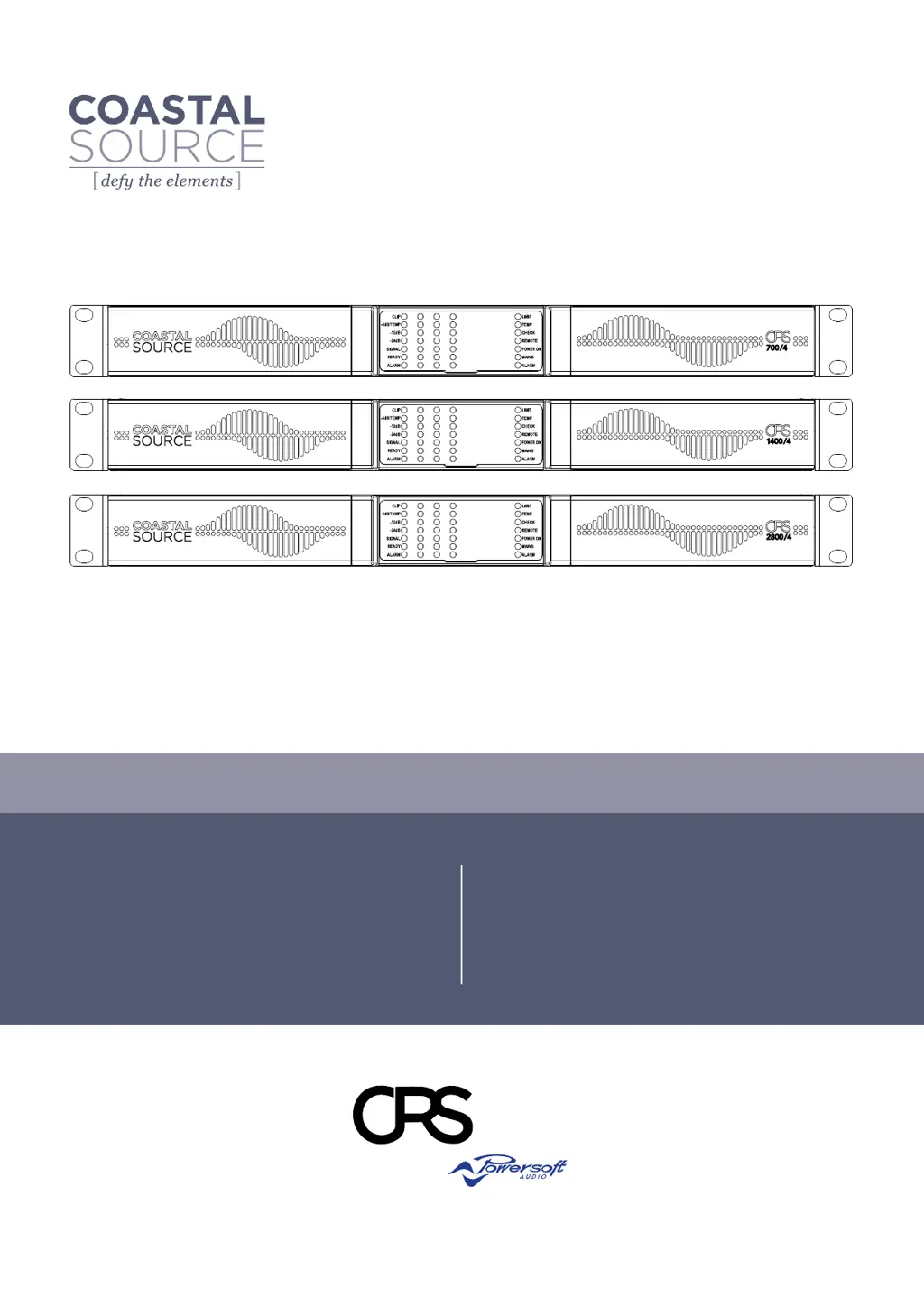
USER GUIDE
Component
Rack System
CRS700/4
CRS1400/4
CRS2800/4
powered by
Keep this manual
for future reference© 2022 Coastal Source
2800 /42800 /4
1400 /41400 /4
700 /4700 /4

Questions and Answers

Summary

Important Safety Instructions

Graphical Symbols Explanation

Explanation of graphical symbols used in safety instructions.

General Safety Guidelines

Key safety precautions for installation and operation.

Component Rack System Overview

Welcome and Introduction

Congratulations and overview of the CRS amplifier's features.

Unpacking and Damage Check

Instructions for inspecting the product upon arrival.

Packaging Disposal

Guidance on environmentally friendly disposal of packaging materials.

List of Image Panels

Reference list for diagrams and panels within the manual.

Installation Procedures

Location Requirements

Recommended placement and environmental considerations for installation.

Cooling and Ventilation

Guidelines for ensuring adequate airflow and cooling.

Cleaning Instructions

Procedures for cleaning the amplifier chassis and filters.

Installation Precautions

Essential safety warnings and precautions during installation.

Power Supply and Operation Modes

AC Mains Supply Connection

Requirements for connecting the amplifier to the AC mains supply.

Switching the Unit ON;OFF

How to power the amplifier on, off, or put it into standby mode.

Energy Save Feature

Explanation and activation of the power-saving mode.

Breaker Save Feature

Explanation and activation of the breaker saving mode.

Remote ON;OFF Control

How to control power status remotely.

Audio and Network Connections

Signal Grounding Practices

Guidelines for proper signal grounding to prevent noise.

Analog Input Connections

How to connect analog audio sources via Phoenix connectors.

Remote Level Adjustment

Configuring remote control for output levels.

Digital Input and Dante

Connecting digital audio sources via Dante network.

Ethernet Connectivity

How to establish an Ethernet connection for control.

Output Connections

Instructions for connecting speakers to output terminals.

Hi-Z 70 V;100 V Operation

Configuring outputs for high-impedance distributed lines.

Signal Gain and Diagnostics

Gain Selection and Input Sensitivity

How to set amplifier gain for optimal input signal.

Low Impedance (2Ω) Operation

Special configuration for low impedance loads.

Diagnostics, GPO, and Alarms

Overview of diagnostic features and general purpose outputs.

Pilot Tone Monitoring

How to monitor pilot tones for fault detection.

Output Load Monitoring

Monitoring speaker load impedance for alerts.

LED Indicators and Control Panel

Signal Metering LED Bars

Understanding the LED bars for signal level indication.

System Status LED Strip

Interpretation of the system status indicator LEDs.

Operating Mode LEDs

Identifying the amplifier's current operating mode.

Control Panel Layout

Description of buttons and potentiometers on the control panel.

Self Check Procedure

How to perform and interpret the amplifier's self-check.

Faults and Network Configuration

Global Fault Indicators

Understanding global fault status LEDs.

Channel Fault Indicators

Interpreting fault indicators for individual channels.

Networking Overview

How CRS amplifiers connect to networks.

IP Addressing

Setting up IP addresses for network communication.

IP Addressing Troubleshooting

Solutions for common IP addressing issues.

Armonía Pro Audio Suite Configuration

Signal Routing and DSP

Managing signal paths and digital signal processing.

Purposed Workflow Guide

Recommended steps for configuring the system.

Live Impedance Monitoring

Using Armonía for live impedance measurements.

Speaker Configuration and Warranty

Speaker Configuration Details

How to configure presets for specific speakers.

Warranty Information

Details on product warranty coverage and period.

Return of Goods Policy

Procedure for returning products for service.

Repair or Replacement Options

Coastal Source's policy on warranty repairs.

Transport Costs and Responsibility

Who covers shipping costs for warranty service.

Product Assistance

How to get technical support and assistance.

Service and DOA Procedures

In-Warranty Repair Process

Steps for in-warranty service and repair.

Out of Warranty Issues

Handling repairs outside the warranty period.

Factory Service Shipping

Instructions for shipping units for factory service.

DOA Procedure

Handling Dead On Arrival (DOA) products.

Product Specifications

CRS2800;4 Specifications

Detailed technical specifications for the CRS2800/4 model.

CRS1400;4 Specifications

Detailed technical specifications for the CRS1400/4 model.

CRS700;4 Specifications

Detailed technical specifications for the CRS700/4 model.

Coastal Source CRS700/4 Specifications

General IconGeneral
BrandCoastal Source
ModelCRS700/4
CategoryRacks & Stands
LanguageEnglish

Related product manuals