Playing a CD
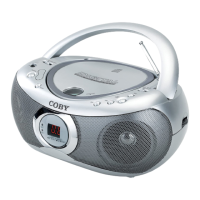
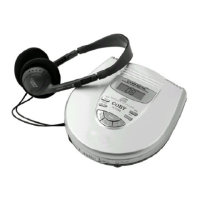
1. Follow the instructions for loading a CD and connect the included earphone
to the earphone jack of the CD player.
2. Wait a few seconds until both the CD’s track number and elapsed time
appear on the display screen.
Programming a CD
1. In CD playback mode, press the Stop button to stop the CD playback.
2. Press the Program button P. “00” begins to blink on the display screen.
3. Press the Previous/Next Track button to select the track you wish to program.
4. Press the Program button P to save the selected track for programming.
Repeat step3 and step4 to program up to 20 tracks to play in the order they
are programmed.
5. Press the Play/Pause button to start the playback for the programmed
tracks.
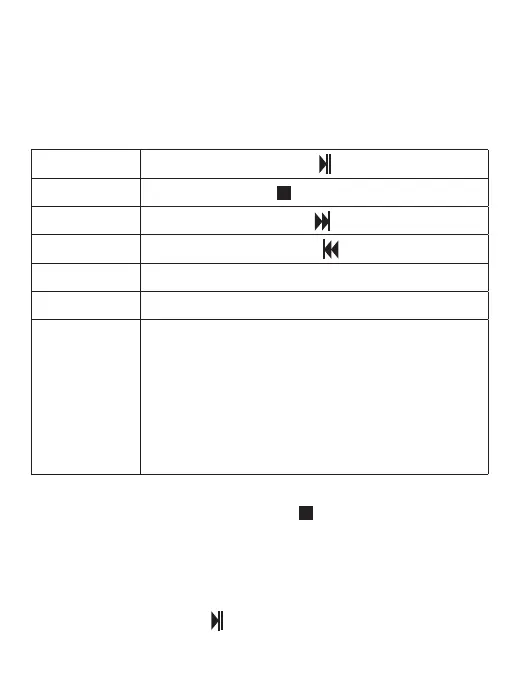
Playback Control
Press the Volume + button.
Press the Play/Pause button .
Press the Stop button .
Press the Next Track button .
Press the Previous Track button .
Press the Volume - button.
Volume down
Set the playback
mode
Press the Mode button M to set your desired playback mode.
The playback mode indicator will appear on the display screen.
REP: Repeat mode for playing a single track repeatedly.
ALL REP: All Repeat mode for repeating an entire CD.
RAND: Random mode for shuing the track playback order.
INTRO: Intro mode for previewing the first ten seconds of
each track in intro mode.
Note: To set Intro playback mode, press the Mode button
M, then press the Previous or Next track button.
Volume up
Play/Pause
Stop
Next track
Previous track
EN 3


 To Next Page