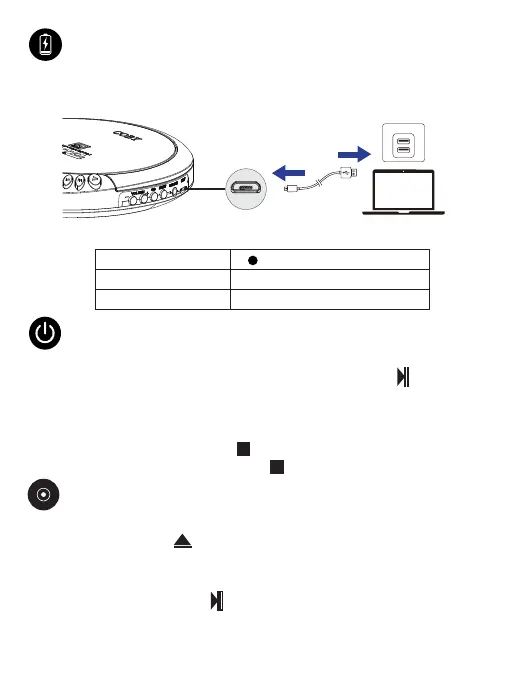
Connect the supplied Micro USB Charging Cable to a USB power source and the
Micro USB charging port of the CD player.
Turning on/o
Turning the CD player on
After fully charging the CD player, press the Play/Pause button to turn on
the CD player, and it will automatically default to CD playback mode.
Turning the CD player o
To turn the CD player o:
In CD mode, press the Stop button twice.
In FM Radio mode, press the Stop button once.
Micro USB cable
USB power source
Micro USB
Charging port
EN 2
Charging
Steady red
Charging LED indication
O
Charging
Fully charged
Charging Time
4 Hours
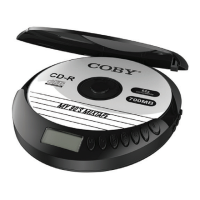
Loading a CD
1. Press the Open button to open the CD door.
2. Place a disc on the disc tray with the label side up.
3. Press the CD door to close it.
4. Press the Play/Pause button to turn the CD player on, then the CD player
will automatically enter CD mode and load the CD, and the “CD” appears and
the track format flashes on the display screen.
Playing CD


 To Next Page