For more controls and settings, tap “Scene” and “Me” at the bottom of the
App screen.
When you forget where you left your headphones, tap the “Find your
headphones”
menu of the App on your phone to locate it.
On home screen, tap to enter the Device management menu. This menu
allows you to view the device information, use the Tap to Run and Auto-
mation, share the device, create group features, remove the earbuds
from the app, and so on.
Note: The CHBT84FD can only use the App control on one device. If
you want to use the App control on another device, you should remove
the headphones by following these steps: 1. On the Home screen, tap
>Remove device > Disconnect and wipe data. 2. Tap Me > >Clear
Cashe.
Allows you to rename the headphone’s Bluetooth name and enable or
disable the Game mode for the headphones.
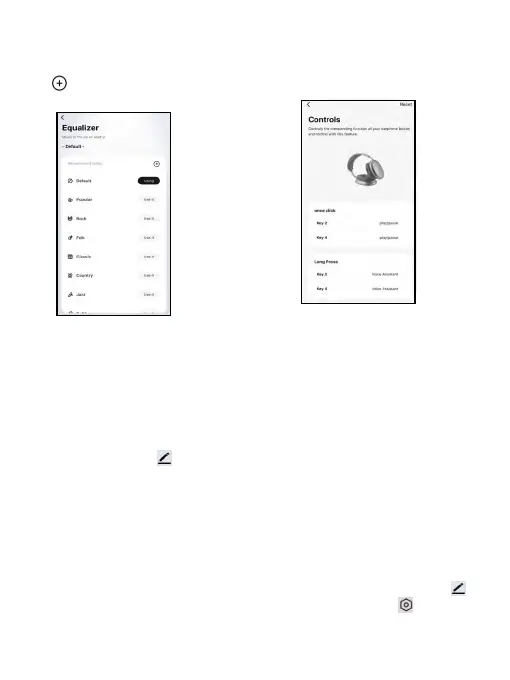
Sound Equalizer Control
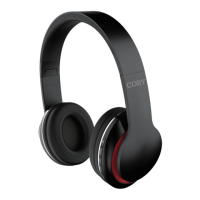
Custom Controls
Settings
Find your headphones
Device management
Set custom controls for each
tap or hold on your headphones
according to your preference.
Tap to choose a sound equalizer
mode that suits your music. And
tap to customize the equalizer
settings for your music.
EN 7


 To Next Page