EasyManua.ls Logo

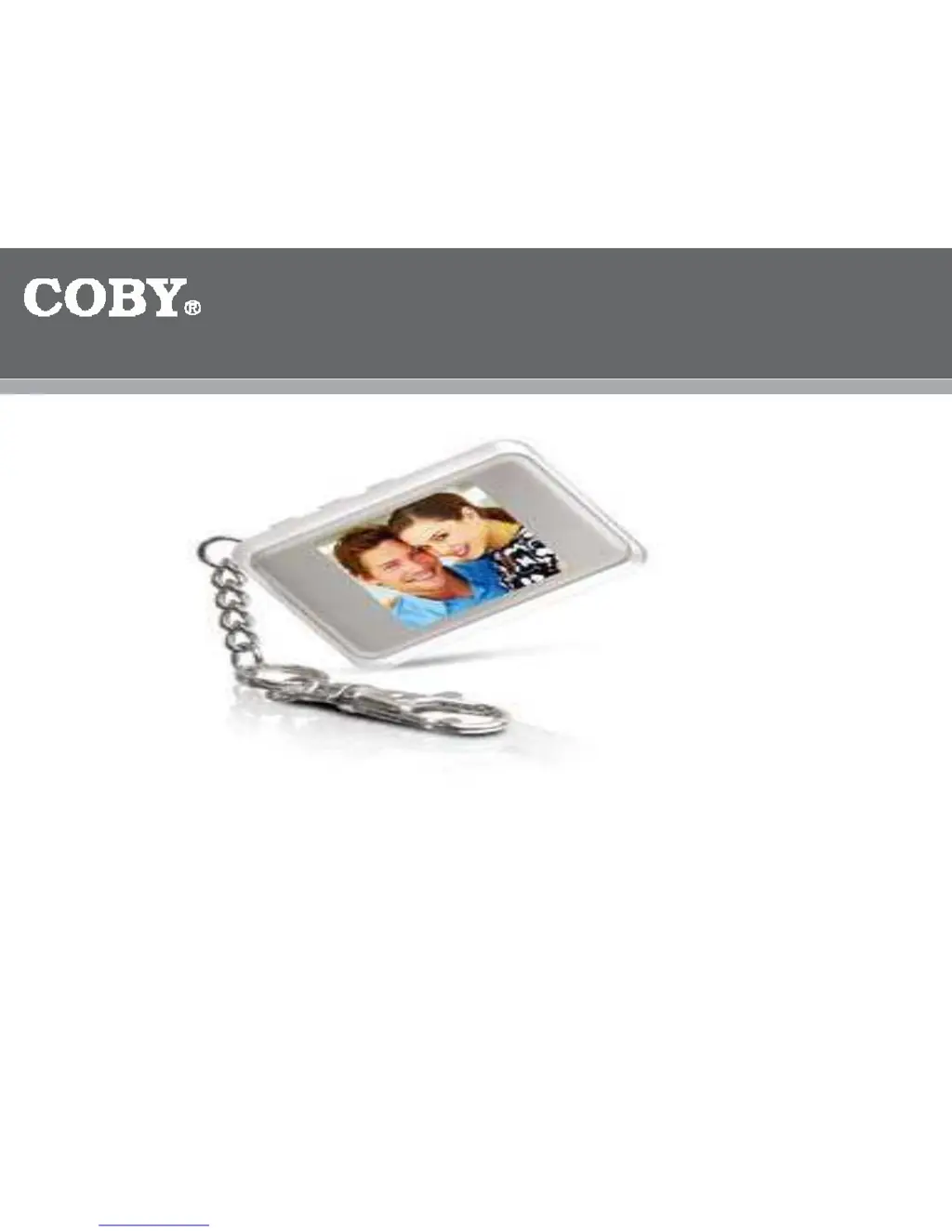
Coby DP-161 - User Manual

Coby DP-161
7 pages
Print Icon
To Next Page IconTo Next Page
Loading...
DP
16
1
1
.5
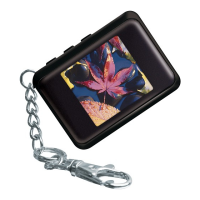
” Color LCD Digital Photo
K
ey Chain
QUICK
SETUP
GUIDE

Other manuals for Coby DP-161

Questions and Answers

  • K
    Kevin JohnsonJul 29, 2025
    What to do if my Coby DP-161 key chain is frozen?
    • J
      Joshua SkinnerJul 29, 2025
      If the Coby Digital Photo Frame key chain freezes, try these steps: First, disconnect and then reconnect the key chain to the computer. If that doesn't work, press the Play/Power button two or three times to turn the key chain off. Alternatively, connect the key chain to your computer, press the RIGHT button followed by the MIDDLE button, and then run the Photo Viewer Software. Also, ensure that you've received the 'Download Complete' message before transferring files.
  • S
    Stephanie DixonNov 13, 2025
    How to fix Coby Digital Photo Frame when it can't find Photo Viewer?
    • D
      Dana WilliamsNov 13, 2025
      If your Coby Digital Photo Frame can't find the Photo Viewer or another program owns it, and the program exits, consider these solutions: * When connecting the Key Chain to your computer, the Keychain will prompt you to select “USB Charge or USB Update". Select USB Update (Press the RIGHT button and then MIDDLE button) then run the Photo Viewer Software. * Make sure that the USB Cable is plugged in all the way (you should hear a clicking sound). * Go to your Desktop to make sure your computer recognizes the Key Chain. The Key Chain should be listed as a REMOVABLE DISK. If not, replace the cable. * Go to your Device Manager to make sure your computer recognizes the Key Chain. The Key Chain should be listed as a STORAGE device in the Device Manager. If not, replace the cable. * Ma...

Summary

Getting Started

Install Photo Viewer Software

Install the Photo Viewer Software to transfer images to the Photo Key Chain from the Driver CD or website.

Download and Install Photo Viewer Software from Website

Create a Folder

Create a folder on your desktop before downloading the software file from the website.

Download the Software

Click the provided link, select 'Download', and choose your Photo Key Chain version to start the download.

Save and Install

Save the downloaded file to your desktop folder and double-click 'Setup.exe' to install the software.

Connect and Transfer Photos

Connect the Key Chain

Connect the Key Chain to your computer using the USB cable and select 'USB Update'.

Run Photo Viewer Software

Launch the Photo Viewer Software and confirm 'Upload Completed' message.

Troubleshoot Connection

Address 'Can't Find Photo Viewer' errors by checking USB connection, port, and device recognition.

Transfer Images

Locate, highlight, send, and transfer images from your computer to the Key Chain.

Troubleshooting and Solutions

Software Not Found

Resolve 'Can't Find Photo Viewer' errors by checking USB connection, device recognition, and administrator rights.

Key Chain Frozen

Unplug/re-plug, power cycle the Key Chain, and reconnect to the computer for resolution.

Download Fail

Ensure connection is stable and the Key Chain battery is fully charged.

Unrecognized Device

Check USB cable connection and try a different USB port or cable.

Cannot Connect to Device

Verify you are using the correct Photo Viewer Software version.

Coby DP-161 Specifications

General IconGeneral
BrandCoby
ModelDP-161
CategoryDigital Photo Frame
LanguageEnglish

Related product manuals