EasyManua.ls Logo

Coby DP-151 - User Manual

Coby DP-151
12 pages
Print Icon
To Next Page IconTo Next Page
Loading...
Instruction Manual
Please read this manual carefully before operation
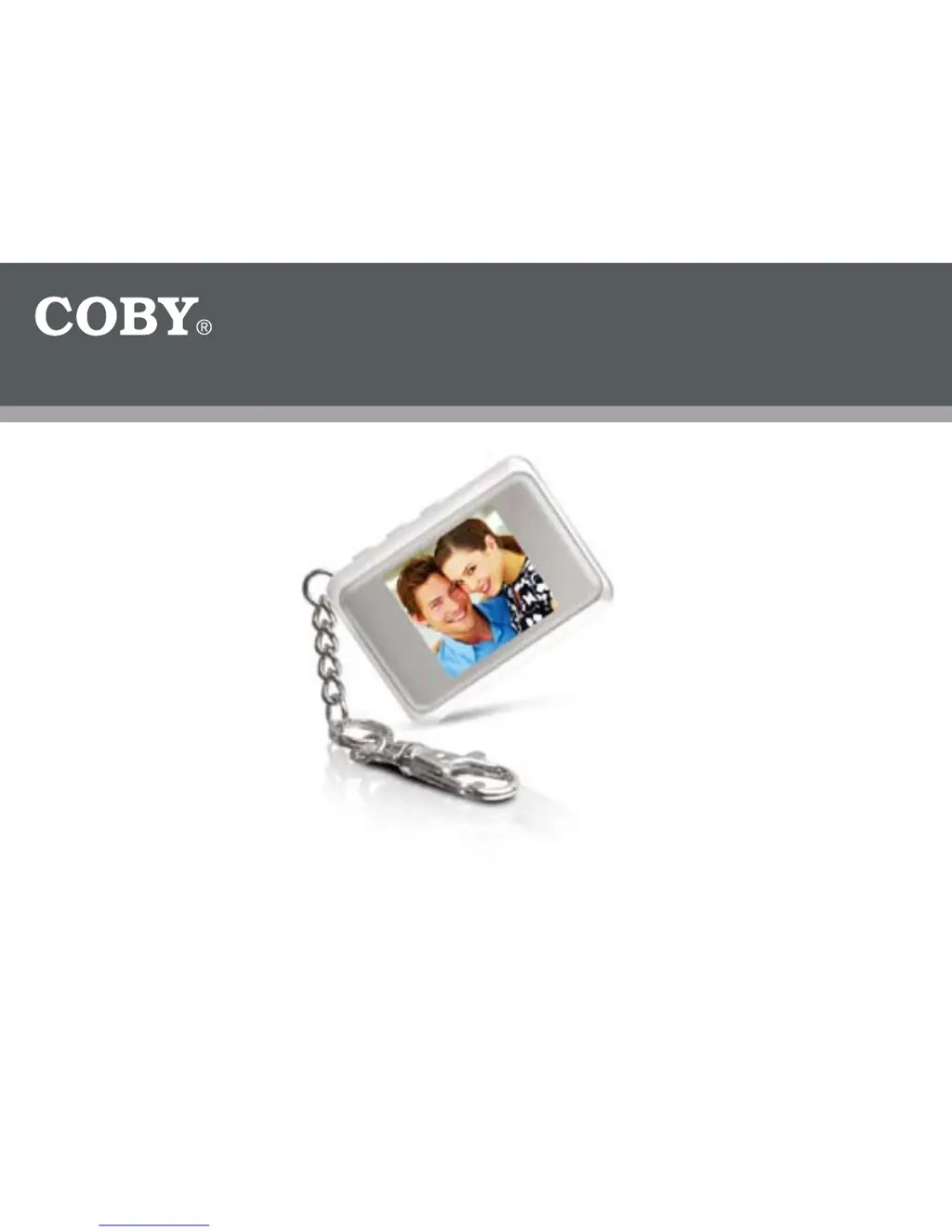
1.5″ Color LCD Digital Photo Key Chain
DP-151
151SX

Other manuals for Coby DP-151

Questions and Answers

  • R
    Randall LambertJul 30, 2025
    How to fix 'Can’t Find any Photo Viewer' error on Coby DP-151?
    • D
      Debra LawrenceJul 30, 2025
      If you encounter a 'Can’t Find any Photo Viewer' error on your Coby Digital Photo Frame, it might be because of the USB connection setting or administrator rights. When connecting the device, select “USB update” and run the Photo Viewer software. Also, ensure you have full administrator rights on your computer.
  • J
    Joshua OlsonAug 6, 2025
    What to do if my Coby Digital Photo Frame cannot connect to the device?
    • L
      laura52Aug 6, 2025
      If your Coby Digital Photo Frame is not connecting, try these steps: First, disconnect and then reconnect the device to your computer. If that doesn't work, reboot your computer. Also, ensure you're using the correct Photo Viewer Software for your device version.
  • M
    Madeline BrownAug 13, 2025
    What to do if Coby DP-151 Digital Photo Frame download fails?
    • K
      Katherine KimAug 14, 2025
      If your Coby Digital Photo Frame download fails, try these steps: Disconnect the device from your computer. Then, turn the device off by pressing the middle button twice, and reconnect it to your computer while it is turned off. Finally, run the Photo Viewer Software to transfer your files.
  • C
    carneyaimeeAug 21, 2025
    Why my Coby Digital Photo Frame shows as 'Unrecognized Device'?
    • D
      deborahcaldwellAug 21, 2025
      If your Coby Digital Photo Frame is showing as an 'Unrecognized Device', check the USB cable to ensure it is properly connected. If the issue persists, try replacing the USB cable.

Summary

Precautions

Safety Symbols Explanation

Explains CAUTION/WARNING symbols and their meanings within the product enclosure.

General Safety Warnings

Covers fire, shock hazards, moisture, and proper disposal instructions for the device.

Important Safety Instructions

Product Information

Package Contents

Lists all items included in the product packaging for user verification.

Features and Specifications

Details the product's capabilities, screen, memory, and design features.

Device Controls and Display

Controls at a Glance

Identifies and describes the physical buttons and ports on the device.

Display at a Glance

Explains the information displayed on the device's LCD screen, like photo numbers and time.

Getting Started

Charging and Powering On;Off

Describes battery charging via USB and the procedure for turning the device on and off.

Menu Operations

Main Menu and Options

Details how to navigate the main menu and use its various options like Delete and Display Mode.

Photo Viewer Software (Windows)

Installation and Usage

Instructions for installing and using the Photo Viewer software on Microsoft Windows.

Photo Viewer Software Functions (Windows)

Key Chain Photo Management

Describes transferring, deleting, and preparing photos for the key chain using the software.

Photo Viewer Software (Macintosh)

Installation and Usage

Instructions for installing and using the Photo Viewer software on Macintosh OS X.

Photo Viewer Software Functions (Macintosh)

Key Chain Photo Management

Describes photo transfer and preparation for the key chain for Mac users.

Technical Support

Coby DP-151 Specifications

General IconGeneral
BrandCoby
ModelDP-151
CategoryDigital Photo Frame
LanguageEnglish

Related product manuals