Page 29 Managing Applications
English
You can learn more about GetJar, and browse for ap-
plications by visiting their website at www.getjar.com.
Some developers allow you to download and
installapplicationsdirectlyfromtheirwebsite.
Your Coby Mobile Internet Device may include
accessto,orinformationon,content,products,
applicationsandservicesfromthirdparties.Your
use of such third party content, products,
applicationsandservicesis at thediscretionof
suchthirdpartyandexpresslygovernedbysuch
thirdparty’stermsofuse,includinganysuchthird
party’s privacy policies, for such content,
products, applications and services. Coby
ElectronicsCorporationisnotresponsibleforand
expresslydisclaimsallwarrantiesofanykindwith
respecttoallsuchthirdpartycontent,products,
applications and services. Coby Electronics
Corporationwillnotberesponsibleforanyloss,
costs,ordamagesincurredduetoyouraccessto
oruseofthirdpartycontent,products,applications
orservices.
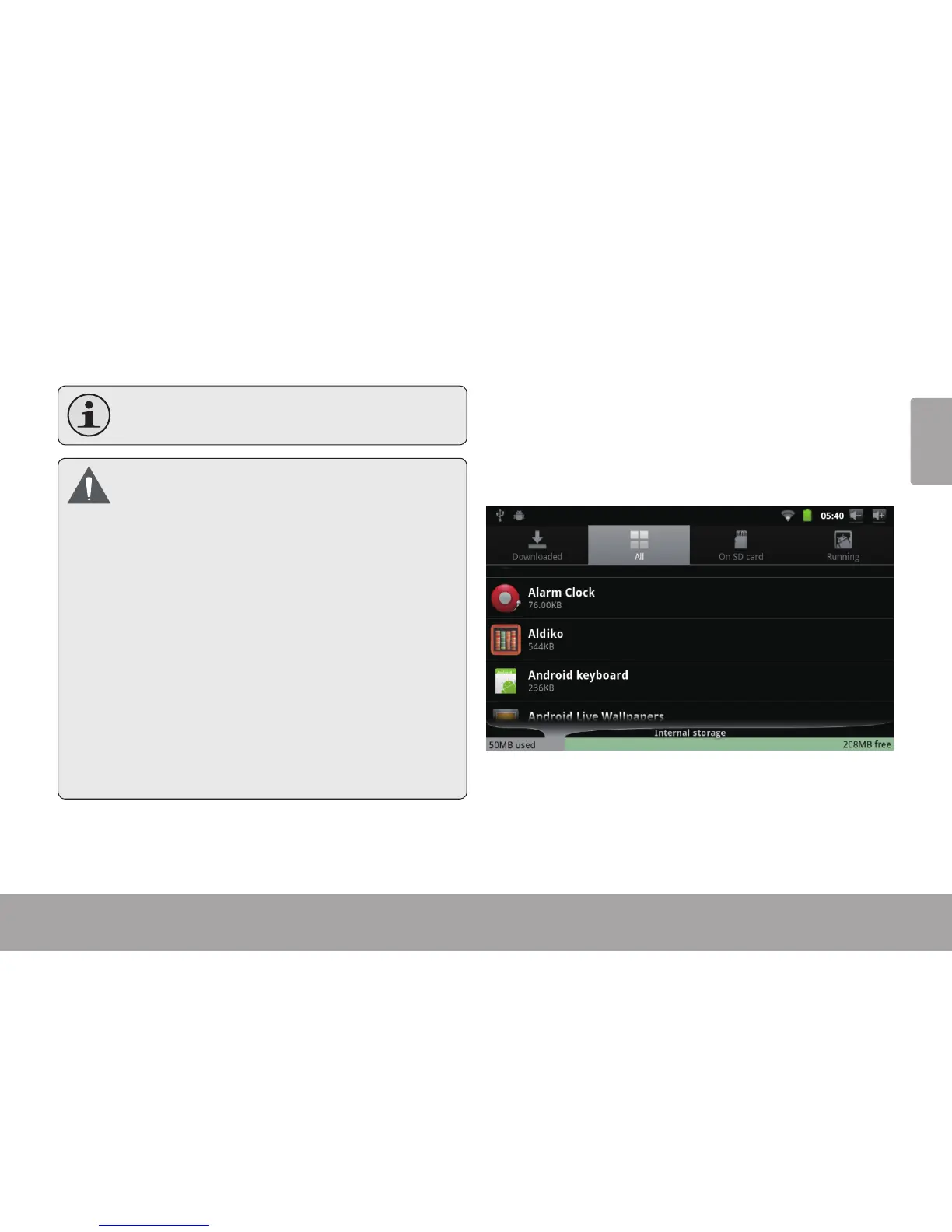
To uninstall an application:
1. From the Home screen, press the Menu key.
2. Touch Settings to open the Settings menu.
3. Touch Applications, and then touch Manage ap-
plications to show a list of all applications installed
on the tablet.



 To Next Page