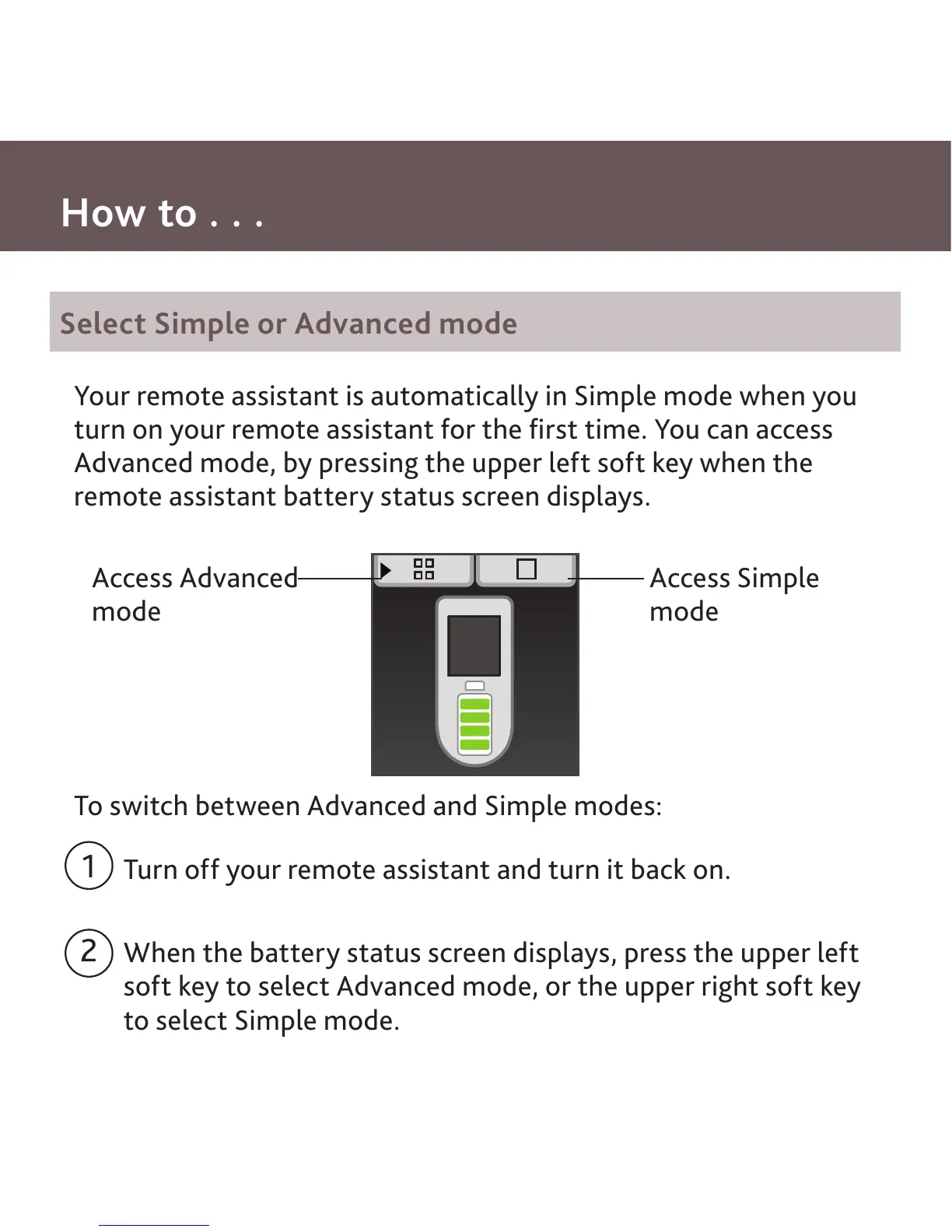
Your remote assistant is automatically in Simple mode when you
turn on your remote assistant for the first time. You can access
Advanced mode, by pressing the upper left soft key when the
remote assistant battery status screen displays.
To switch between Advanced and Simple modes:
Turn off your remote assistant and turn it back on.
When the battery status screen displays, press the upper left
soft key to select Advanced mode, or the upper right soft key
to select Simple mode.
Select Simple or Advanced mode
Access Advanced
mode
Access Simple
mode
How to . . .
1
2



 To Next Page