How to . . .
Use Demo mode
Demo mode allows you to familiarise yourself with the features
on your remote assistant.
To enter Demo mode when your remote assistant is already
paired with your processor:
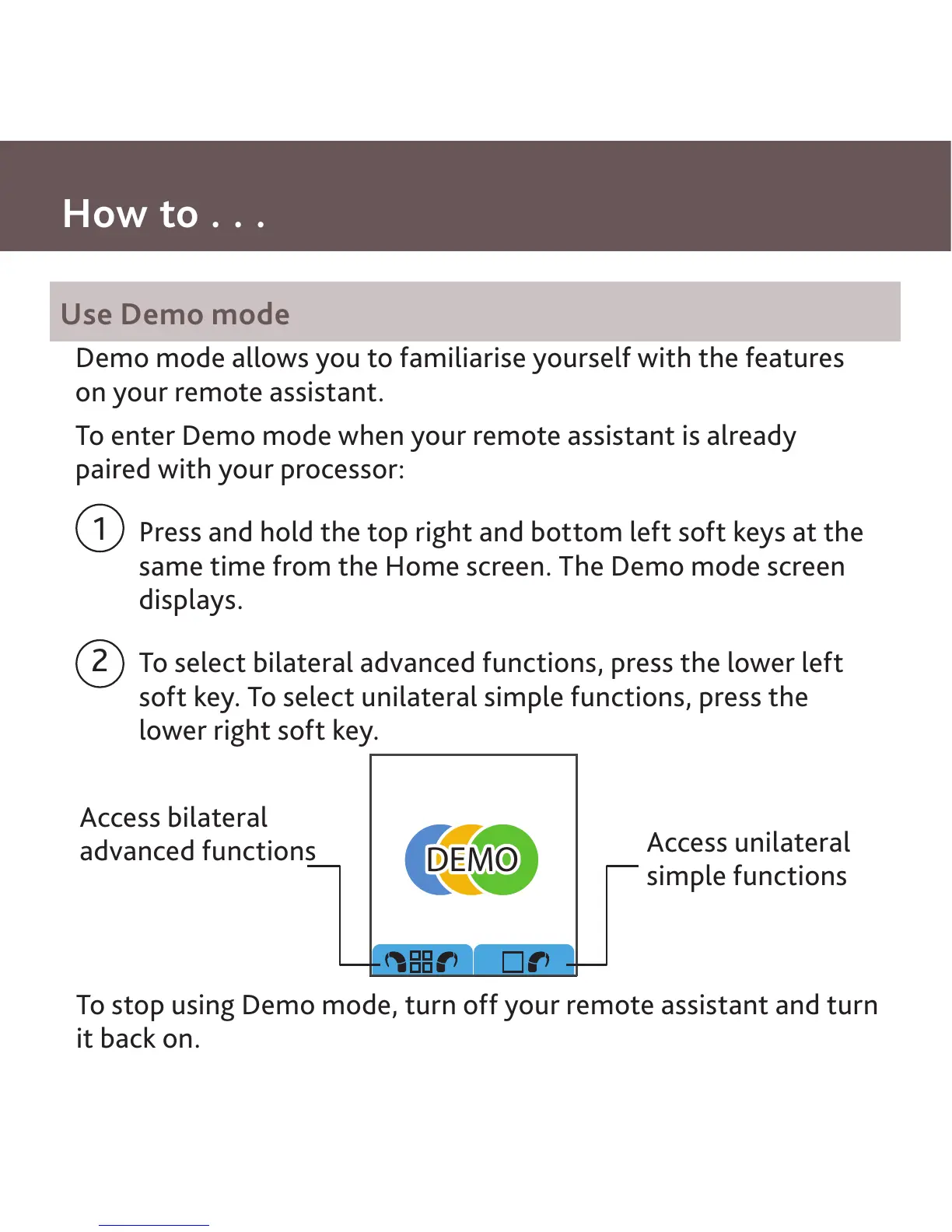
Press and hold the top right and bottom left soft keys at the
same time from the Home screen. The Demo mode screen
displays.
To select bilateral advanced functions, press the lower left
soft key. To select unilateral simple functions, press the
lower right soft key.
1
2
DEMO
Access bilateral
advanced functions
Access unilateral
simple functions
To stop using Demo mode, turn off your remote assistant and turn
it back on.



 To Next Page