Cochlear
™
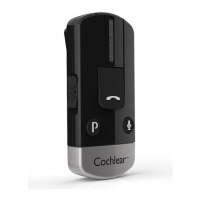
Wireless Phone Clip
Quick guide for Baha
®
users
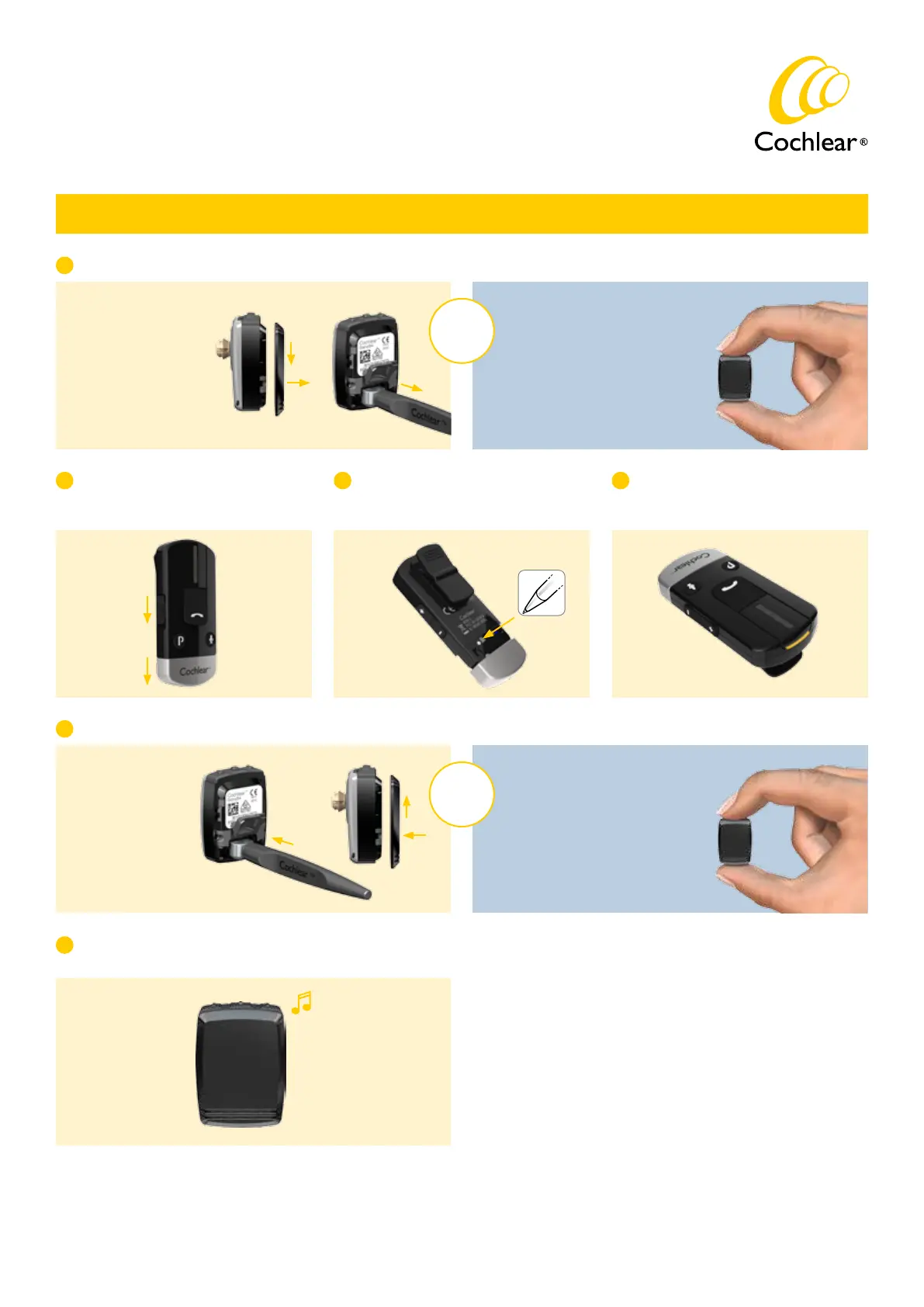
Pairing with your Baha 4 Sound Processor
A
Switch off your Baha 4 Sound Processor:
B
Switch on your Phone Clip and remove
the silver cap.
E
Press the white pairing button on the
Phone Clip once using the tip of a pen
or similar object.
C
By opening the
battery door and
removing the battery.
By pressing the
“off/volume down”
button.
OR
While pairing mode is active, switch on your sound processor:
By inserting the
battery and closing
the battery door.
By pressing the
“on/volume up” button.
OR
D
The LED will flash yellow every two
seconds and the Phone Clip will now
be in pairing mode for 20 seconds.
F
Successful pairing will be indicated by an audible melody
played in the sound processor.
Switch on
Remove cap


 To Next Page