Cochlear
™
Wireless Phone Clip
Quick guide for Baha
®
users
Pairing with your mobile phone
A
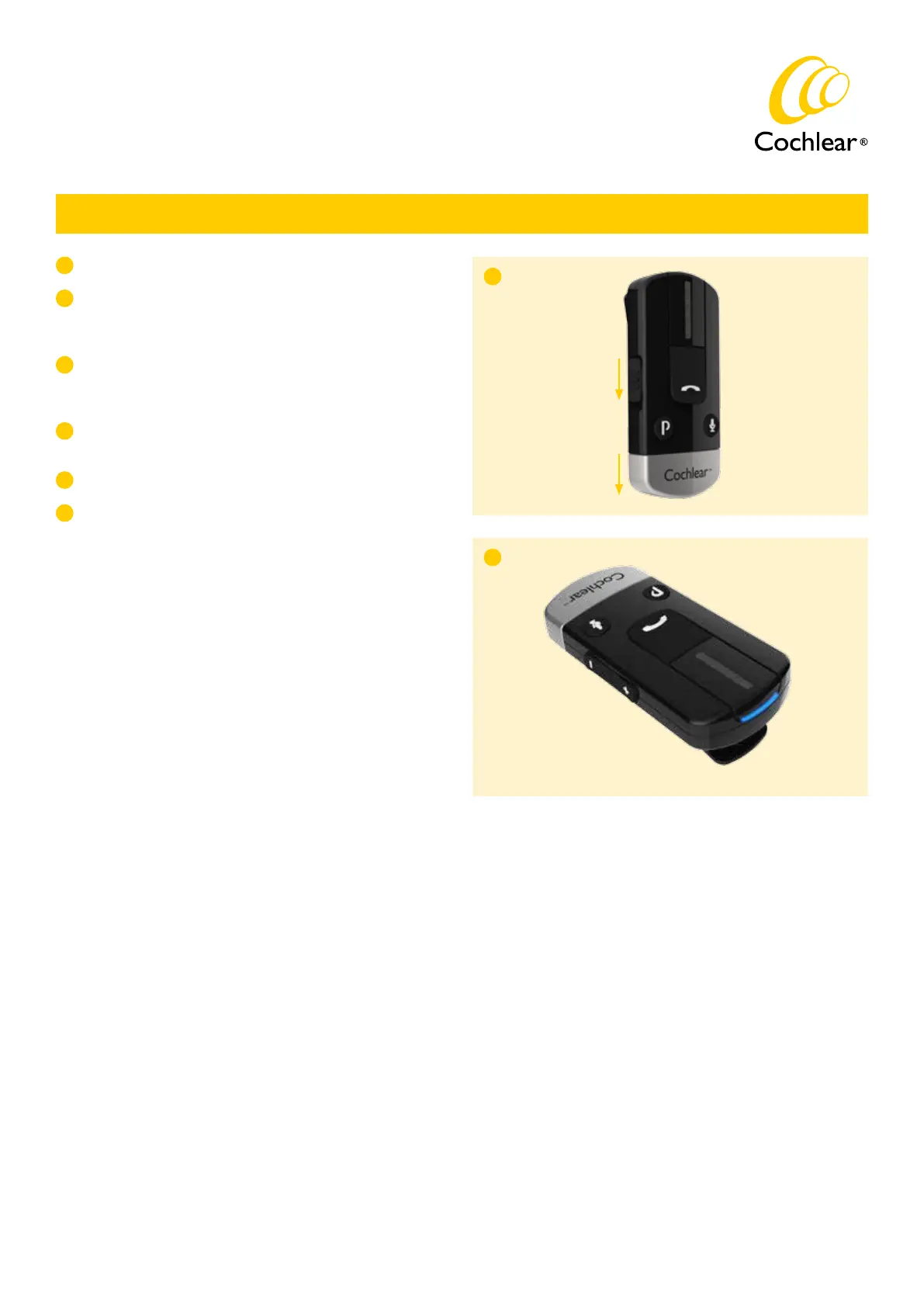
Switch on your Phone Clip and remove the silver cap.
B
Make sure your mobile phone’s Bluetooth function is switched on.
Refer to your mobile phone user guide or visit www.jabra.com
for instructions.
Press the blue Bluetooth pairing button on the Phone Clip once
to activate the pairing mode for 2 minutes. During pairing the LED
will turn blue.
C
A
D
On your mobile phone search for new Bluetooth devices and select
“Hearing Aid Phone” from the list.
E
If your mobile phone asks for a passcode, enter “0000” (four zeros).
F
Your Phone Clip should now be paired with your mobile phone.
If your mobile phone asks which Bluetooth service you wish to
enable, select “Headset”.
Ardium, Baha, Baha Divino, Baha Intenso, Baha PureSound, Baha SoftWear, DermaLock, Vistafix and WindShield are either trademarks or registered trademarks of Cochlear Bone Anchored Solutions AB. Cochlear, Hear Now. And
always and the elliptical logo are either trademarks or registered trademarks of Cochlear Limited. © Cochlear Bone Anchored Solutions AB 2014. All rights reserved. JAN14.
Manufacturer:
Cochlear Bone Anchored Solutions AB
Konstruktionsvägen 14, SE - 435 33 Mölnlycke, Sweden
Tel: +46 31 792 44 00 Fax: +46 31 792 46 95
www.cochlear.com
C
E82989A
Switch on
Remove cap


 To Previous Page