P.22
4 OPERATION
USER MANUAL v1.0
CODA AUDIO LINUS10
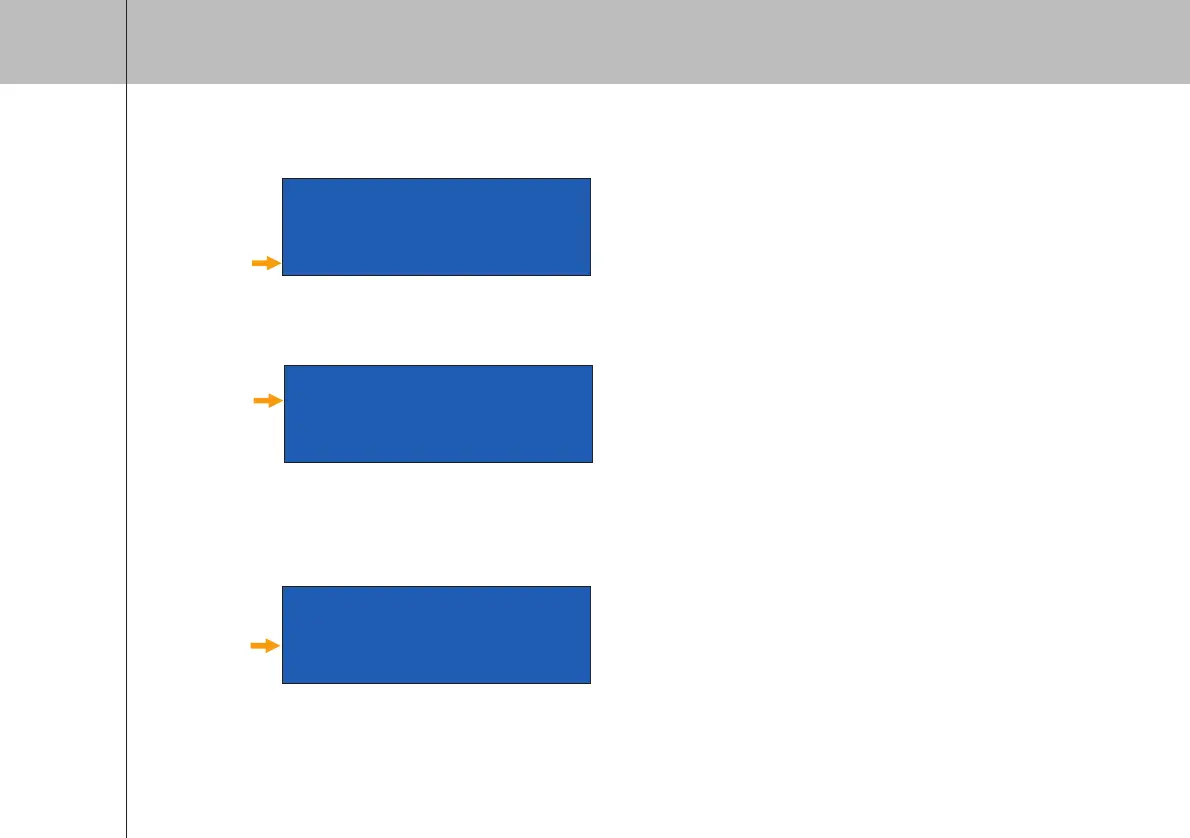
Gain
Linus10 Master #01
P 14:ViRAY-A G
I 1_LF 1_HF
G 0.0 0.0
5. Input Gain
- Position “G” – Adjust the Gain of the selected channel and push to confirm.
6. Delay
- Press the “Down” button to skip to second operation page.
- Move selection field to position “D” - Delay
• Push the encoder knob on the corresponding output channel
that you want to delay, choose value and confirm.
• Delay is shown in ms (milliseconds)
Delay
O 1_LF 1_HF
D 0.00 0.00
G 0.0 0.0
T 1->
Output Gain
O 1_LF 1_HF
D 0.00 0.00
G 0.0 0.0
T 1->
7. Output Gain
- Position “G” – Push encoder of the selected output channel to adjust the gain, push it again to confirm.
CODA AUDIO
LINUS 10


 To Next Page