16
7. SYSTEM PROGRAMMING, CONTINUED
Security Programming Selectable Features
1. Enter the vehicle and turn the ignition key to the ON position.
2. Press and release the programming switch 3 times. The siren will chirp 1 time and the LED will flash
once.
3. Immediately turn the ignition key OFF then ON. The siren will sound 1 short chirp and then 1 long chirp.
4. You are currently in feature selection 1. Use the program switch to advance to the feature you want to
change. Note: There is no notification for advancing through options. The system will chirp to acknowledge
the default setting for each option after each press of the programming switch.
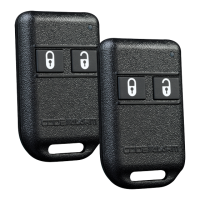
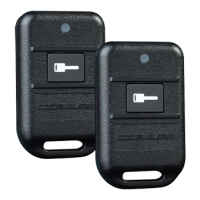
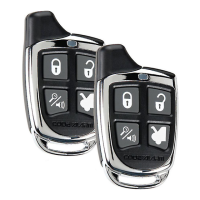
5. Use the LOCK icon button on the transmitter to change the setting of a feature.
IMPORTANT!!!
IF YOU ALLOW MORE THAN 15 SECONDS TO PASS BETWEEN STEPS, THE PROGRAMMING
MODE WILL BE TERMINATED
SECURITY PROGRAMMING CHART
FEATURE SELECTION 1 Chirp 2 Chirp 3 Chirp DEFAULT
1. Door Locks 1 Sec. 3.5 Sec Dbl. Unlock 1 Sec.
2. IGN. Lock On Off Off
3. IGN. Unlock On Driver Only On All Doors Off Off
4. Passive Locks On Off Off
5. Passive Arming On Off Off
6. Siren/Horn Siren/Horn Siren Horn Siren/Horn
7. Horn Chirp 10mS 16mS 30mS 16mS
8. Override Method Custom Code Valet Valet
9. Two Step Unlock On Off Off
10. Chirp Delete On Off Off



 To Next Page