31
pçÑíï~êÉ=fåëí~ää~íáçå=
NOTE: New systems do not require software installation. Only perform these steps
to install new software or when instructed by Codonics Technical Support.
1. Make sure all jobs are complete before installing software.
2. If not already on, power on Virtua C.
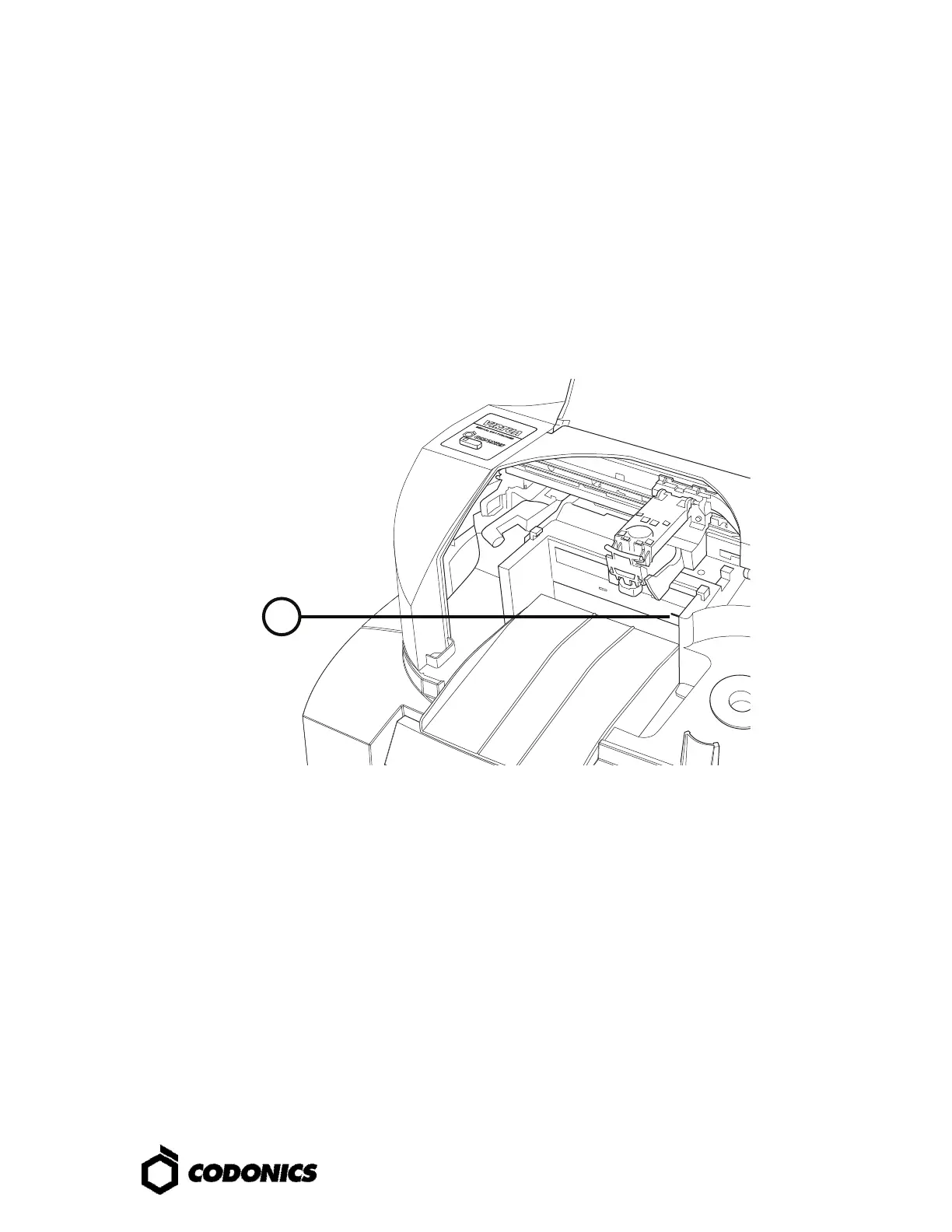
3. Open the Recorder cover.
4. Open the drive tray.
5. If there is a disc in the drive tray, remove it.
6. Place the Operating Software disc in the drive tray.
7. Close the drive tray, but leave the Recorder cover open.
8. Perform a soft shutdown by pressing and holding the System power button for
about a second.
9. After the shutdown is complete, close the Recorder cover.
10. Press the System power button to start up Virtua C.
11. Wait for the software installation to complete and for Virtua C to reboot (which
could take about 45 minutes), indicated when the System status light is green.
The Operating System disc should eject into the output bin.



 To Next Page