5
^ëëÉãÄäó=
NOTE: A complete User’s Manual is included on the Accessories and Manuals
disc. The User’s Manual includes additional details and safety notices.
1. Place the Controller on a solid level surface.
NOTE: For proper airflow, allow approximately 4 in. (10 cm) around the Controller.
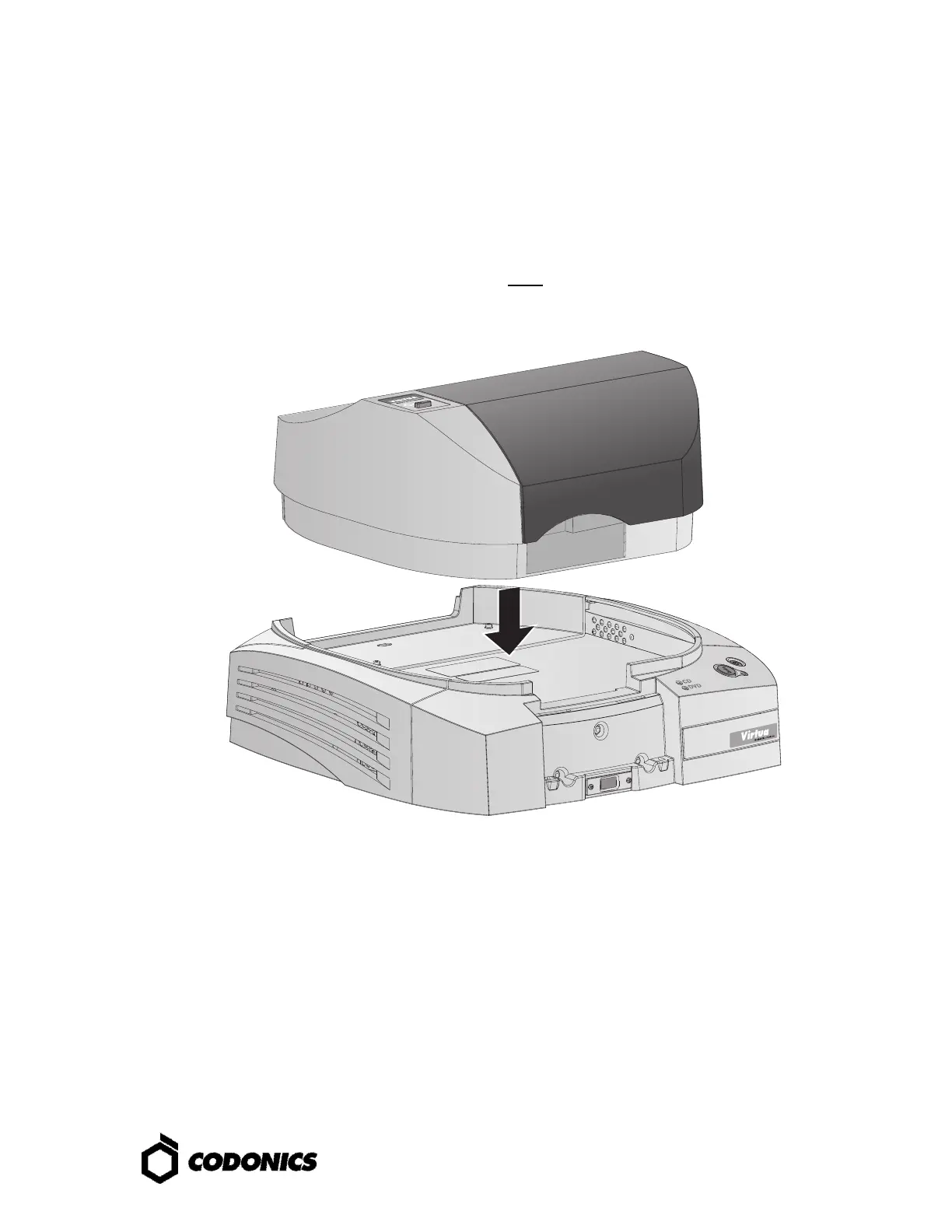
2. Place the Recorder on the Controller.
NOTE: Use care to avoid pinching fingers.



 To Next Page