7.5. Coffee portions: (Default settings)
Recommended portions for Crem International AB
coffee machines, Original and Cater.
The display shows: 4 = 35 grams
6 = 55 grams
8 = 75 grams
10 = 95 grams
12 = 115 grams
14 = 130 grams
Note: Coffee portions 4 - 12 are recommended for 1.8 litre pots/thermoses.
Coffee portions 12 - 14 are recommended for 2.2 litre and 2.5 litre thermoses.
Important! To prevent brewing problems, never exceed 150 grams.
D
E
G
7.
7.4. Start the grinder.
7.4.1. Turn on the grinder by pressing the ON/OFF button (B).
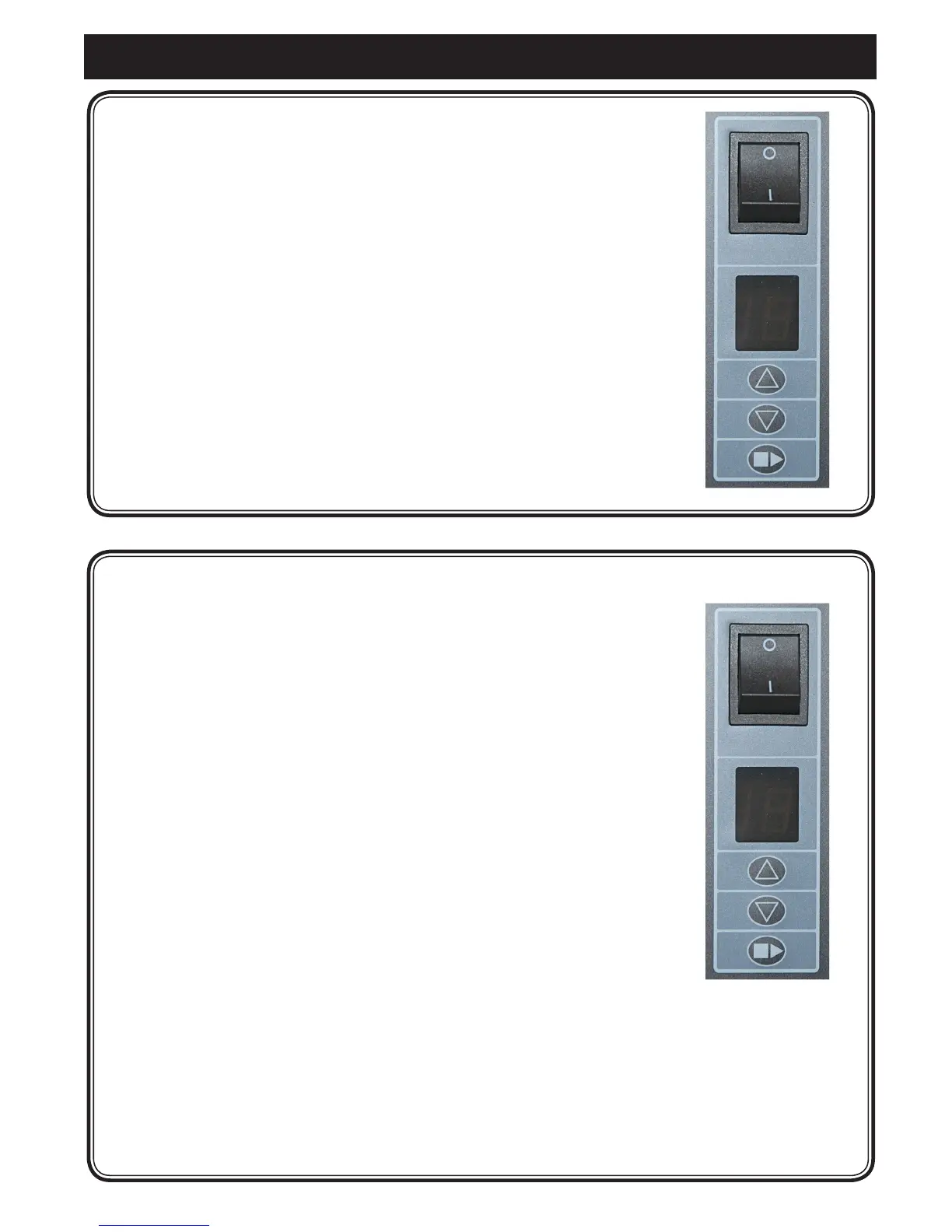
7.4.2. The display (C) shows the current coffee portion setting.
7.4.3. You can select preset coffee portions by pressing on
the buttons (D) or (E).
(See the recommendations in chap. 7.5. Coffee portions).
7.4.4. Insertalterinthelterholder(F)andplacethelterholder
under the coffee dispenser. Use only Crem International AB-
recommendedpaperlters.For90mmlterholders,
lter110100 whenordering,and110mmlterholders,lter
110110 when ordering.
7.4.5. BEGIN the grinding by pressing button (G).
B
C
7. Installation and start-up. Original Grinder
D
E
G



 To Next Page