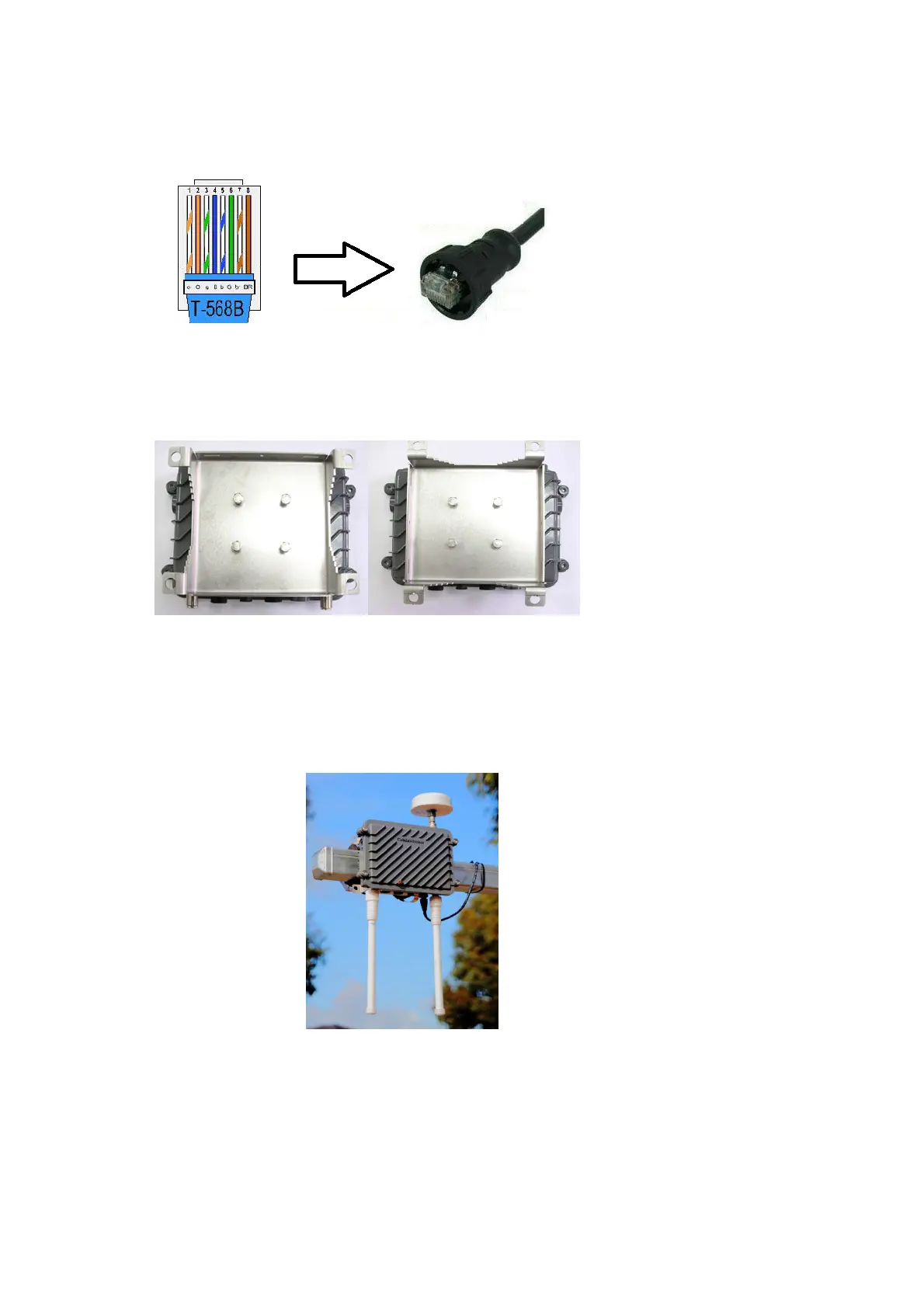
2.3 Construct Ethernet using T-568B pin assignment. The MK5 RSU can only be powered
through Ethernet port, it supports either Mode A (Endspan) or Mode B (Midspan).
2.4 Mounting bracket is attached to RSU by default. Both vertical and horizontal mounting
are supported.
2.5 Bracket can be mounted to Pole using the provided Stainless Steel straps or can be bolt to
wall through four mounting holes at bracket.
Horizontal Mount
Vertical Mount
RSU attached to
horizontal pole.


 To Next Page