- 4 -
Assembling the Activity Walker (continued)
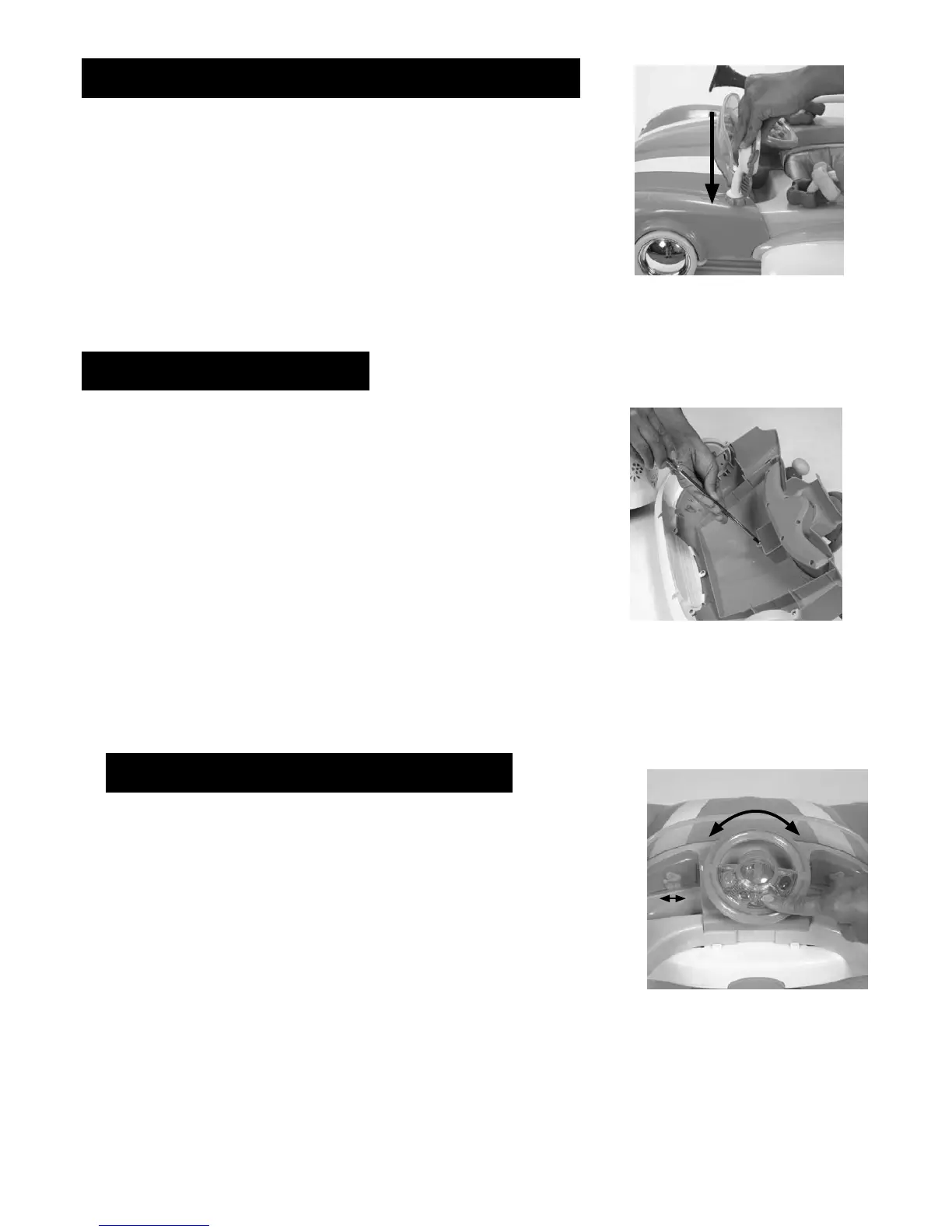
5. Align the side mirror with the hole to
the left and right of the steering wheel
on the car toy tray and press into place
as shown in figure 5.
figure 5
Installing the Batteries
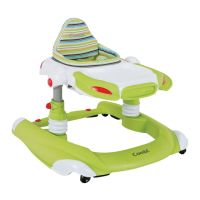
1. On the bottom of the car toy tray,
loosen the battery lid screw and remove
the battery lid. Insert2"AA" batteries,
replace the battery lid and tighten the
screw as shown in figure 6.
figure 6
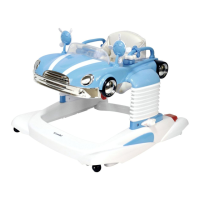
figure 7
Using the Steering Wheel
figure 7
1. Turning the steering wheel from side to
side will make the toys on the dashboard
move from side to side as shown in
figure 7.
2. Press the large button in the center of
the steering wheel to sound the horn.
Press any of the four other buttons
on the steering wheel to play different
musical tunes as shown in figure 7.
WARNING - Remove plastic protective film from
both mirrors before use.


 To Next Page