If the humidity increase in the room again, the Comedes Demecto 10 will automatically restart.
Repeatedly pressing the humidity setting button, to set a target humidity of CO, 50%, 60%,
70%, 80% and AU.
The hysteresis of the device is approximately 3%.
During operation, the current humidity is displayed on the display. If the actual humidity is
below 35% the display will show „LO“. When the humidity is above 95% the display will show
„HI“.
Continuous operation (CO):
With the setting „CO“, the unit will dehumidify with maximum capacity and won‘t switch off till
the the water tank is full.
Comfort mode (AU):
With this setting, the unit operates in a automatic mode, which is influenced by temperature.
1. At a temperature below 5 ° C, the compressor stops.
2. At a temperature between 5 ° C and 20 ° C, a target humidity of 60% is automatically
set.
3. At a temperature between 20 ° C and 27 ° C, a target humidity of 55% is automatically
set.
4. At a temperature above 27 ° C, a target humidity of 50% is automatically set.
Important: After setting a value, don't press any other button within 5 seconds, to the save
setting.
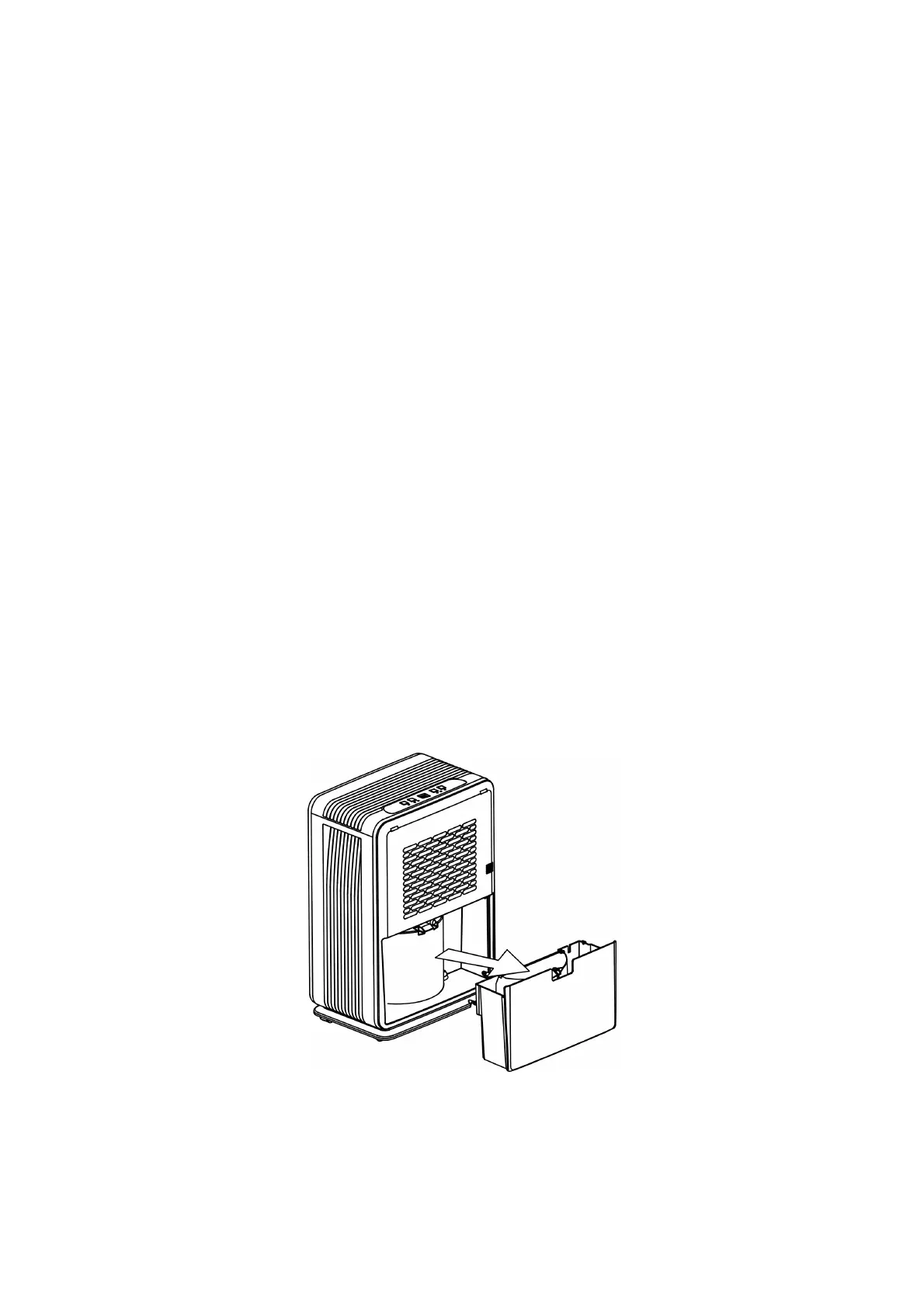
Emptying the water tank:
When the water tank is full, the Comedes Demecto 10 switches off automatically and the red
LED (tank “full” indicator, Fig. 3) will light up. You need to empty the water tank before you
can continue using the Demecto 10.


 To Next Page