System Operation
Basic settings – hotkeys
From the main screen, operators can:
• Enter [Patient Management] page
• Enter [Alarm] page
• Enter a parameter’s setup page by click its wave or value area
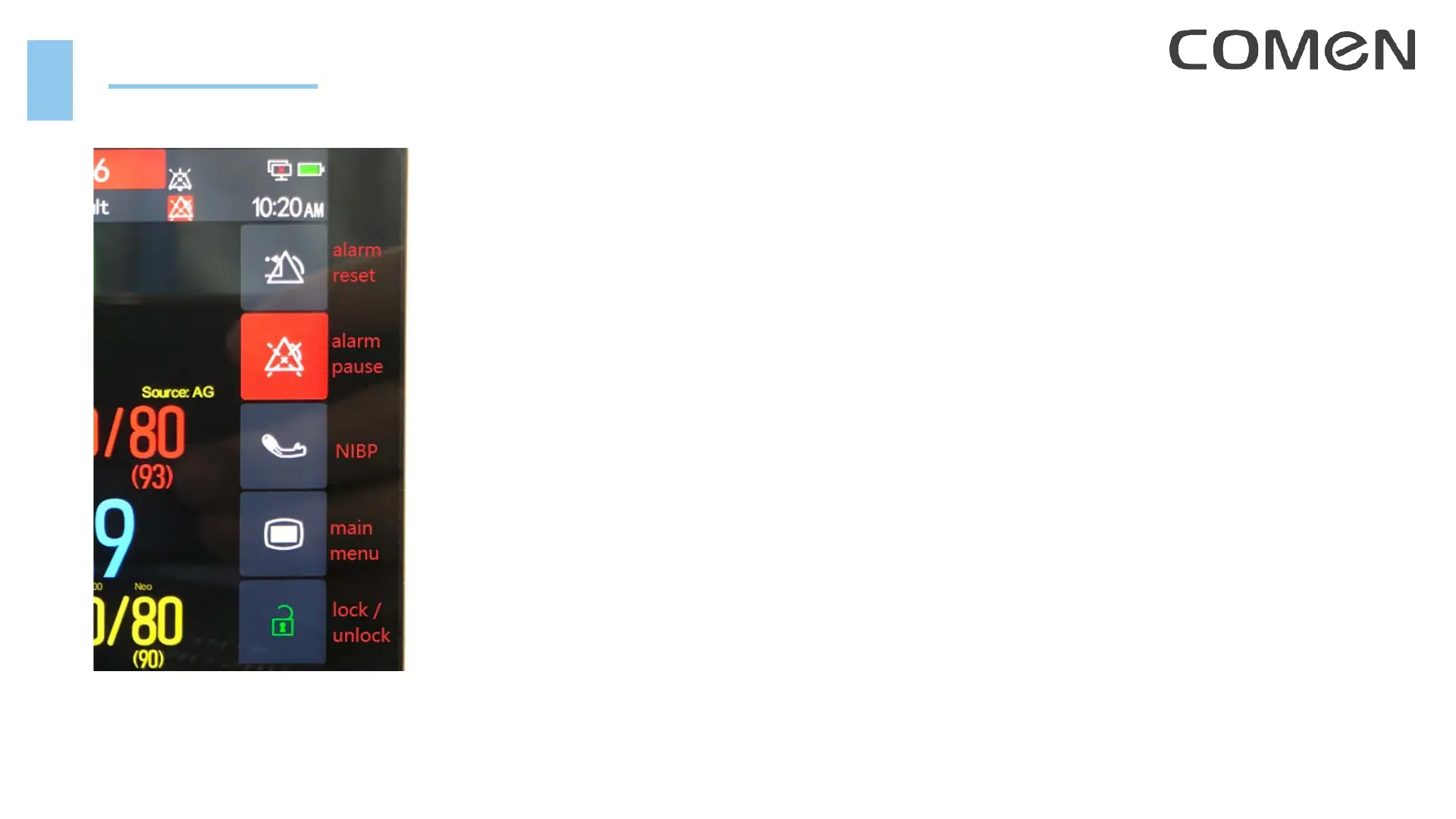
• Use Hotkeys:
lock / unlock touch function
main menu
start / stop NIBP measurement
alarm pause
alarm reset
NIBP setup
save a manual event
enter Standby mode
print
enter [Screen Setup] page
• Switch screens: multi-point touch control function



 To Next Page