System Operation
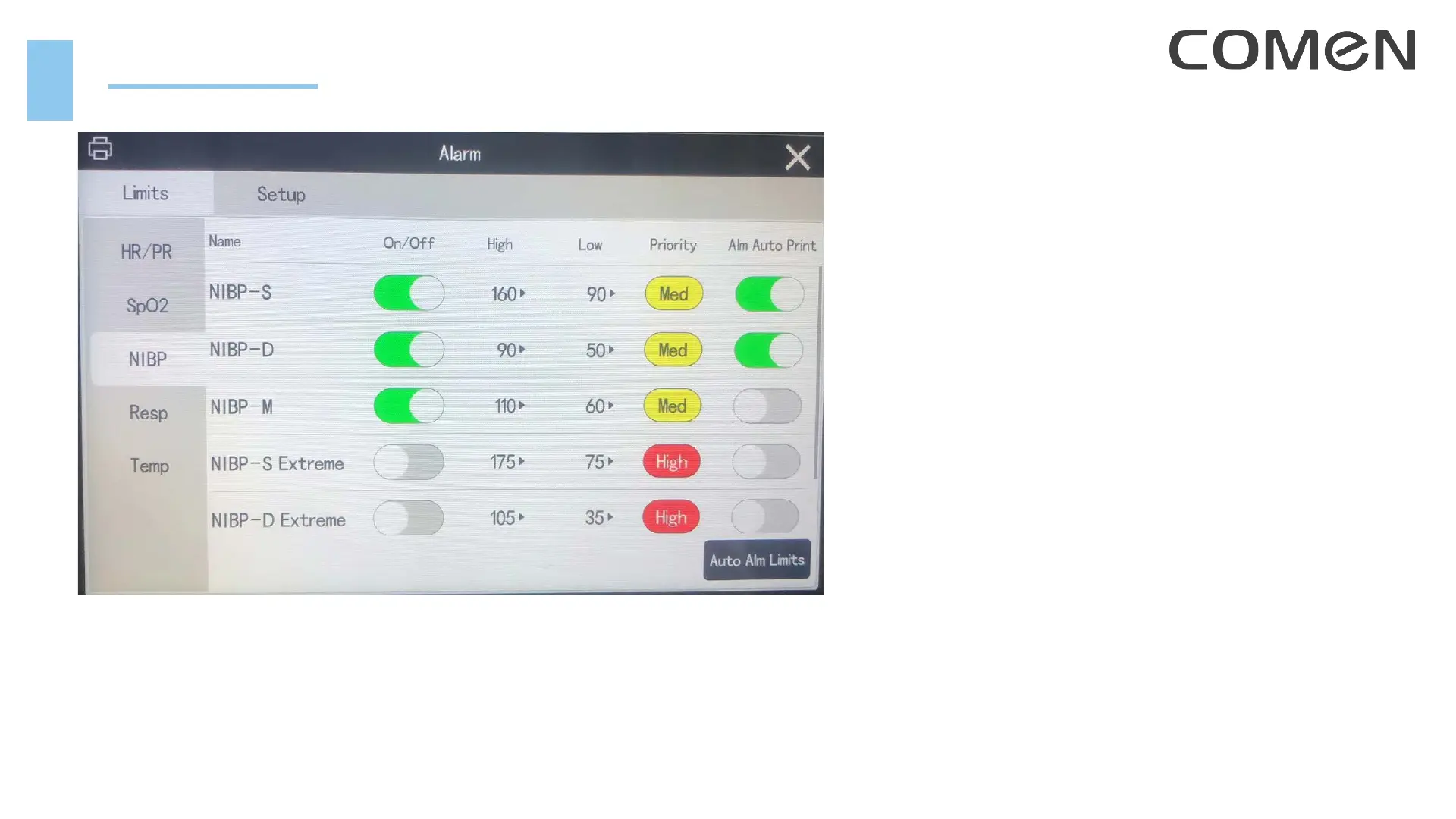
Alarm Setup
1. Turn on / off the alarm for each parameter
2. Set the High / Low limits for each alarm
3. Set the priority for each alarm
4. Turn on / off alarm auto print for each alarm
5. Setup alarm volume, reminder volume
6. Set ST alarm, Arrhythmia alarms
7. Enter intubation mode
8. Enter CPB mode (only for OR department use)



 To Next Page