System Operation
System and Maintenance
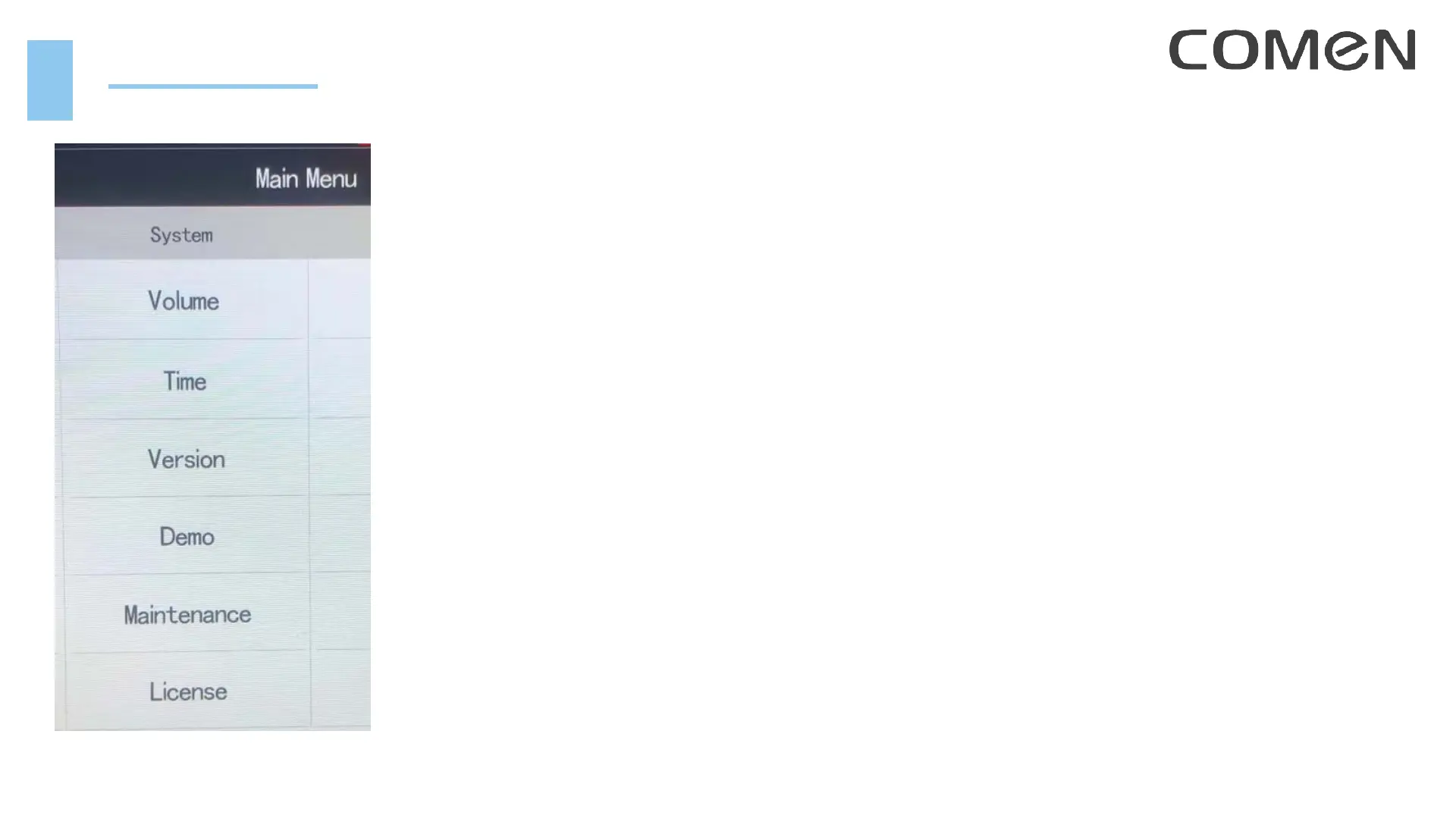
1. Set the volumes of QRS, key click, alarm, reminder
2. Set the system time
3. Check the system version
4. Enter Demonstration mode
5. Enter Maintenance page
6. There is license information
In user maintenance page (password: 5188), important settings:
• Device location and network setup, for medical information integration
• Set the printer (network printer or USB printer)
• System language
• Check more version information for different modules



 To Next Page