09
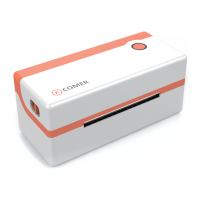
6. Check the test page, can reset the label size and print density if don't satisfy".
5.
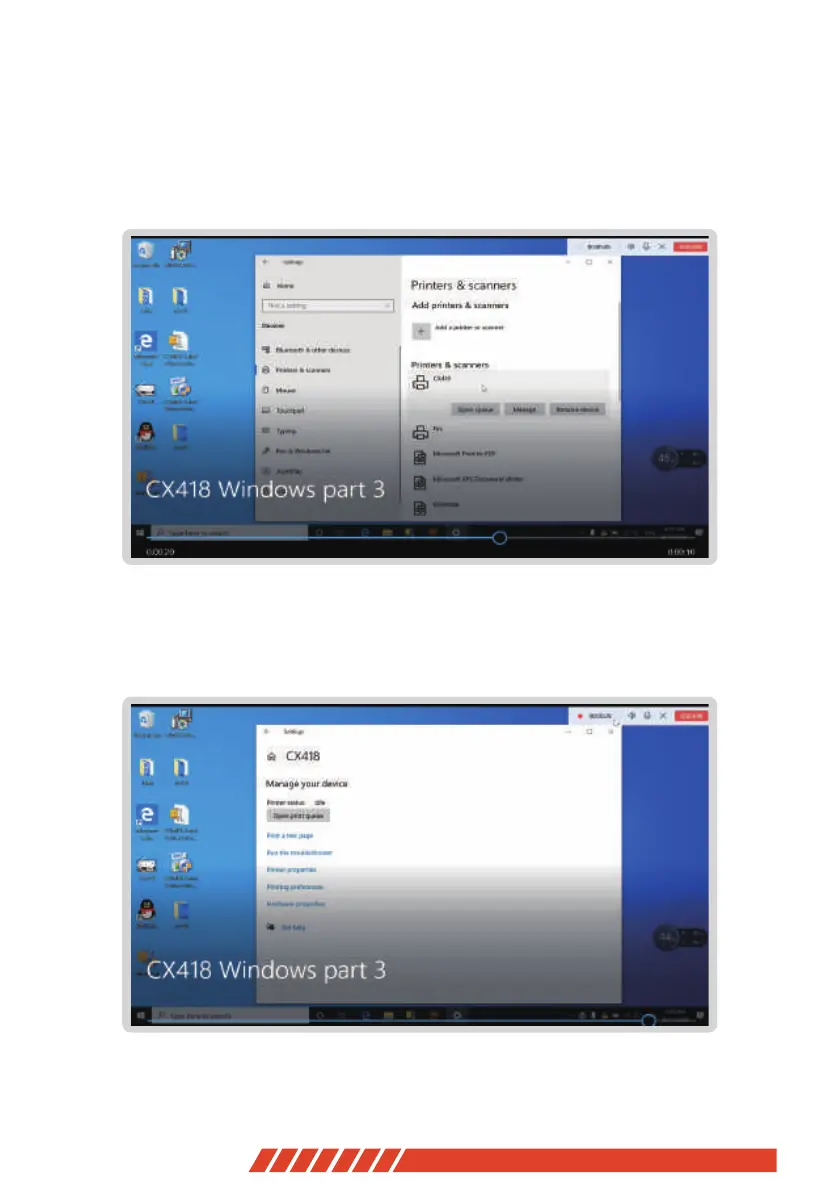
Connect computer to printer and place direct thermal label, start to print a test
Test the printer, click on the【 Device and Printer】 in the computer, ( just as
the pic shows ) to find the installed printer.


 To Next Page