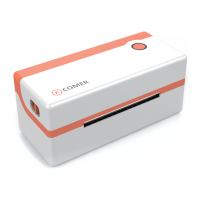
The printer uses Tips
1、To ensure optimal print quality, use the original factory power adapter;
2、Avoid the poor quality paper which wear the printer greatly,Causing damage the
heat of the printer;
3、Regularly or at the print unclear,please clean the print head, to ensure
high-quality print results;
4、When replacing the paper specification(including the thickness of the paper,
quality),suggest do “Automatic identification label”;
5、 If the poor quality of the paper, and ensure the heating has been cleaning, If
print effect could still not meet the requirment, can adjust the appropriate high
concentration of printing, the range of 0 to 15 levels.
6、The product have paper absorption function, please load the paper in the rear
suction mode,Open cover will cause the waste of paper;
17


 To Next Page